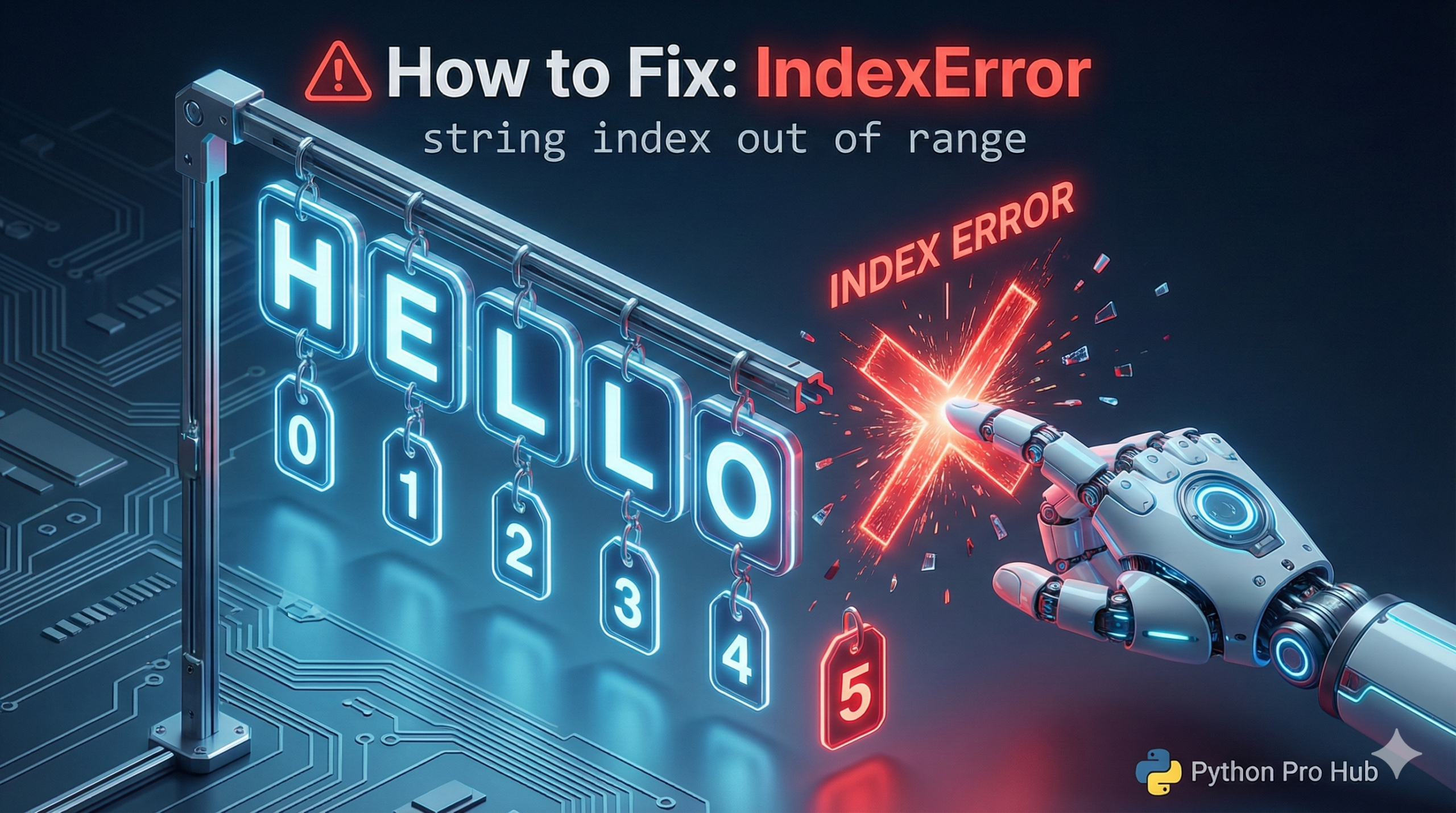
If your Python script just crashed with an IndexError: string index out of range, you are dealing with a classic off-by-one error or a dirty data issue.
This error means your code is trying to read a specific character position (an index) that simply does not exist in the string you provided.
Just like with lists, Python strings are fundamentally just sequences of characters.
text = "Python"
# P = index 0
# y = index 1
# ...
# n = index 5
The length is 6, but the last index is 5.
⚡ Quick Fix: IndexError: string index out of range — Python Off-By-One Error and Empty String Guard Fix for Character Access
You asked Python to read a character position that doesn’t exist in the string — either the index exceeds the string’s length, or the string is completely empty.
# WRONG — "Hi" has indices 0 and 1 only, index 2 doesn't exist
text = "Hi"
print(text[2])       # IndexError: string index out of range

# WRONG — empty string has no index 0 — crashes on blank form fields and CSV rows
def get_first_letter(word):
    return word[0]   # IndexError when word = ""

get_first_letter("")

# RIGHT — guard against empty strings before accessing any index
def get_first_letter(word):
    if word:                  # empty string is falsy — this check costs nothing
        return word[0]
    return None

# RIGHT — use negative indexing to grab last character safely on non-empty strings
last_char = text[-1]          # always the last character, no length calculation needed
the two scenarios below cover the off-by-one loop mistake and the dirty data case, with the exact fix for each.
The Cause
Trying to access a character that doesn’t exist.
text = "Hi"
print(text[2])
# CRASH! Index 2 doesn't exist (only 0 'H' and 1 'i' exist)
Common Scenario: Empty Strings
This often happens when looping through data where some entries might be blank.
def get_first_letter(word):
    return word[0]  # DANGER!

print(get_first_letter(""))
# CRASH! An empty string has NO index 0.
The Fix
Always check if the string is empty before trying to access a specific index.
def get_first_letter(word):
    if len(word) > 0:  # Or just 'if word:'
        return word[0]
    else:
        return None
IndexError: string index out of range — Two Rules That Make This Error Disappear
IndexError: string index out of range has two causes. An index that exceeds the string’s length, or an empty string with no valid index at all.
Apply the length rule first. A string with N characters has valid indices 0 through N-1. “Python” has 6 characters — index 6 crashes, index 5 works. Reach for len(text) – 1 when you need the last index explicitly, or use text[-1] and skip the arithmetic entirely.
Guard every function that accesses a specific character with an empty string check. if word: costs one line and blocks every empty-string crash before it reaches the index access. This check matters most when your string comes from user input, a CSV column, an API response, or a database field — any source you don’t fully control.
The loop scenario catches most developers off guard. Iterating a string with for char in text: is always safe — Python handles the bounds automatically. Iterating with for i in range(len(text) + 1): adds one extra loop cycle past the last valid index. Remove the + 1 and the error disappears.
for char in text: # always safe — let Python manage the iteration
print(char)
for i in range(len(text)): # safe — range stops at len-1
print(text[i])
Use for char in text whenever you process characters sequentially. Reserve index access for cases where the position itself matters.