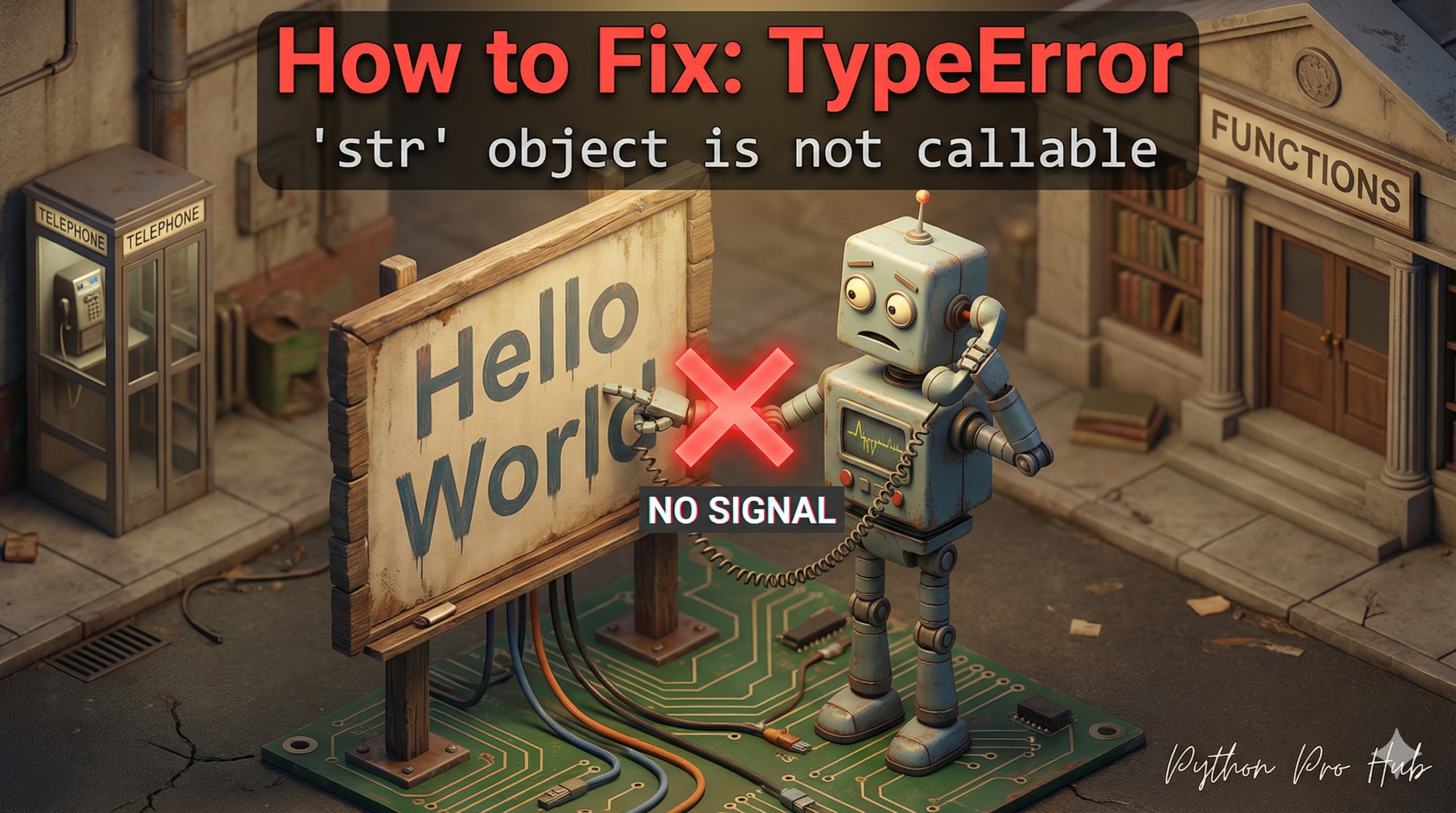
This TypeError str not callableis one of the “classic three” not-callable errors, along with int and list.
It means: “You are trying to use a string as if it were a function.”
A “callable” is anything you can put parentheses () after, like print() or my_function(). A string, like "hello", is just data.
⚡ Quick Fix: TypeError: ‘str’ object is not callable (Python String Callable Error Fix)
You treated a string like a function — either with wrong bracket syntax or by overwriting a built-in name with a string variable.
# Fix 1 — Wrong brackets: use [] for slicing, not ()
my_string = "Hello World"
first_five = my_string[0:5]  # Output: Hello

# Fix 2 — Overwritten built-in: rename your variable, never shadow str()
my_string = "I am a string"  # Safe variable name
number_as_string = str(100)  # Built-in str() works again
Both fixes take one line — the article below breaks down why each cause happens and how to spot which one is in your code.
Cause 1: Using Parentheses Instead of Brackets
You meant to get a slice of a string (using []), but you used parentheses () by accident.
Problem Code:
my_string = "Hello World"
first_five = my_string(0:5) # CRASH!
# You're trying to "call" the string
The Fix: Use square brackets [] for slicing and indexing.
my_string = "Hello World"
first_five = my_string[0:5] # Correct!
print(first_five) # Output: Hello
Cause 2: Overwriting a Function Name
This is the most common cause. You accidentally used a function name as a variable.
Problem Code:
# 'str' is a built-in function that converts things to strings
my_list = [1, 2, 3]

# 1. You create a string variable...
# ... but you accidentally name it 'str'!
str = "I am a string"

# 2. You try to use the *real* str() function
number = 100
number_as_string = str(number)
# CRASH! TypeError: 'str' object ("I am a string") is not callable
The Fix: NEVER use built-in function names as variable names. Rename your string variable to something safe, like my_string.
my_string = "I am a string" # Safe!

number = 100
number_as_string = str(number) # The 'str' function is safe
print(number_as_string)
What This Error Exposes About Python’s Name Resolution
TypeError: 'str' object is not callable is a name collision error disguised as a type error. Python resolves names by searching scopes outward — local, enclosing, global, built-in — and it stops at the first match it finds. The moment you assign str = "I am a string" in your script, Python’s global scope shadows the built-in str() function entirely. Every subsequent call to str() in that scope hits your string variable instead of the converter, and strings do not accept parentheses.
The bracket confusion is a different mechanism but the same surface symptom. Python sees my_string(0:5) and interprets the parentheses as a function call on the string object. Strings have no __call__ method, so Python raises the error immediately. Square brackets route through __getitem__ instead — the correct protocol for indexing and slicing sequences.
The rule that prevents both causes: treat every Python built-in name (str, list, int, dict, id, type, input, print) as a reserved word for variable naming. A linter like flake8 or pylint flags shadowed built-ins before your code ever runs — add one to your workflow and this entire class of errors disappears from your codebase permanently.


![3D illustration of a file path blocked by illegal characters causing an OSError [Errno 22] Invalid Argument in Python.](https://pythonprohub.com/wp-content/uploads/2026/01/fix-oserror-errno-22-invalid-argument-file-paths-768x429.png)