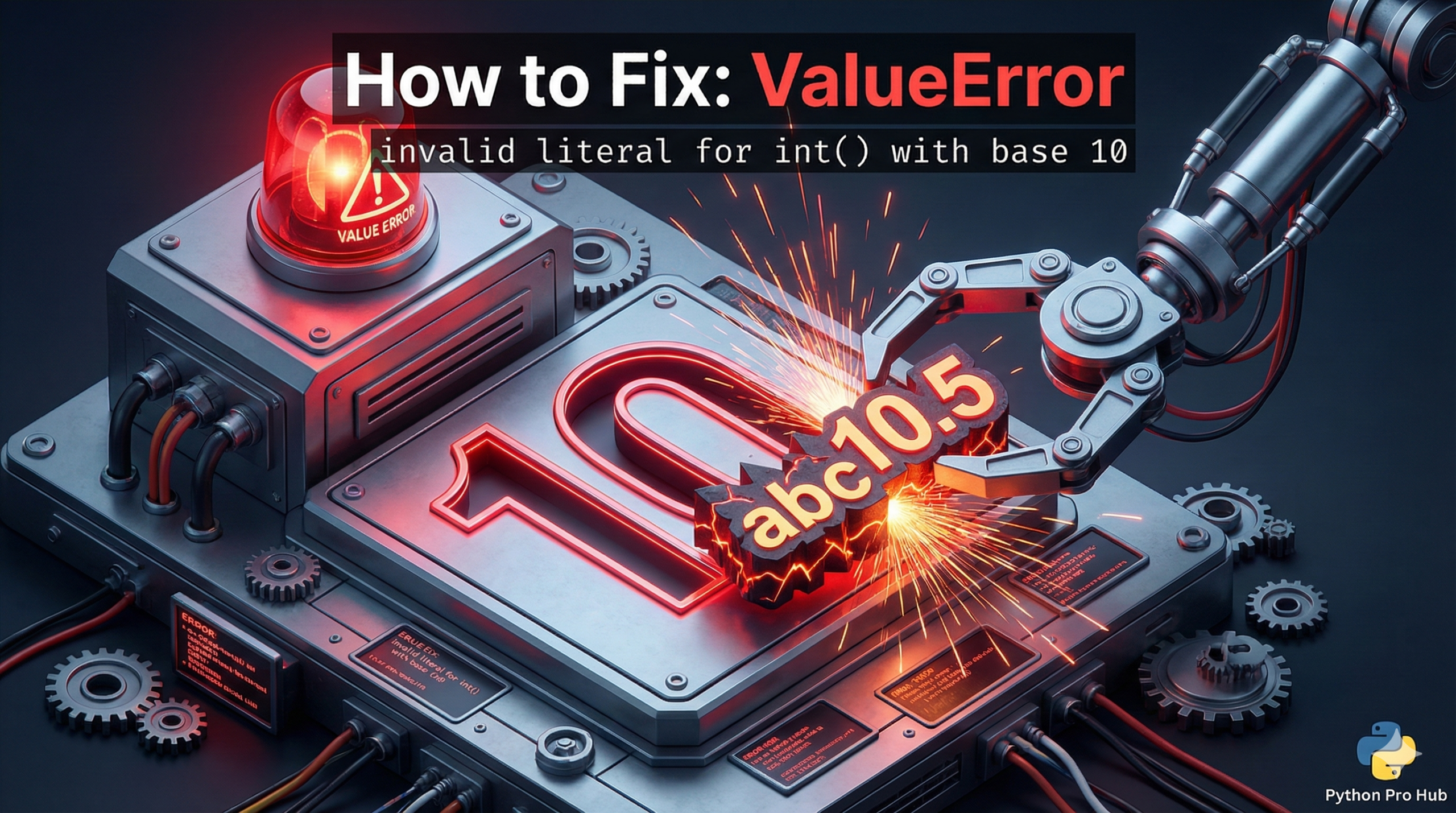
Encountering a ValueError: invalid literal for int() can be a bit confusing at first. This error is a mouthful, but it’s actually very simple. It means: “You tried to turn a string into an integer, but the string didn’t look like a whole number”.
⚡ Quick Fix: ValueError: invalid literal for int() with base 10 — Python int() Conversion Fix for Decimals, Empty Strings, and User Input
You fed int() a string that isn’t a clean whole number — letters, a decimal point, or an empty string all crash it.
# WRONG — letters, decimals, and empty strings all crash int()
int("hello")    # ValueError
int("12.5")     # ValueError — int() rejects decimals
int("")         # ValueError — empty string from input()

# RIGHT — decimals: convert to float first, then int
val = int(float("12.5"))    # val = 12

# RIGHT — user input: always wrap int() in try/except
try:
    val = int(input("Enter a whole number: "))
    print(f"Got it: {val}")
except ValueError:
    print("Not a valid whole number.")
As a result, the three problem patterns below cover every string that breaks int() and the exact fix for each.
The Cause
This error happens because int() only accepts clean whole numbers. Strings with letters, special characters, or decimal points all trigger ValueError with an invalid integer literal.
Problem Code 1 (Letters):
val = int("hello")
# CRASH! 'hello' is not a number.
Problem Code 2 (Empty String):
user_input = input("Enter a number: ") # User just hits ENTER
val = int(user_input)
# CRASH! An empty string "" is not a valid number.
Problem Code 3 (Decimals – TRICKY!):
val = int("12.5")
# CRASH!
Wait, why? 12.5 is a number! Yes, but it’s not an integer (whole number). The int() function is strict. It only wants whole numbers. Attempting to use it incorrectly can result in an invalid attempt to turn the string into an integer.
The Fixes
Fix 1: For Decimals, use float() first
If your string might have a decimal, turn it into a float first. You can then turn that float into an int if you want to round it down. This approach helps prevent encountering a ValueError that suggests an invalid literal for int().
val = float("12.5") # Works! val is 12.5
val_int = int(val)  # Works! val_int is 12
Fix 2: Use try/except for User Input
Never trust user input. Always wrap it in a try/except block to avoid instances that lead to ValueError indicating an invalid int literal. In other words, use try/except for error handling when converting a string to an integer.
user_input = input("Enter a whole number: ")
try:
    val = int(user_input)
    print(f"Success! You entered {val}")
except ValueError:
    print("That was not a valid whole number!")
This prevents your programme from crashing if the user types “ten” instead of “10”.
ValueError: invalid literal for int() with base 10 — Three Rules for Safe int() Conversion in Python
int() converts strings to integers. It accepts exactly one format: a string containing only digits, with no spaces, no letters, no decimal point, and no empty value. Everything else fires ValueError.
Apply these three rules every time you call int().
Strip whitespace before converting. For example, a string like ‘ 5 ‘ with leading or trailing spaces crashes int(). Call .strip() first — int(user_input.strip()) handles the extra spaces users type without thinking.
Use float() as a bridge for decimal strings. int(‘12.5’) fails. However, int(float(‘12.5’)) gives you 12. This pattern handles any numeric string that might carry a decimal — CSV data, API responses, scraped values.
Wrap every int(input()) call in try/except ValueError. User input is always a string and always unpredictable. As a result, a bare int(input()) is a crash waiting to happen. The try/except pattern costs three extra lines and eliminates the entire class of user-input ValueErrors permanently.
Combine all three for production-grade input handling:
try:
val = int(float(input(“Enter a number: “).strip()))
print(f”Value: {val}”)
except ValueError:
print(“Enter a valid number.”)