Last Updated: October 2026
Tested On: Python 3.10 – 3.14+ | Windows 11 | Ubuntu 26.04 LTS | macOS 26
Part of: The Ultimate Python Debugging Guide
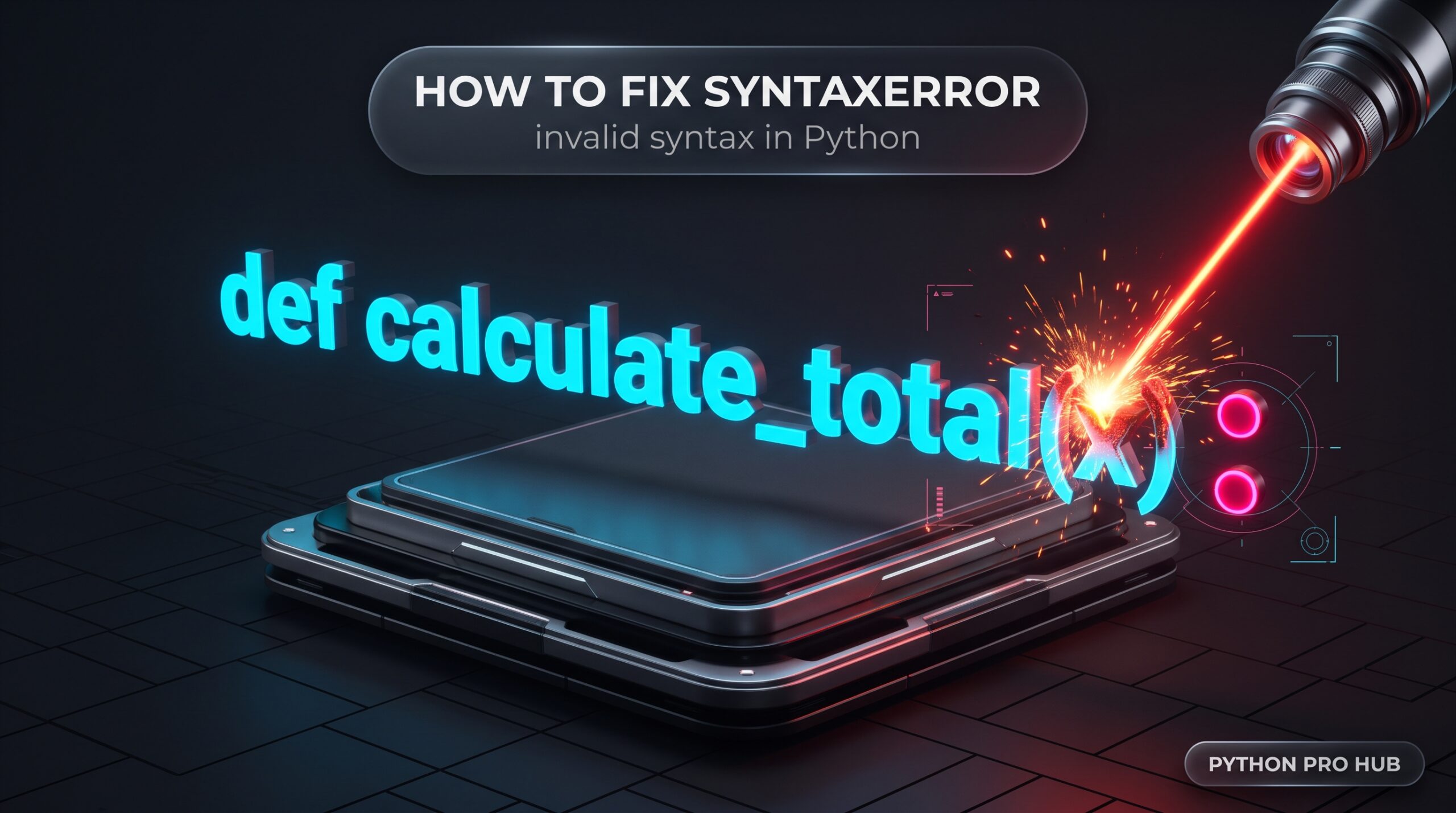
When Python throws a SyntaxError, it means your code breaks Python’s structural grammar. Before your script even begins to run, the Python interpreter compiles your text into bytecode. If this parser encounters a structure it doesn’t understand—such as a missing comma, an unclosed bracket, or a terminal command typed into a script—it halts the compilation phase immediately.
Because this happens before execution, you generally cannot catch a SyntaxError with a standard try/except block (unless you are dynamically parsing code at runtime using eval(), exec(), compile(), or executing an import).
The Traceback (Look for the Caret)
Read the traceback carefully. Python prints the exact line where the compiler gave up and points to the confusing character using a caret (^).
File "/var/www/app/main.py", line 4
    "status": "Active"
            ^
SyntaxError: invalid syntax
⚡ The Quick Fix: The “Look Left and Up” Rule
The most important rule of fixing a SyntaxError is that the caret (^) shows where Python realized it was confused, which is often after the actual mistake was made.
If the caret points to perfectly valid code, the actual error is often immediately to the left of the caret, or on the line directly above it.
The Trigger Code:
user_data = {
    "name": "Alice",
    "role": "Admin"
    "status": "Active" # The caret points to the colon!
}
Why did it point to the colon?
Because you forgot the comma on the line above, Python saw two strings next to each other ("Admin" and "status"). Python automatically concatenates adjacent string literals, so it happily merged them into "Adminstatus". But when it hit the colon (:), that broke the string concatenation rules, so the parser crashed.
The Corrected Code:
The mistake was a missing comma on the line above the caret. Adding it fixes the invalid syntax.
user_data = {
    "name": "Alice",
    "role": "Admin",   # <-- Added the missing comma here
    "status": "Active"
}
Table of contents
- The Traceback (Look for the Caret)
- ⚡ The Quick Fix: The “Look Left and Up” Rule
- 🛠️ The Deep Diagnostic
- 📋 SyntaxError Cheat Sheet
- 🔍 Deep Dive: Common Causes & Specific Fixes
- 1. Terminal Commands in the REPL ( invalid syntax )
- 2. Assignment vs. Comparison ( Maybe you meant ‘==’ or ‘:=’? )
- 3. Missing Colons & else if Typos ( expected ‘:’ )
- 4. Unclosed Parentheses & Brackets
- 5. F-String Quote Clashes
- 6. Newer Features on Older Python Versions
- 7. Windows Path Unicode Escapes ( \U )
- Frequently Asked Questions
- Official Documentation & Related Fixes
🛠️ The Deep Diagnostic
If you have a massive script and can’t spot the error, do not try to run the file over and over. Instead, isolate the parsing phase using Python’s built-in compiler module.
Run this command in your terminal to check the syntax without executing the code:
python -m py_compile your_script.py
- If it returns nothing: Your syntax is structurally valid. (Note: This does not mean your code is bug-free. It will also generate a
.pycfile in a__pycache__folder). - If it throws an error: It will pinpoint the exact line the parser failed on.
(Pro Tip: Modern IDEs like VS Code and PyCharm have built-in bracket matching. Clicking a parenthesis ( will highlight its closing partner ). Pairing this with a linter like ruff or flake8 will highlight syntax errors with a red underline before you even run the code).
📋 SyntaxError Cheat Sheet
Because SyntaxError covers all grammatical failures, the exact message changes based on the violation and your Python version. Here is how to translate the most common errors:
| The Error Message | What It Actually Means | The Fix |
invalid syntax | A structural typo, missing comma, or illegal command (like class 123:). | Check the line directly above the error for a missing comma or bracket. |
invalid syntax. Perhaps you forgot a comma? | You omitted a comma between elements in a list, tuple, or dict (Python 3.10+). | Insert the missing comma. |
expected ':' | You forgot the colon at the end of a control flow statement (Python 3.10+). | Add : to the end of your if, for, def, or class line. (Older versions just say invalid syntax). |
'[' was never closed | You forgot a closing bracket, brace, or parenthesis (Python 3.10+). | Hunt down the unmatched opening bracket on the line indicated by the traceback. |
unmatched ')' | You have an extra closing bracket or parenthesis with no opener. | Delete the extra bracket or find where the opening one should have been. |
unterminated string literal | You opened a string quote " but forgot to close it (Python 3.10+). | Add the closing quote to the end of your string. |
unexpected character after line continuation character | You put a space after a backslash (\ ) used to split a line. | Delete the trailing space. A backslash must be the absolute last character on the line. |
Missing parentheses in call to 'print' | You wrote Python 2 code (print "hi") in a Python 3 environment. | Wrap the string in parentheses: print("hi"). |
multiple exception types must be parenthesized | You wrote legacy Python 2 code (except Exception, e:). | Use modern Python 3 syntax: except Exception as e:. (Note: PEP 758 allows this to parse without a SyntaxError in Python 3.14+, but it will crash with a NameError at runtime). |
invalid character '“' (U+201C) | You copy-pasted “smart quotes” from MS Word or a blog. | Delete the curly quotes and type standard straight quotes " in your editor. |
'return' outside function | Your return statement is not indented inside a def block. | Indent the return statement so it belongs to a function. |
unexpected EOF while parsing | Legacy error for an unclosed bracket or parenthesis when the file ends (Python 3.9 and older). | Hunt down the unmatched opening bracket and close it. |
EOL while scanning string literal | Legacy error for an unclosed string quote (Python 3.9 and older). | Add the closing quote to the end of your string. |
🔍 Deep Dive: Common Causes & Specific Fixes
1. Terminal Commands in the REPL (invalid syntax)
If you open the interactive Python shell (REPL) and try to install a package, you will trigger an immediate SyntaxError: invalid syntax.
The Trigger:
>>> pip install pandas
  File "<stdin>", line 1
    pip install pandas
        ^^^^^^^
SyntaxError: invalid syntax
The Fix: pip is a command-line tool, not Python code. You must run it in your standard terminal (Command Prompt, Bash, Zsh), not inside the Python interpreter. (If you are missing a package, see our ModuleNotFoundError Guide).
2. Assignment vs. Comparison (Maybe you meant '==' or ':='?)
A single equals sign (=) assigns a value. A double equals sign (==) compares values. You cannot use = inside an if condition to do standard assignment.
The Trigger:
if user_status = "active":
    grant_access()
The Fix: Python 3.10+ actively suggests the solution in the traceback: SyntaxError: invalid syntax. Maybe you meant '==' or ':=' instead of '='?.
- Change it to
==if you want to check the status. - Change it to
:=(the Walrus Operator) if you genuinely want to assign and evaluate at the same time.
3. Missing Colons & else if Typos (expected ':')
Python uses colons to declare the start of an indented block. Coming from JavaScript or C++, developers often type else if instead of Python’s elif, which confuses the parser.
The Trigger:
if price > 100:
    print("High")
else if price > 50: # Causes SyntaxError: expected ':'
    print("Medium")
The Fix: Use elif and always ensure the line ends with a colon (:).
4. Unclosed Parentheses & Brackets
If you open a bracket [ but forget to close it, Python keeps reading.
- Python 3.10+ Fix: Python 3.10 leveraged a new PEG parser to provide exact locations. It will rescan the file and accurately point back to the exact line where the bracket was opened:
SyntaxError: '[' was never closed. - Python 3.9 and older: Because older parsers simply read line by line, if you had code following the unclosed bracket, Python would usually crash on the very next line (e.g., throwing
SyntaxError: invalid syntaxony = 5because an assignment is illegal inside a list). This forced you to hunt backwards to find the actual unclosed bracket. If the file ended before the parser found any invalid inner syntax, it would throwSyntaxError: unexpected EOF while parsingon the very last line of your script.
5. F-String Quote Clashes
When using f-strings in Python 3.11 and older, you cannot use the same type of quote inside the curly braces that you used to open the f-string.
The Trigger (Fails on Python 3.11 and older):
# The double quote before 'name' accidentally closes the f-string early
greeting = f"Hello, {user_data["name"]}!"
# SyntaxError: f-string: unmatched '['
The Fix: Alternate your quotes (single inside, double outside): f"Hello, {user_data['name']}!". (Note: As defined in PEP 701, Python 3.12 entirely removed this restriction, allowing quote reuse. If this code runs fine on your machine, you are on 3.12+!)
6. Newer Features on Older Python Versions
If you try to use match/case (introduced in 3.10) but your environment is still running Python 3.9, the parser won’t recognize the match keyword, throwing an invalid syntax error. Verify your execution environment matches your code features by running python --version.
7. Windows Path Unicode Escapes (\U)
If you hardcode a Windows file path like open('C:\Users\admin'), Python interprets the \U as the start of an 8-character Unicode escape sequence. It fails instantly with: SyntaxError: (unicode error) 'unicodeescape' codec can't decode bytes... The Fix: Use raw strings (r'C:\Users\admin') or forward slashes. (See our FileNotFoundError Guide for a deep dive into Windows pathing).
Frequently Asked Questions
The caret (^) shows where Python got confused, not necessarily where the mistake is. Check the line directly above the caret, and look to the left of it. The most common causes are missing commas, unclosed brackets, missing colons, or using = instead of == in an if statement.
try/except blocks only catch runtime errors (exceptions that occur while the code is actively executing). A SyntaxError is a compile-time error. It happens during the parsing phase, before the Python interpreter ever attempts to run the try block. By the time the code would execute, the compiler has already crashed (unless you are dynamically parsing code using eval(), exec(), compile(), or executing an import statement).
An IndentationError is a subclass of SyntaxError. While a standard SyntaxError means your characters and structural grammar are illegal, an IndentationError means the text is valid, but your spaces or tabs are misaligned and break the block scoping rules.
Run python -m py_compile your_script.py in your terminal. This invokes Python’s compiler module, checking your script’s structural grammar. If it finds a syntax error, it will print the exact traceback without executing any of the actual code.
This usually means the actual mistake is on the line above the caret. Python often detects the error after the real cause — for example, a missing comma on line 3 causes the parser to fail on line 4. It can also mean you are using syntax from a newer Python version (like match/case from 3.10) on an older interpreter.
SyntaxError is a compile-time error — Python rejects the code before running any of it. Other errors like TypeError or ValueError are runtime exceptions — the code’s grammar is valid, but something illegal happens during execution. This is why try/except cannot catch a SyntaxError unless you are dynamically compiling code.
Official Documentation & Related Fixes
- Master Guide: The Ultimate Python Debugging Guide: Tracebacks, Exceptions, and Fixes
- Related Error: How to Fix IndentationError: unexpected indent
- Official Python Docs: Python Syntax Errors