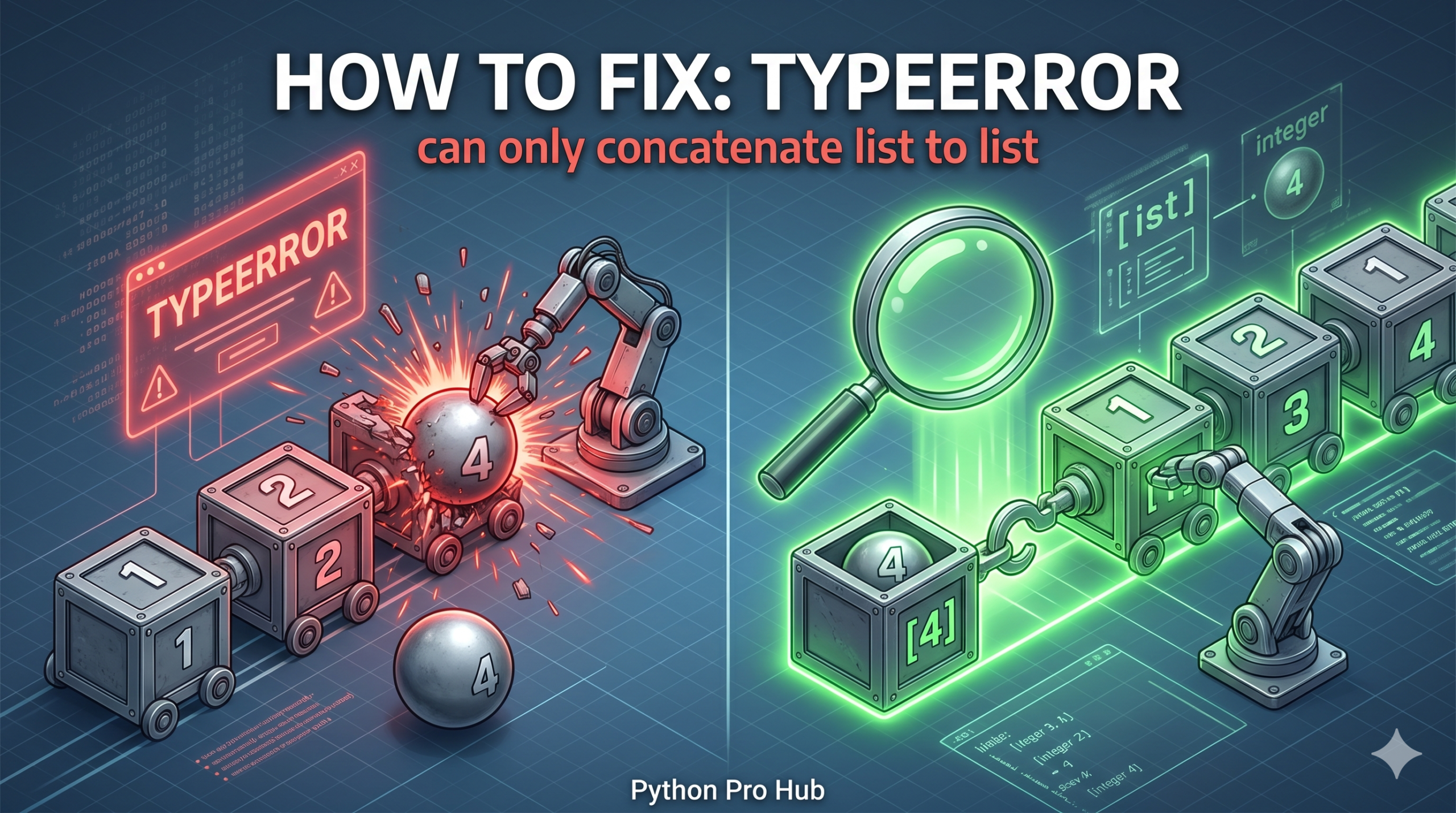
This error happens when you try to add an item to a list using the + operator, but the item isn’t a list itself. This is what causes the common Python TypeError concatenate list message.
The + operator on lists expects another list to join (concatenate).
⚡ Quick Fix: TypeError: can only concatenate list (not “int”) to list – Python List Append vs Concatenation Fix
You used + to add a scalar to a list — wrap the item in brackets to concatenate, or use .append() to add it in place.
my_list = [1, 2]

# Fix 1 — .append(): adds the item to the existing list in place
my_list.append(3)
# Output: [1, 2, 3]

# Fix 2 — Wrap in brackets: + concatenates two lists into a new list
new_list = my_list + [3]
# Output: [1, 2, 3]

# Fix 3 — Extend with multiple items at once
my_list.extend([3, 4, 5])
# Output: [1, 2, 3, 4, 5]
Read through the root causes below, find which one matches your code, and fix it permanently.
The Cause
You want to add the number 3 to your list.
Problem Code:
my_list = [1, 2]
# You try to "add" 3 to the list
new_list = my_list + 3
# CRASH! TypeError: can only concatenate list (not "int") to list
The Fix 1: Use .append() (Modify In-Place)
If you just want to add an item to the existing list, use .append(). This is usually what you want.
my_list = [1, 2]
my_list.append(3)

print(my_list)
# Output: [1, 2, 3]
The Fix 2: Wrap it in a List (Create New List)
If you want to use +, you must wrap the single item in square brackets [] so it becomes a list of one item.
my_list = [1, 2]
# Add [1, 2] + [3]
new_list = my_list + [3]

print(new_list)
# Output: [1, 2, 3]
This creates a new list and leaves the old one alone.
What This Error Exposes About Python’s List Concatenation Protocol
TypeError: can only concatenate list (not "int") to list is Python’s __add__ method on the list object enforcing a strict type contract. The + operator routes through list.__add__(), which checks that the right operand is also a list before performing any memory allocation. An integer carries no length, no elements, and no iteration protocol — Python has no basis for deciding whether [1, 2] + 3 should produce [1, 2, 3], [1, 2, 2, 2, 2] (repetition), or something else entirely. Rather than guess, it raises the error immediately and leaves both objects unchanged.
The .append() vs + distinction maps to two fundamentally different memory operations. .append() mutates the existing list in place — it extends the list’s internal buffer by one slot and writes the new item directly into it, with no new list object created. The + operator allocates a brand-new list object large enough to hold both operands, copies all elements from both into the new block, and returns the new list — the original remains untouched. Choose .append() when you own the list and want to grow it. Choose + when you need to preserve the original and produce a new combined list.
The .extend() method is the in-place equivalent of + for adding multiple items at once. my_list.extend([3, 4, 5]) iterates the right operand and appends each item individually in a single call — faster than calling .append() in a loop and cleaner than wrapping items in a list just to use +. For production code assembling lists incrementally inside loops, .append() for single items and .extend() for batches of items are the two tools that cover every case without allocating unnecessary intermediate list objects.