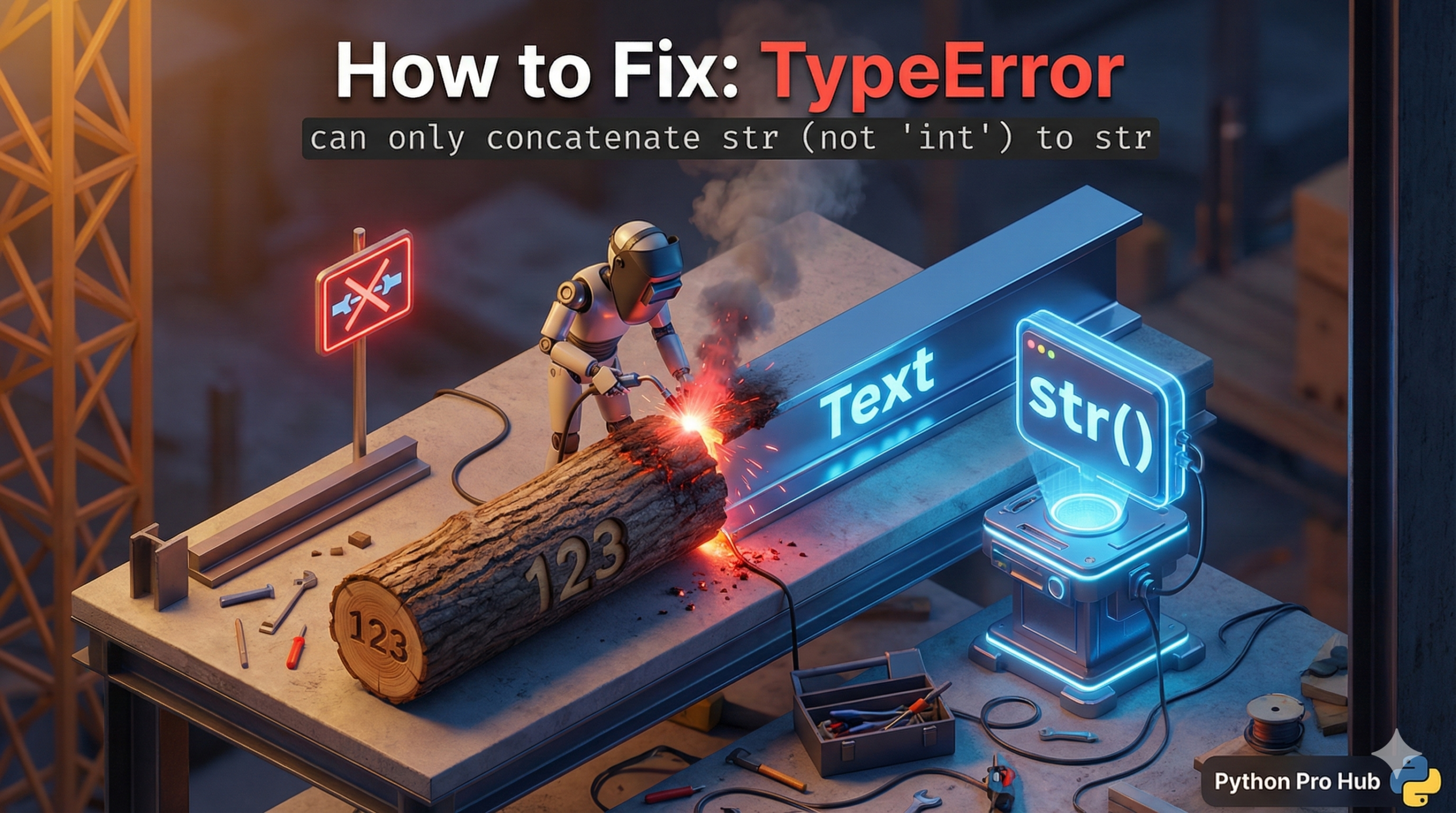
Python is strongly typed. It refuses to guess what you mean if you try to combine different data types, often leading to a TypeError can only concatenate string error.
⚡ Quick Fix: TypeError: can only concatenate str (not “int”) to str — Python f-string and str() Conversion Fix for String + Integer Errors
You used + to join a string and an integer — Python refuses to guess whether you want math or text, so it crashes immediately.
# WRONG — + cannot join a string and an integer
age = 25
message = "I am " + age + " years old."    # TypeError fires here

# FIX 1 — f-string: cleanest, fastest, no conversion needed (use this)
message = f"I am {age} years old."
print(message)    # Output: I am 25 years old.

# FIX 2 — str(): manually convert the integer before joining
message = "I am " + str(age) + " years old."
print(message)    # Output: I am 25 years old.
The two fixes below show when to use each one, including the edge cases where str() is the only option.
It doesn’t know if "Age: " + 25 should be math (impossible) or text combining.
Problem Code:
age = 25
message = "I am " + age + " years old."
# CRASH! TypeError: can only concatenate str (not "int") to str
Fix 1: The Modern Way (f-strings)
This is the best, most readable way. Just put an f before the quote and use curly braces {}. Python handles the conversion automatically.
age = 25
message = f"I am {age} years old."
print(message)
Fix 2: The Manual Way (str())
If you must use + to combine them, you have to manually convert the number to a string first.
age = 25
message = "I am " + str(age) + " years old."
print(message)
Summary
Never try to + a string and a non-string. Always use f-strings for easy, error-free text formatting.
TypeError: can only concatenate str (not “int”) to str — The String Formatting Rule Every Python Developer Needs
TypeError: can only concatenate str (not “int”) to str fires because Python’s + operator between strings does text joining, not type conversion. Hand it an integer and it stops dead — it will not silently convert the number for you.
Use f-strings as your default. Put f before the opening quote, drop any variable or expression inside {}, and Python handles the conversion automatically. f”Score: {score}” works for integers, floats, booleans, and any object with a str method. No extra function call, no extra parentheses.
Use str() when you build strings dynamically outside a string literal — joining items from a list, constructing a path piece by piece, or writing output into a bytes buffer. In those cases there is no string literal to attach an f to, so str() is the right tool.
Watch for this specific pattern that trips up intermediate developers:
result = input(“Enter a number: “) # result is a string
doubled = result * 2 # this multiplies the string, not the number
print(doubled) # “55” instead of 10
input() always returns a string. Wrap it in int() or float() before doing math. Wrap numbers in str() or use f-strings before doing text joining. Keep the two operations separate and this TypeError never appears again.