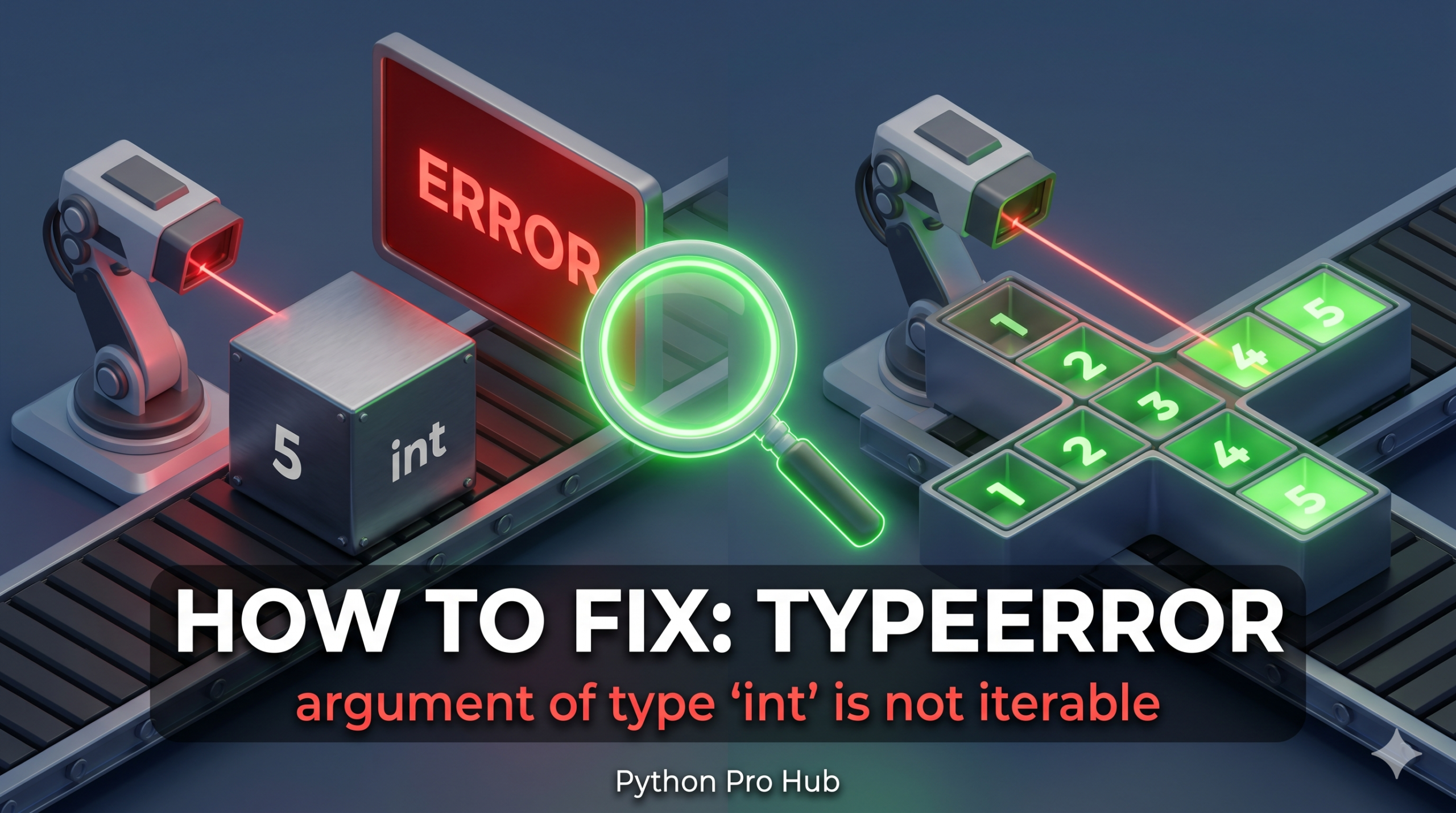
This error looks similar to loop errors, but it targets a specific mistake — using the in operator against a plain number. The TypeError: argument of type ‘int’ is not iterable is one of the most common pitfalls developers hit when they confuse membership checks with equality checks.
Python raises it because in tells the interpreter: “search inside this container for a value.” An integer has no interior. You cannot search inside the number 5 for the number 3. Python refuses immediately and raises the error.
⚡ Quick Fix: TypeError: argument of type ‘int’ is not iterable – Python ‘in’ Operator Membership Check vs Equality Fix
You used in against a plain integer — in requires a container on the right side, not a scalar value.
winning_number = 5
winning_numbers = [5, 10, 15]
user_guess = 3

# Fix 1 — Single value comparison: use == not in
if user_guess == winning_number:
    print("You win!")

# Fix 2 — Multiple values: put them in a list first
if user_guess in winning_numbers:
    print("You win!")

# Fix 3 — Type guard for external data
if not hasattr(winning_numbers, '__iter__'):
    raise TypeError(f"Expected iterable, got {type(winning_numbers).__name__}")
This tells you exactly where your boundary is — now read through the 4 root causes below to find which one broke your code and fix it permanently.
The Cause
The in keyword expects a collection (like a List, String, or Tuple) on the right side.
Problem Code:
winning_number = 5
user_guess = 3

# We want to check if the guess matches the winner
# BUT we accidentally used 'in' instead of '=='
if user_guess in winning_number:
    print("You win!")
# CRASH! TypeError: argument of type 'int' is not iterable
Python is trying to iterate through the number 5 to find 3, which is impossible.
The Fix 1: Use Equality (==)
If you are comparing two numbers, use ==.
if user_guess == winning_number:
    print("You win!")
The Fix 2: Use a List (If checking multiple options)
If you want to check if the guess is one of several winning numbers, put the numbers in a list.
winning_numbers = [5, 10, 15] # A LIST is iterable

if user_guess in winning_numbers: # This works!
    print("You win!")
The Fix 3: Validate the type before the check
In dynamic codebases — API responses, user input, database reads — an integer can arrive where you expect a list. Add a type guard before the membership check:
def check_membership(value, container):
    if not hasattr(container, '__iter__'):
        raise TypeError(f"Expected an iterable, got {type(container).__name__}")
    return value in container

print(check_membership(3, [5, 10, 15]))  # False
print(check_membership(3, 3))            # Raises TypeError with a clear message
The Fix 4: Check the right side of in when chaining conditions
Compound conditions hide this error. Each in expression needs its own iterable:
# WRONG — 'count' is an integer
count = 42
if "active" in status and user_id in count:
    pass

# RIGHT
valid_counts = [42, 100, 200]
if "active" in status and user_id in valid_counts:
    pass
Always check the right side of every in statement. If it is not a list, string, tuple, or set, Python will raise this error every time. Use == for single-value comparisons and reserve in for actual containers. Add type guards in any function that handles external data — that one habit prevents this error from reaching production.
What This Error Exposes About Python’s ‘in’ Operator Protocol
TypeError: argument of type 'int' is not iterable is Python’s membership test protocol hitting a scalar object with no interior structure. The in operator routes through __contains__ first — if the right-side object implements it, Python calls it directly. If not, Python falls back to __iter__ and walks the object’s elements one by one. Integers implement neither protocol because a number has no elements to search through. Python finds no valid path and raises the error immediately.
The == vs in confusion is the most common trigger and the easiest to introduce in a quick edit. Both operators read naturally in English — “if guess in winner” sounds almost correct — but they route through completely different protocols at runtime. == calls __eq__ on two scalar objects and returns a single boolean. in demands an iterable on the right side and performs a membership search. Swapping one for the other compiles without error and crashes only at the moment the line executes.
The compound condition scenario is the most dangerous variant because the broken in expression hides inside a longer boolean chain. if "active" in status and user_id in count reads quickly as a single condition, and a fast code review misses that count is an integer. The type guard pattern — hasattr(container, '__iter__') before any in check on externally sourced data — catches this at the function boundary before the bad value reaches the membership test. For production code handling API responses, database reads, or user input, that single guard transforms a runtime crash into a controlled, debuggable TypeError with a message that points directly at the source of the problem.