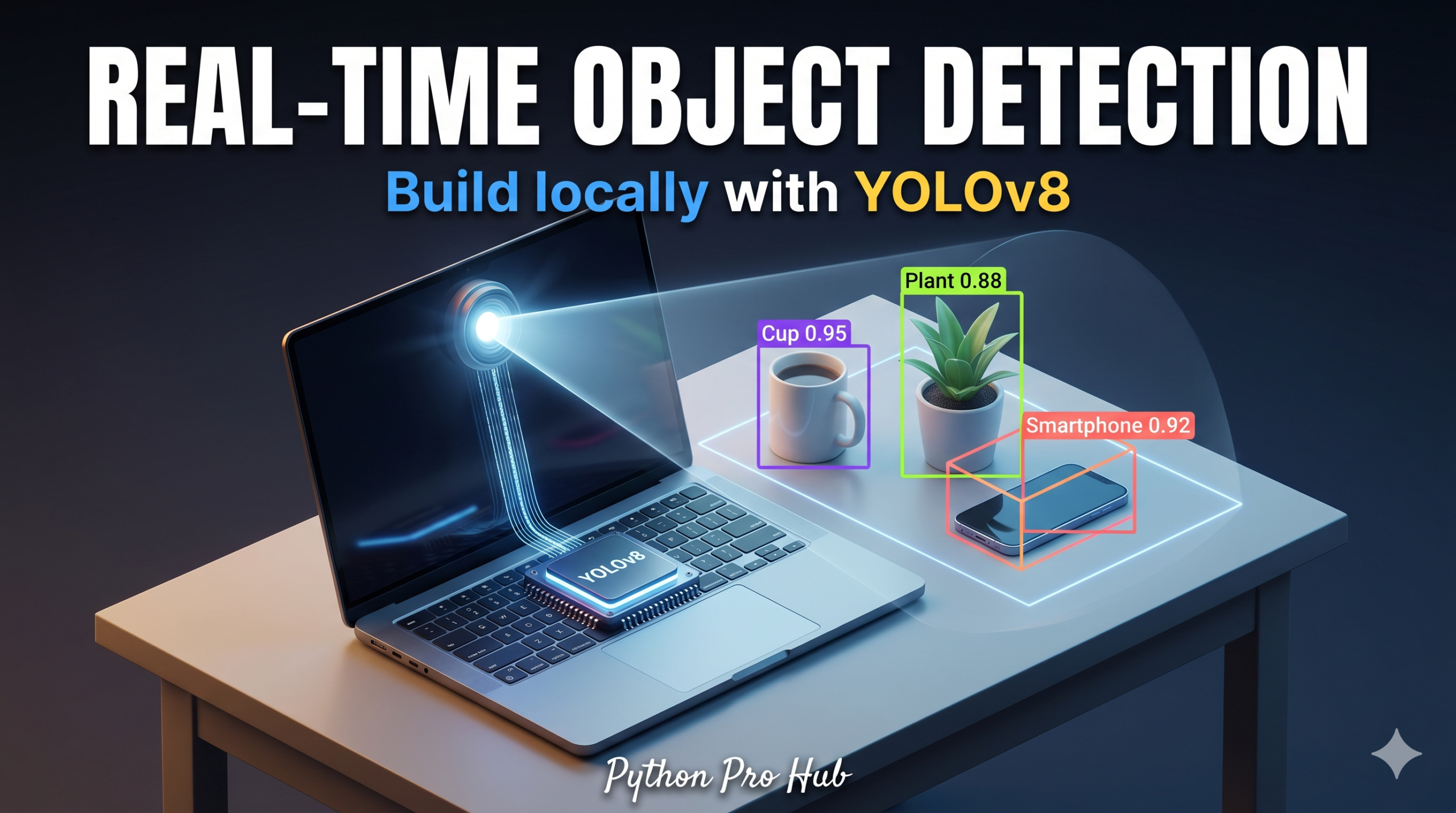
We’ve done Object Detection with Hugging Face, but that ran on a server model. If you want to try using YOLOv8 Python for computer vision tasks, the “2026 Vision” is Edge AI: running fast, efficient models locally.
YOLO (You Only Look Once) is the industry standard for real-time detection. The latest version, YOLOv8 by Ultralytics, is incredibly fast and easy to use. Even a standard laptop CPU can run the “Nano” version in real-time.
Step 1: Installation
pip install ultralytics opencv-python
Step 2: The Code (Static Image)
Let’s detect objects in a single image first.
from ultralytics import YOLO

# 1. Load the model
# 'yolov8n.pt' is the "Nano" version (smallest & fastest)
# It downloads automatically on first run
model = YOLO('yolov8n.pt')

# 2. Run detection on an image
# (You can use a URL or a local file path)
results = model('https://ultralytics.com/images/bus.jpg')

# 3. Show the results
# This opens a window with the bounding boxes drawn
for result in results:
    result.show()

    # Print what it found
    print(result.names) # The list of class names (0: person, 5: bus, etc.)
    print(result.boxes) # The coordinates
Step 3: The Code (Real-Time Webcam)
Now for the magic. Let’s run this on your webcam feed.
import cv2
from ultralytics import YOLO

# Load the model
model = YOLO('yolov8n.pt')

# Open the webcam (0 is usually the default camera)
cap = cv2.VideoCapture(0)

# Loop through the video frames
while cap.isOpened():
    success, frame = cap.read()
    if success:
        # Run YOLO on the frame
        results = model(frame)

        # Visualize the results on the frame
        annotated_frame = results[0].plot()

        # Display the frame
        cv2.imshow("YOLOv8 Inference", annotated_frame)

        # Break the loop if 'q' is pressed
        if cv2.waitKey(1) & 0xFF == ord("q"):
            break
    else:
        break

cap.release()
cv2.destroyAllWindows()
You now have a terminator-style vision system running entirely on your own hardware!
Key Takeaways
- The article discusses using YOLOv8 Python for efficient, local object detection with Edge AI.
- YOLO, or You Only Look Once, is the standard for real-time detection, and YOLOv8 by Ultralytics is fast and user-friendly.
- Readers can install YOLOv8 and run code for detecting objects in both static images and real-time webcam feeds.