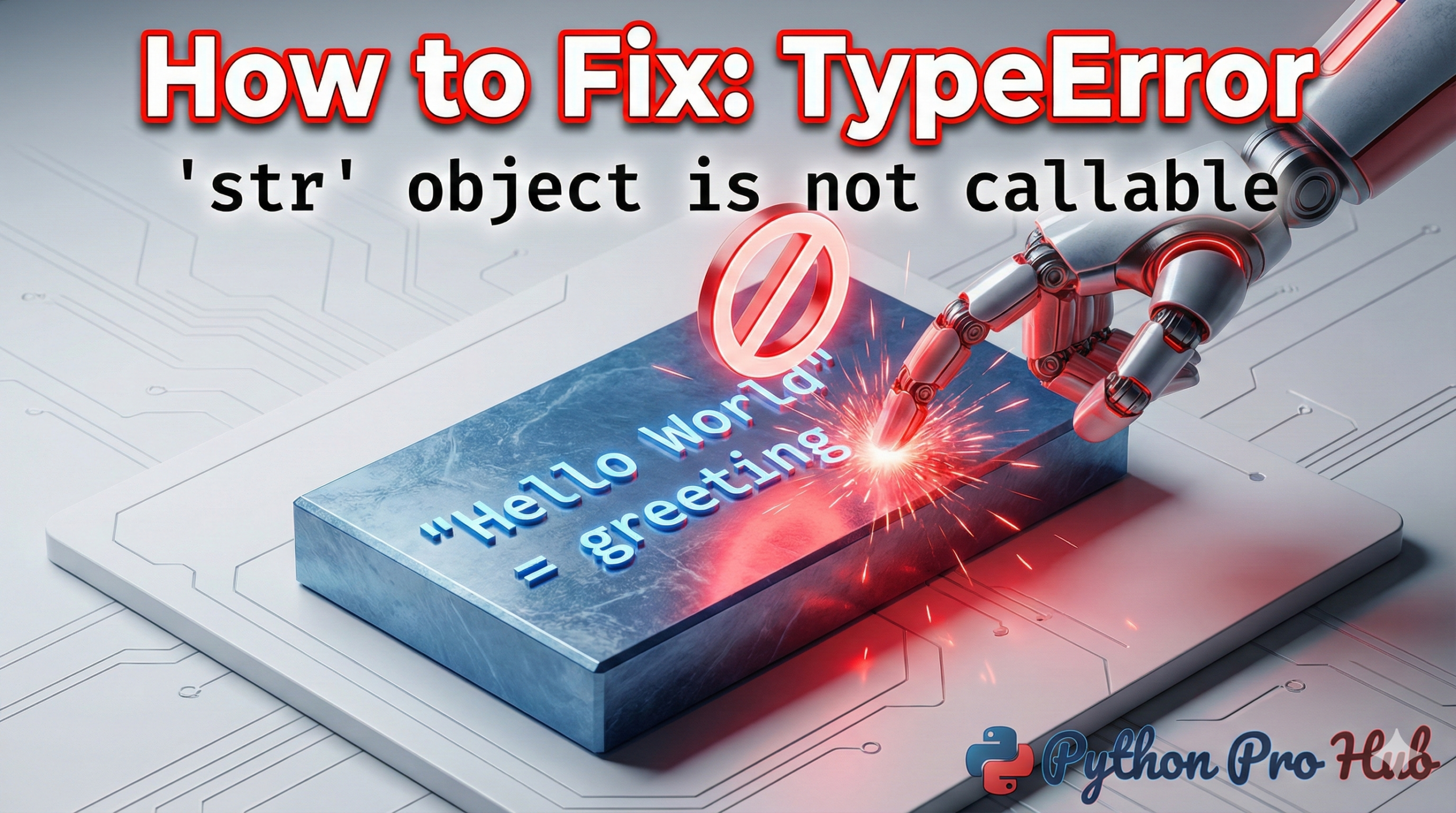
TypeError: ‘str’ object This is one of the most common—and most confusing—errors for new Python developers. You see it, and you think, “What’s a ‘callable’?” The error TypeError: ‘str’ object is not callable suggests an attempt to call a string as if it were a function.
⚡ Quick Fix: TypeError: ‘str’ object is not callable — Python Built-in Name Overwrite Fix
You’re seeing this because a variable named str, list, or another built-in is shadowing the real Python function — your code is trying to call a string like a function.
# WRONG — 'str' is now a string variable, not the built-in
str = "I am a string"
str(123)  # Crashes here

# RIGHT — rename your variable, keep the built-in intact
my_string = "I am a string"
str(123)  # Works perfectly
Read on to see both causes in full — including the missing multiplication operator trap that triggers the exact same error.
Let’s break it down in plain English, examining what a TypeError: ‘str’ object is not callable really means, especially when encountering this ‘str’ object issue.
What Does This Error Mean?
TypeError: The operation you tried is not valid for this type of data.'str' object: The data you’re using is a string (text).is not callable: You are trying to use it like a function, but it’s not a function, hence the error TypeError: ‘str’ object is not callable.
A “callable” is anything in Python you can call using parentheses (). Functions are callable, but encountering a TypeError: ‘str’ object indicates misuse.
print("Hello")  # print is callable
len([1, 2, 3])  # len is callable
A simple string variable is not.
my_name = "Alice"
my_name()  # This crashes! "Alice" is not a function.
This error means you are trying to use parentheses () on a variable that is just a string.
There are two main reasons this happens, leading to the common TypeError: ‘str’ object is not callable.
Cause 1 (Most Common): You Overwrote a Built-in Function
This is the #1 mistake. You accidentally used a built-in Python function name as a variable name, which often results in a TypeError: ‘str’ object is not callable. This mistake of using a string like a function commonly triggers the TypeError.
Problem Code:
# You create a variable named 'str'
str = "I am a string"

# ... later in your code ...
# You try to use the *real* str() function to convert a number
my_number = 123
my_string = str(my_number)  # This is where it breaks!

# TypeError: 'str' object is not callable
Why it fails: Python thinks you are trying to call your "I am a string" variable like a function. It’s confused.
The Fix: NEVER use built-in function names as your variable names. Rename your variable to something else, like my_string.
Correct Code:
# Use a different variable name
my_string = "I am a string"

# Now, the 'str()' function is safe and works!
my_number = 123
my_string_version = str(my_number)

print(my_string_version)
Common built-in names to AVOID:
strlistdictsetsumlenminmax
Cause 2: You Forgot a Math Operator
This often happens when you’re writing a formula and forget a * for multiplication, leading to the infamous TypeError: ‘str’ object. Ensure you avoid a TypeError: ‘str’ object is not callable by correctly using operators in expressions to prevent accidental function-like treatment of strings.
Problem Code:
x = 10
y = 5

# Python thinks 10(5 + 2) means "call the function 10"
result = x(y + 2)

# TypeError: 'int' object is not callable
# (This is the same error, but with an 'int' instead of 'str')
The Fix: Add the * operator for multiplication.
Correct Code:
x = 10
y = 5

result = x * (y + 2)
print(result)  # Output: 70
How to Find the Bug
- Read the error line. It will tell you which variable is the problem.
- Look at your code and find where you defined that variable.
- 99% of the time, you just need to rename it to something that isn’t a Python function.
The Real Rule Behind TypeError: ‘str’ object is not callable in Python
Every instance of TypeError: ‘str’ object is not callable traces back to one thing — Python found parentheses () next to something that isn’t a function. That something is almost always a variable you named after a built-in, or a missing * operator in a math expression.
The fix is rarely more than a one-character or one-word change. Rename str to my_str, add the * for multiplication, and Python immediately knows what you meant.
The deeper habit to build here is treating Python’s built-in names as reserved vocabulary: str, list, dict, set, len, sum, min, max — none of these should ever appear on the left side of an assignment in your code. A quick scan through your variable names catches 99% of these errors before they ever reach runtime.
If this error is appearing inside a class or a function with a return value you’re immediately calling, check that the method actually returns a callable and not a plain string. That’s the one edge case where the rename trick won’t be enough.
For the next logical step, the guide on writing your first Python function shows you exactly how callables work under the hood — which makes errors like this one trivial to spot and fix on your own going forward.