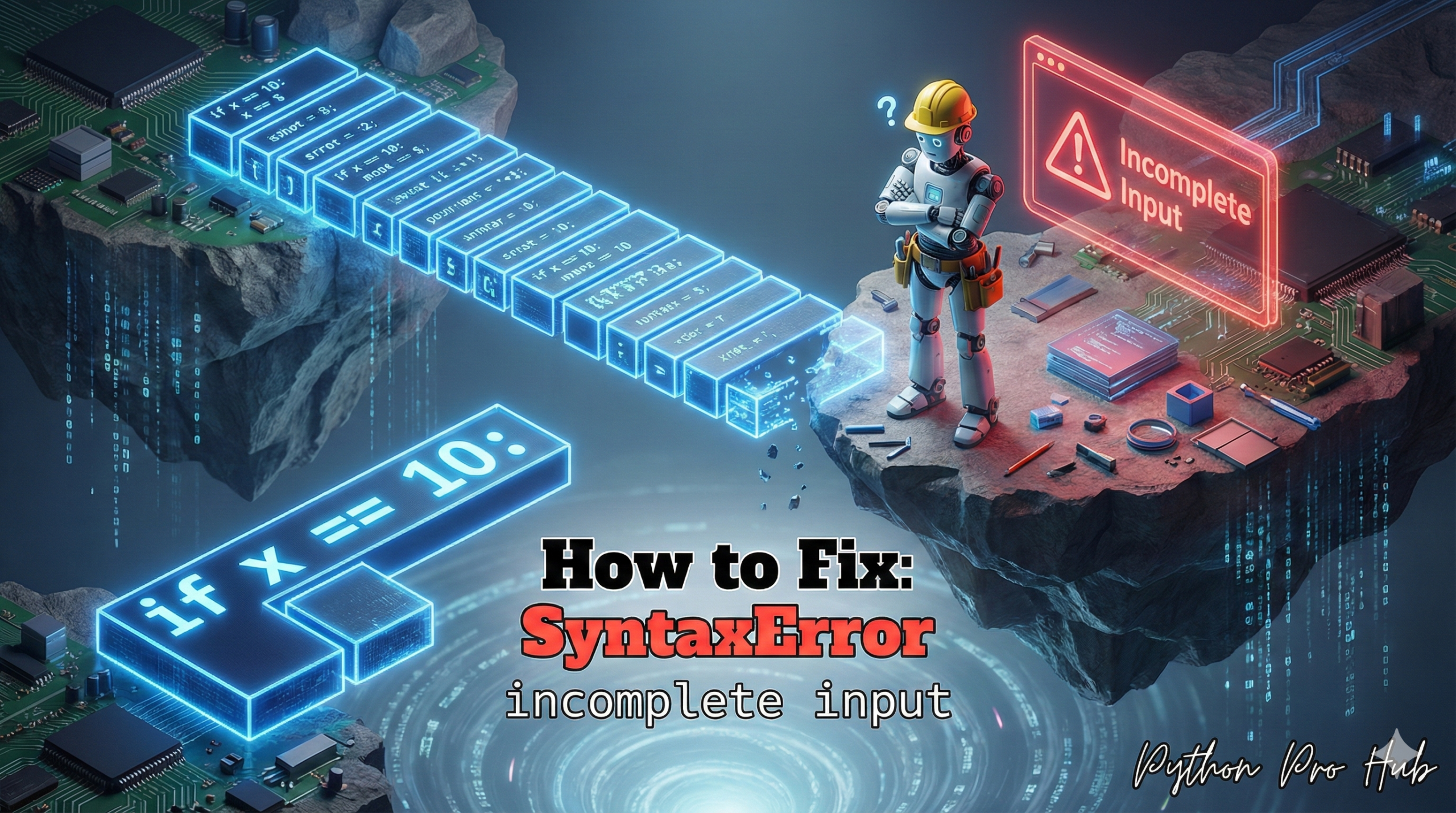
This is a SyntaxError you almost only see in the interactive Python shell (the REPL, or >>> prompt), not in a .py script. The SyntaxError incomplete input message can sometimes confuse beginners working in the Python REPL.
It means: “You started a multi-line statement (like an if block, a for loop, or a list) and then tried to exit the block without finishing it.”
⚡ Quick Fix: SyntaxError: incomplete input — Python REPL Blank Line Fix and Unclosed Bracket Completion for Interactive Shell Blocks
Python hit the end of your input while still inside an open block or an unclosed bracket — you started an if statement, a for loop, or a list and stopped before Python had everything it needed.
# WRONG — exiting an indented block too early in the Python shell
>>> if True:
...     print("Hello")
... Ctrl+C    # or just stopped typing — SyntaxError: incomplete input

# WRONG — unclosed bracket: Python keeps waiting for ] until you close it or crash
>>> my_list = [1, 2, 3,
...            # Ctrl+C here fires SyntaxError: incomplete input

# RIGHT — hit Enter one more time on the blank ... line to close the block
>>> if True:
...     print("Hello")
...               # press Enter on this blank line
Hello             # block executes cleanly

# RIGHT — type the closing bracket before exiting
>>> my_list = [1, 2, 3,
...            4, 5]   # ] closes the list — statement completes
>>> print(my_list)
[1, 2, 3, 4, 5]
If you’re stuck in the … prompt and can’t exit, type the closing character (], ), or }) and press Enter — or press Ctrl+C to cancel the statement entirely and return to the >>> prompt.
The Cause
The most common cause is exiting an indented block.
Problem Code (in the Python Shell):
>>> if True:
...     print("Hello")
...
>>> # You hit ENTER on the blank '...' line
# CRASH! SyntaxError: incomplete input
When you hit Enter on that blank line, Python expected more code (like an else or just the end of the indentation), but instead, it got the “end” signal, which was incomplete.
The Fix
You just need to finish your thought.
Correct Code (in the Python Shell):
>>> if True:
...     print("Hello")
...     # Hit ENTER again to exit the block
...
>>> # No error!
If you’re stuck in a ... loop, you can’t just Ctrl+C. You have to hit Enter one more time on a blank line to tell Python the block is finished.
This error can also happen if you have an unclosed parenthesis, bracket, or brace:
>>> my_list = [1, 2, 3,
... # You hit Ctrl+C or exited here
# CRASH! SyntaxError: incomplete input
You must type the closing ] before Python will consider the statement complete.
SyntaxError: incomplete input — REPL Block Completion, Unclosed Brackets, and the Two Escape Routes
SyntaxError: incomplete input is almost exclusive to the Python REPL. A .py script fires unexpected EOF while parsing for the same structural problem — incomplete input is the REPL-specific version of the same error.
Two patterns produce it. Both have immediate fixes.
An indented block with no closing signal. The Python shell shows … when it expects more code inside a block. Type the block body, then press Enter on a blank … line — that blank Enter tells Python the block is complete and triggers execution. Pressing Ctrl+C, closing the terminal, or typing new code without the blank Enter all fire SyntaxError: incomplete input.
An unclosed bracket, parenthesis, or brace. Python allows statements to span multiple lines inside brackets. Once you open [, (, or {, the shell keeps showing … until it finds the matching closer. Type the closing character on any … line and press Enter — the statement completes immediately.
Two escape routes exist when you’re stuck in the … prompt.
Close it properly: type the missing ], ), or } and press Enter. For a block with no more content, press Enter on a blank … line.
Cancel it entirely: press Ctrl+C. This aborts the current statement and returns you to the >>> prompt with no error written to any file — the statement never ran.
The REPL pattern worth building: write complex multi-line code in a .py file and run it with python script.py. The REPL is the right tool for quick one-liner experiments and interactive data exploration — not for multi-function scripts where every indentation level adds a chance for incomplete input to fire.