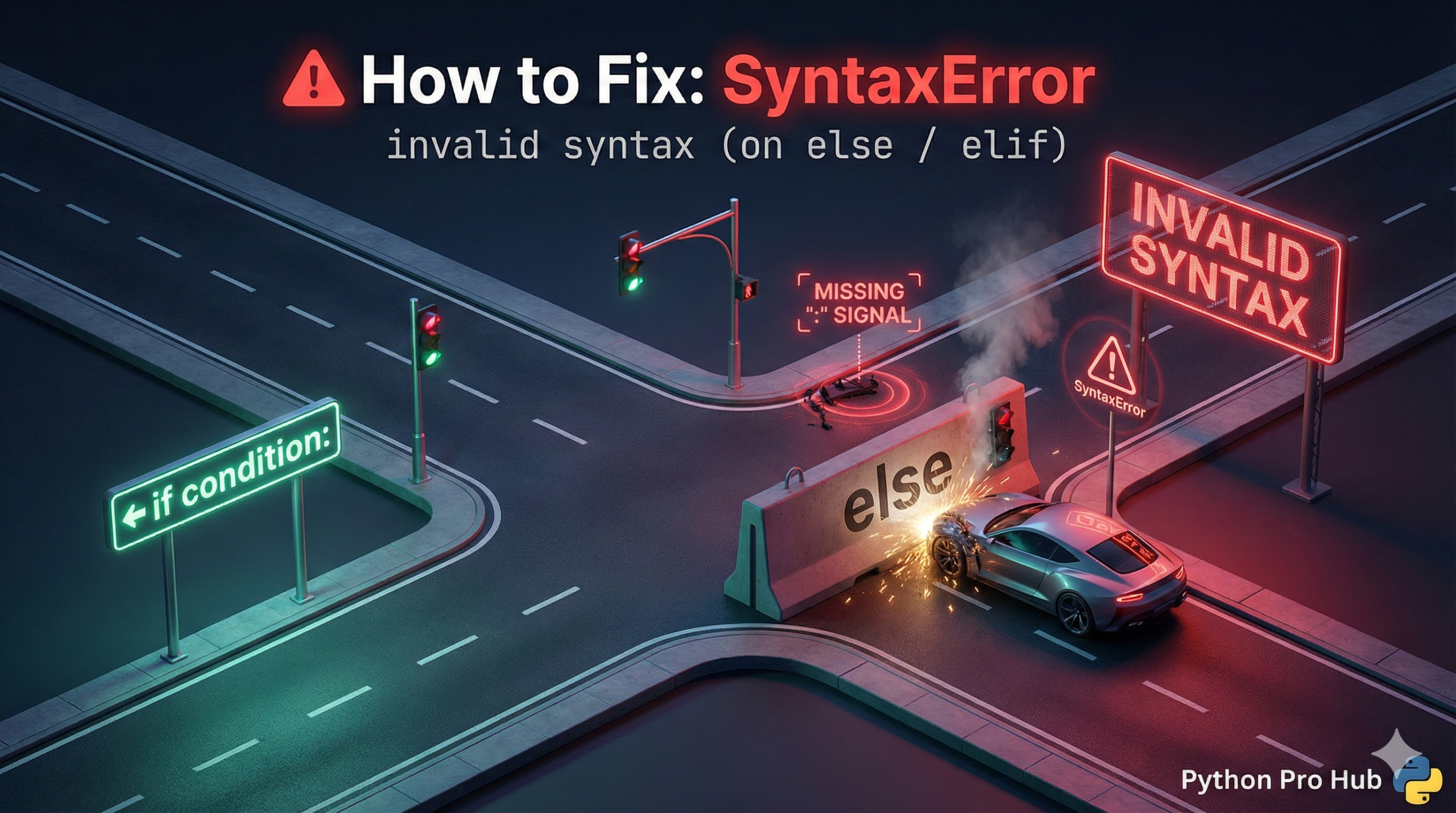
This is one of the most common errors for beginners, and it’s almost always an IndentationError in disguise. The SyntaxError invalid syntax else issue is especially confusing for new Python programmers.
Python is complaining because your else or elif is in the wrong place.
⚡ Quick Fix: SyntaxError: invalid syntax on else / elif — Python Indentation Alignment Fix and Orphaned else Block Repair
Python flagged your else or elif as invalid syntax because it sits at the wrong indentation level or got separated from its if block by loose code in between.
# WRONG — else is indented inside the if block instead of matching it
x = 10
if x > 5:
    print("x is greater than 5")
        else:                        # SyntaxError: invalid syntax
            print("x is 5 or less")

# WRONG — loose code between if and else orphans the else
if x > 5:
    print("x is greater than 5")

print("Doing another check...")      # this line breaks the if/else chain

else:                                # SyntaxError: invalid syntax — else has no if
    print("x is 5 or less")

# RIGHT — else aligns exactly with its if, body indented 4 spaces inside
if x > 5:
    print("x is greater than 5")
else:
    print("x is 5 or less")

# RIGHT — move intermediate code inside a block or after the full if/else
if x > 5:
    print("x is greater than 5")
    print("Doing another check...")  # inside the if block — no orphan
else:
    print("x is 5 or less")
The two causes below cover the indentation mismatch and the orphaned else — including the elif chain pattern that breaks the same way.
The Rule
An else or elif statement must be at the exact same indentation level as its if statement, and it must come immediately after the if block.
Cause 1: Wrong Indentation Level
Your else is indented inside the if block, which is not allowed.
Problem Code:
x = 10
if x > 5:
    print("x is greater than 5")
    else: # CRASH!
        print("x is 5 or less")
Python sees the else indented under the if and gets confused.
The Fix: Un-indent the else to match the if.
x = 10
if x > 5:
    print("x is greater than 5")
else: # Correct!
    print("x is 5 or less")
Cause 2: Code Between the if and else
You cannot have any code between the end of an if block and its else.
Problem Code:
if x > 5:
    print("x is greater than 5")

print("Doing another check...") # This line is the problem

else: # CRASH!
    print("x is 5 or less")
The else statement feels “orphaned” because it’s not directly attached to the if block anymore.
The Fix: Move any intermediate code to be inside one of the blocks or after the entire if/else statement.
if x > 5:
    print("x is greater than 5")
    print("Doing another check...") # Correct!
else:
    print("x is 5 or less")
SyntaxError: invalid syntax on else / elif — Two Alignment Rules That End This Error Permanently
SyntaxError: invalid syntax on an else or elif line is always an indentation or placement problem, never a keyword problem. else and elif are valid Python — they just need the right structural position.
Two rules cover every form of this error.
else and elif must align exactly with their if. Column for column, character for character. Put else at column 4 when if sits at column 4. Put else at column 0 when if sits at column 0. Any extra indentation makes Python treat else as a stray statement inside the if block — and stray else statements have no meaning outside an if chain.
Nothing belongs between an if block and its else or elif. Python reads the if block, expects the chain to continue immediately. A print(), a variable assignment, or even a blank line with code after it breaks the chain — Python sees the else and finds no active if to attach it to. Move any mid-chain logic inside one of the blocks, or move it after the entire if/else structure completes.
The elif chain rule applies identically. Every elif must align with the if that opened the chain. The moment one elif sits at a different column than its if, Python fires SyntaxError on that elif line — even if every line above it looks correct.
if score >= 90:
grade = “A”
elif score >= 80: # same column as if — valid
grade = “B”
elif score >= 70: # same column as if — valid
grade = “C”
else: # same column as if — valid
grade = “F”
Enable “Render Whitespace” in VS Code (View → Appearance → Render Whitespace → All). Every space appears as a dot — misaligned else and elif blocks expose their column offset immediately without running the code.