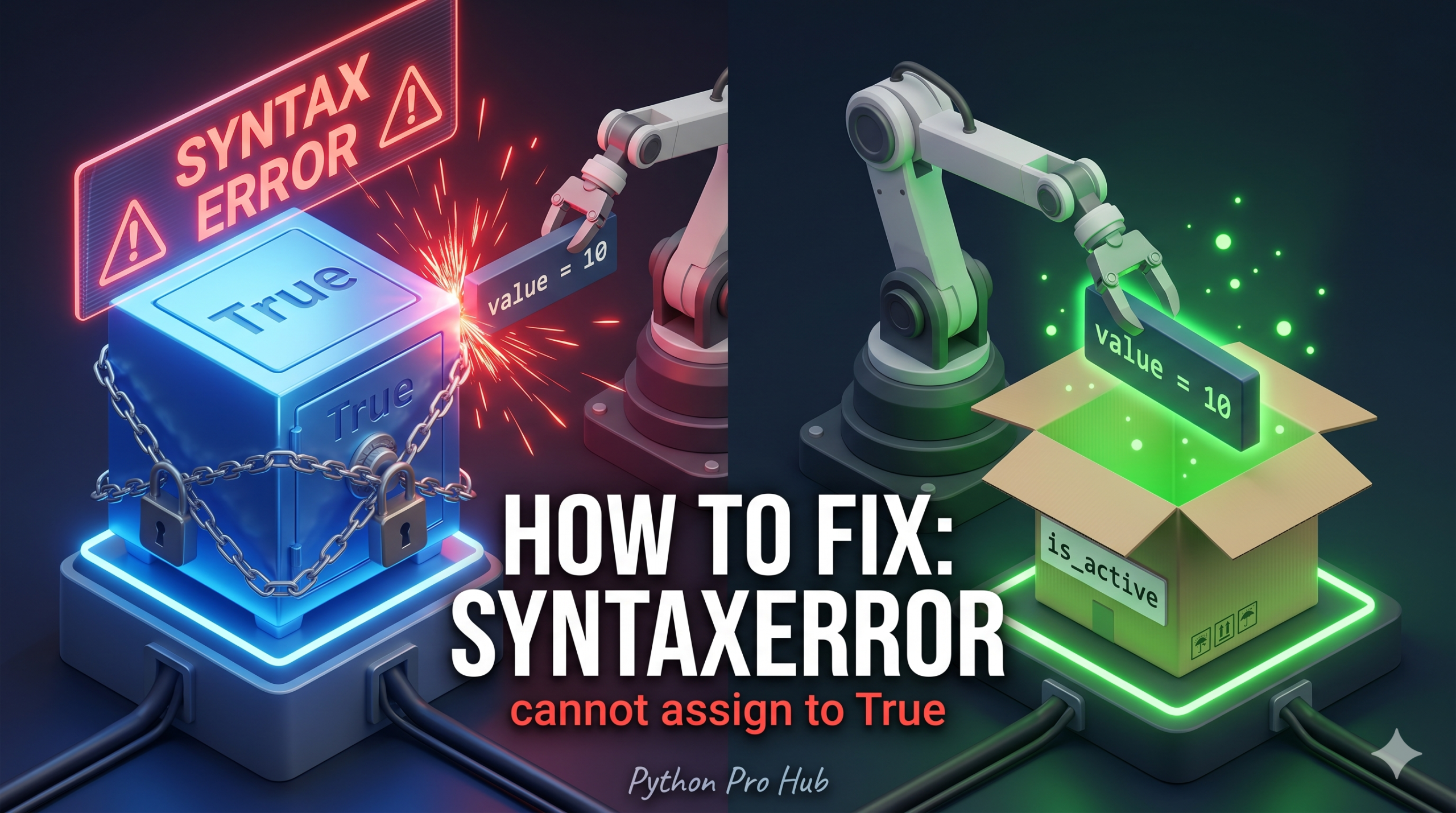
This error SyntaxError cannot assign to True means you are trying to use a Reserved Keyword as a variable name.
In older versions of Python (2.x), it was technically possible (but bad) to change the value of True. In modern Python, these are protected constants.
⚡ Quick Fix: SyntaxError: cannot assign to True / False / None – Python Reserved Keyword Variable Name Fix
You used a protected Python keyword as a variable name — rename it to any descriptive lowercase identifier that is not on Python’s keyword list.
import keyword

# Check if your chosen name is reserved
print(keyword.kwlist)
# ['False', 'None', 'True', 'and', 'as', 'assert', 'async' ...]

# Fix — replace reserved names with descriptive alternatives
is_valid = False    # Instead of: True = False
empty_list = []     # Instead of: None = []
debug_mode = True   # Instead of: __debug__ = True
This tells you exactly where your boundary is — now read through the root causes below to find which one broke your code and fix it permanently.
The Cause
You are trying to assign a value to True, False, None, or __debug__.
Problem Code:
# You want a variable to track if something is true
True = False
# CRASH! SyntaxError: cannot assign to True
Problem Code (None):
# You want a variable to hold "none" of the items
None = []
# CRASH! SyntaxError: cannot assign to None
The Fix: Rename Your Variable
You must choose a different name. Use descriptive, lowercase names with underscores.
Correct Code:
is_valid = False      # Instead of True = False
empty_list = []       # Instead of None = []
my_none_value = None  # Valid assignment
How to check if a name is allowed
Python has a built-in list of keywords you cannot use.
import keyword
print(keyword.kwlist)
# Output: ['False', 'None', 'True', 'and', 'as', 'assert', ...]
If your variable name is in this list, you’ll get a SyntaxError.
What This Error Exposes About Python’s Protected Name Architecture
SyntaxError: cannot assign to True is Python’s parser rejecting an assignment at the grammar level — before the interpreter executes a single instruction. True, False, None, and __debug__ are not variables in the conventional sense. They are singleton constants baked into Python’s object model and protected at the syntax tree stage. The parser classifies them as literals, not assignment targets, which means True = anything is grammatically invalid in the same way that 5 = anything is invalid. No runtime check is needed because the code never reaches the runtime.
The Python 2 distinction matters for anyone reading legacy codebases. In Python 2, True and False were names in the built-in namespace, not reserved keywords — assigning True = 0 was syntactically valid and produced bugs that were nearly impossible to trace. Python 3 promoted them to language-level keywords specifically to eliminate that class of error. keyword.kwlist reflects the full set of names that carry this protection, and the list grows with each Python version as new syntax is added — match and case joined it in Python 3.10.
The keyword module is the programmatic tool for validating names at runtime — useful in code generators, ORM field name validators, and any system that accepts user-supplied identifiers and maps them to Python variables. keyword.iskeyword("True") returns True in a single call, making it the correct guard for any dynamic naming system. For static code, a linter catches reserved-name assignments before they reach a test run — configure flake8 or ruff in your editor and this error stops appearing in your terminal entirely.