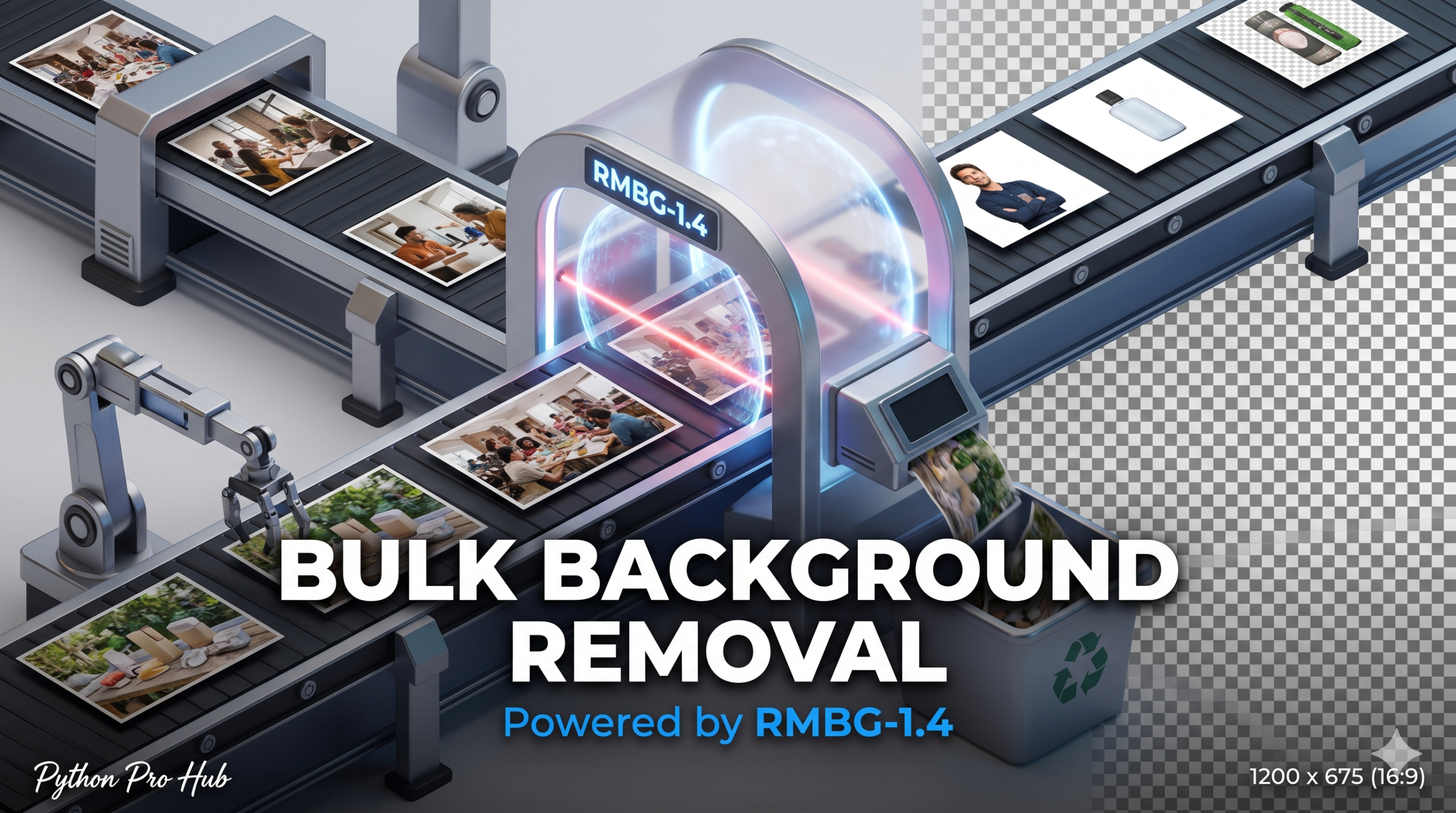
Removing backgrounds is tedious manual work. In 2026, we let AI do it. We will use RMBG-1.4 (Remove Background), a state-of-the-art model available on Hugging Face, to process an entire folder of images in seconds. In this tutorial, we’ll demonstrate a Python Background Removal workflow.
⚡ Quick Fix: Python Background Removal with RMBG-1.4
pipeline(“image-segmentation”) with briaai/RMBG-1.4 strips backgrounds from every image in a folder and saves transparent PNGs — no manual masking required.
from transformers import pipeline
from PIL import Image

pipe = pipeline("image-segmentation", model="briaai/RMBG-1.4", trust_remote_code=True)
result = pipe(Image.open("photo.jpg"))
result.save("output.png")
The full walkthrough below covers batch processing, folder setup, and output handling.
Step 1: Installation
We need transformers, torch, and pillow.
pip install transformers torch pillow
Step 2: The Code
We’ll use the image-segmentation pipeline with the RMBG model.
from transformers import pipeline
from PIL import Image
import os

# 1. Load the pipeline
# 'briaai/RMBG-1.4' is incredible at edge detection
print("Loading model...")
# Note: trust_remote_code=True is required for this specific custom model
pipe = pipeline("image-segmentation", model="briaai/RMBG-1.4", trust_remote_code=True)

# 2. Setup folders
INPUT_DIR = "./raw_photos"
OUTPUT_DIR = "./transparent_photos"
os.makedirs(OUTPUT_DIR, exist_ok=True)

# 3. Loop through images
for filename in os.listdir(INPUT_DIR):
    if filename.lower().endswith(('.png', '.jpg', '.jpeg')):
        print(f"Processing {filename}...")

        # Open image
        img_path = os.path.join(INPUT_DIR, filename)
        image = Image.open(img_path)

        # Run the model!
        # The model returns a "mask" (black/white image)
        # or the final image directly depending on pipeline version.
        # For RMBG pipeline, it usually returns the PIL image with alpha channel.
        result_image = pipe(image)

        # Save as PNG (to keep transparency)
        save_name = os.path.splitext(filename)[0] + ".png"
        result_image.save(os.path.join(OUTPUT_DIR, save_name))

print("Done! Check the output folder.")
Step 3: The Result
The script will churn through your raw_photos folder and output perfect, transparent PNGs. This is invaluable for e-commerce, marketing, or dataset preparation.
Key Takeaways
- Removing backgrounds manually is tedious, but AI can automate this task in 2026 using RMBG-1.4.
- Installation requires the libraries transformers, torch, and pillow.
- The image-segmentation pipeline with the RMBG model processes images quickly.
- The script outputs transparent PNGs from your raw_photos folder, ideal for e-commerce and marketing.
Python Background Removal: The Production-Grade Workflow
Batch background removal with RMBG-1.4 scales to any folder size without touching a single pixel manually. Two things keep this pipeline production-ready: always call os.makedirs(OUTPUT_DIR, exist_ok=True) before the loop so the output directory never causes a crash on first run, and always save with .png extension regardless of the source format — JPEG cannot store an alpha channel, so writing to .jpg silently discards your transparency. For high-volume pipelines, load the pipeline once outside the loop, not inside it, so the model weights load into memory a single time across all images.