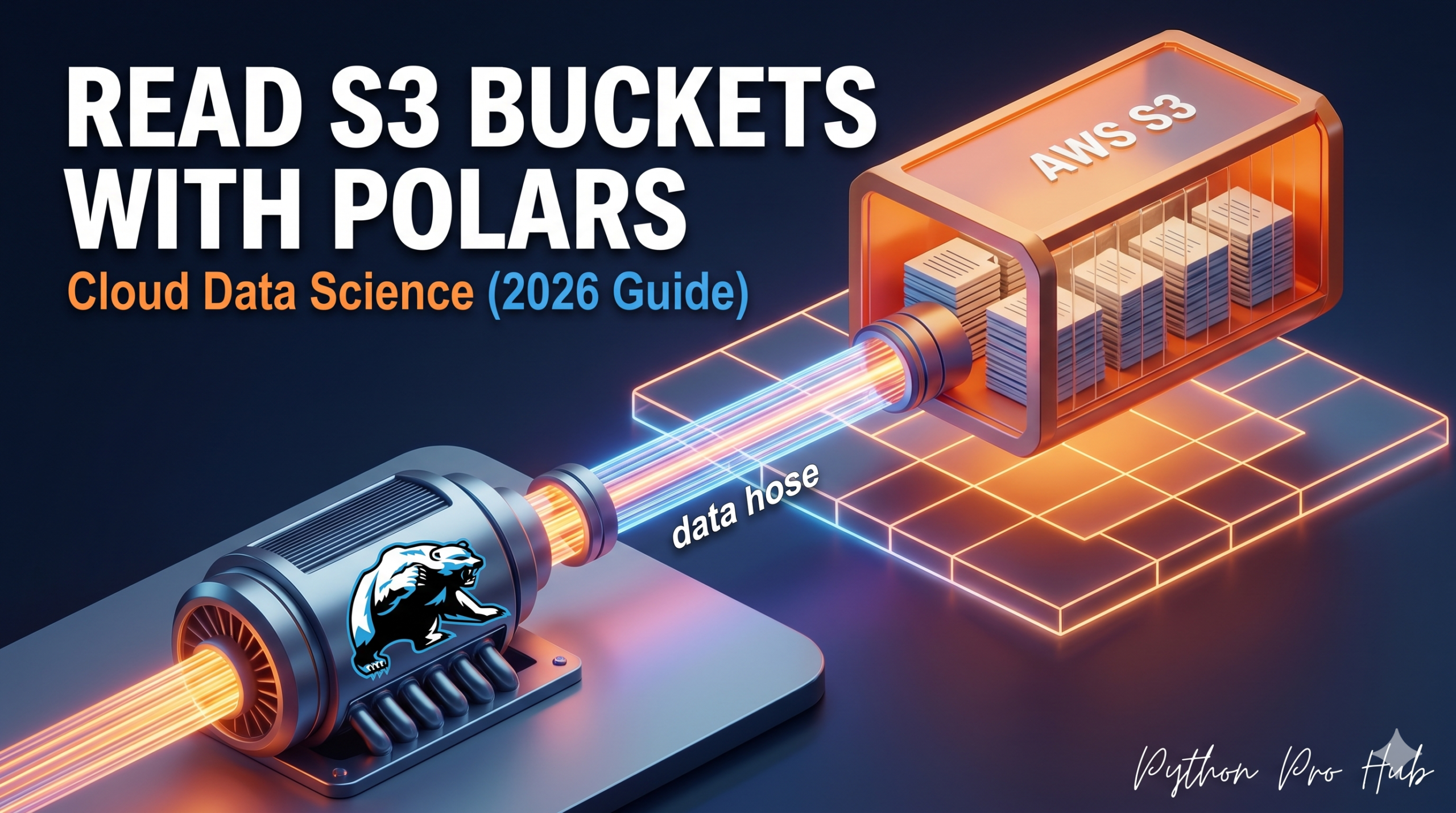
Professional data science happens in the cloud. Data usually lives in an Amazon S3 bucket (or Google Cloud Storage). Downloading a 50GB CSV to your laptop just to filter it is slow and wrong. If you want to use Polars to read S3 data directly, it’s now easier than ever.
Polars can connect directly to S3, read only the parts of the file it needs (especially with Parquet), and return the results.
Step 1: Installation
You need the s3fs library (for S3 file system support).
pip install polars s3fs
Step 2: Configuration (Credentials)
Polars looks for your AWS credentials in the standard places (Environment variables or ~/.aws/credentials).
export AWS_ACCESS_KEY_ID=your_key
export AWS_SECRET_ACCESS_KEY=your_secret
export AWS_REGION=us-east-1
Step 3: Scanning S3
We use the Lazy API (scan_parquet). This is critical. It means Polars peeks at the file header in the cloud without downloading the data body.
import polars as pl

# The s3:// protocol tells Polars it's a cloud file
s3_url = "s3://my-company-bucket/sales_data/*.parquet"

# 1. Lazy Scan
# No data is downloaded yet!
q = pl.scan_parquet(s3_url)

# 2. Define Query
# Polars will optimize this to download ONLY rows where region='US'
# and ONLY the 'region' and 'amount' columns.
query = (
    q.filter(pl.col("region") == "US")
     .group_by("region")
     .agg(pl.col("amount").sum())
)

# 3. Collect
# Now it downloads the specific chunks needed and runs the math
df = query.collect()

print(df)
This turns your laptop into a powerful cloud query engine.
Key Takeaways
- Professional data science takes place in the cloud, with data stored in Amazon S3 or Google Cloud Storage.
- Polars can read S3 directly, efficiently accessing only the needed parts of files, especially in Parquet format.
- Installation requires the s3fs library for S3 file system support.
- Polars locates AWS credentials in standard locations, like environment variables or ~/.aws/credentials.
- Using the Lazy API with scan_parquet allows Polars to check file headers in the cloud without downloading full data.