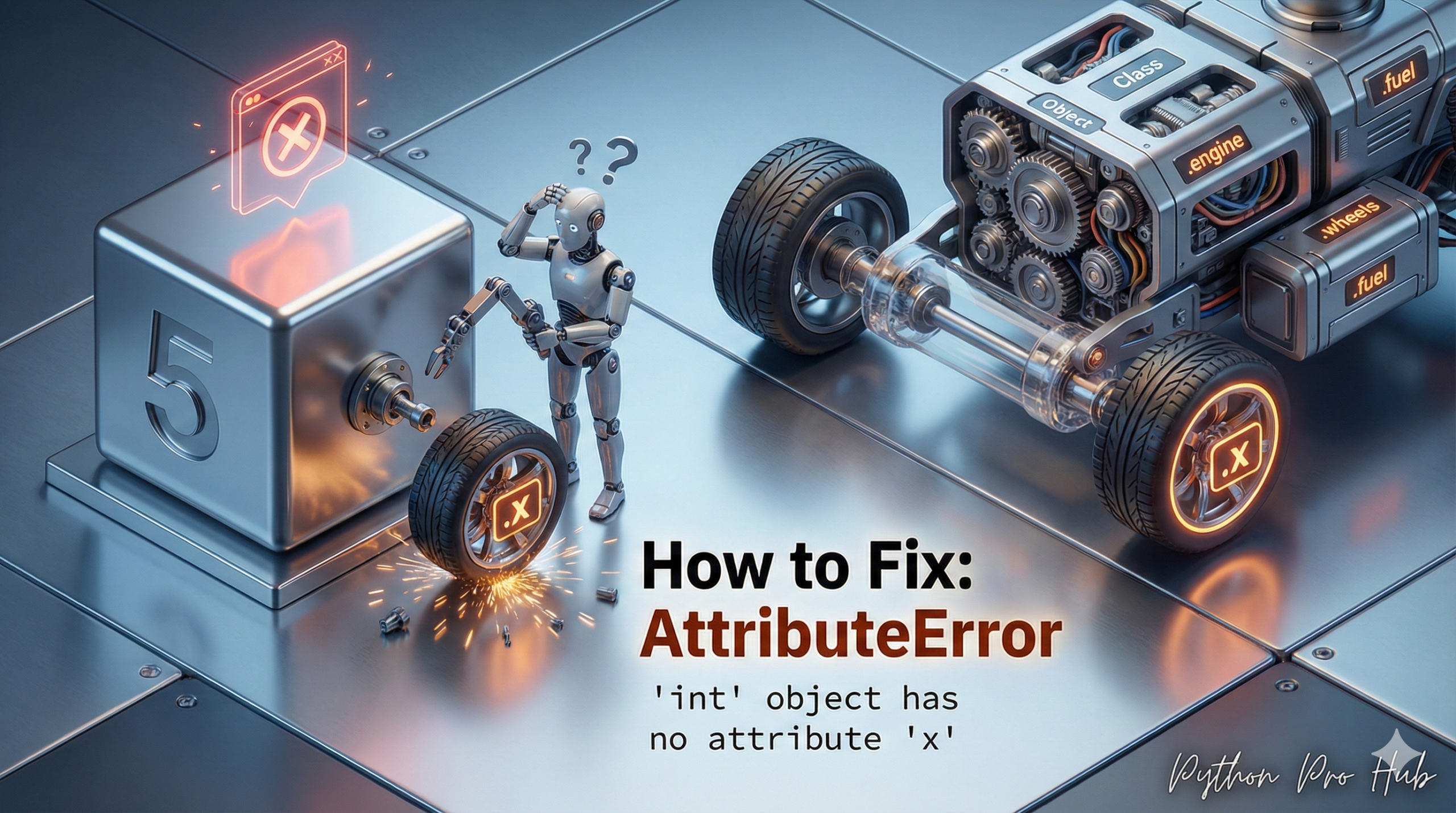
This is a fundamental AttributeError that means: “You are trying to use a method (like .append() or .lower()) on a simple number (an integer).” This is commonly referred to as the AttributeError int object error in Python programming.
An “attribute” or “method” is something you access with a dot (.). Integers have very few of these.
⚡ Quick Fix: AttributeError: ‘int’ object has no attribute ‘x’ — Python Type Mismatch Fix for .append(), .lower(), and String Methods Called on Integers
You called a string or list method on a plain integer — integers carry almost no methods and none of the ones you’re used to from lists or strings.
# WRONG — len() returns the integer 3, not a list — .append() doesn't exist on 3
my_list = [1, 2, 3]
my_count = len(my_list)     # my_count = 3 (an integer)
my_count.append(4)          # AttributeError: 'int' object has no attribute 'append'

# WRONG — .lower() belongs to strings, not integers
my_var = 123
print(my_var.lower())       # AttributeError: 'int' object has no attribute 'lower'

# WRONG — function returns an int, you treat it like a list
def get_total():
    return 100

result = get_total()
result.append(200)          # AttributeError: 'int' object has no attribute 'append'

# RIGHT — call the method on the original list, not on the integer len() returned
my_list.append(4)           # works — my_list is the list, not the integer count

# RIGHT — convert to string first if you need string methods on a number
label = str(123).lower()    # str(123) = "123", .lower() = "123" (no change, but no crash)
digits = str(123).replace("1", "X")   # Output: "X23"
Run print(type(your_variable)) on the variable that crashed — if it prints , the method you want belongs to a different type.
The Cause
You have a variable that you think is a list or a string, but it’s actually just a number.
Problem Code 1 (Confusing a list with an int):
my_list = [1, 2, 3]

# This is fine:
print(len(my_list)) # Output: 3

# This is a mistake:
my_count = len(my_list) # my_count is the NUMBER 3

my_count.append(4)
# CRASH! AttributeError: 'int' object (the number 3) has no attribute 'append'
Problem Code 2 (Confusing a string with an int):
my_var = 123
print(my_var.lower())
# CRASH! AttributeError: 'int' object has no attribute 'lower'
The .lower() method only exists for strings.
The Fix
The fix is to find where you incorrectly assigned your variable.
- If you meant to add to
my_list, you should have just donemy_list.append(4). - If you meant to use
.lower(), you must first convert your number to a string:str(my_var).lower().
This error always means you have the wrong data type for the method you are trying to use.
AttributeError: ‘int’ object has no attribute ‘x’ — Type Mismatch, One Diagnostic Move, Fixed
AttributeError: ‘int’ object has no attribute ‘x’ fires because integers implement almost nothing accessible by dot notation. They carry no sequence methods, no string methods, no collection methods. An integer is a single value — it has no items to append to, no characters to transform, no keys to look up.
Run print(type(your_variable)) on the variable the error names. If it prints where you expected a list, string, or dictionary, the variable was assigned the wrong type. Trace it back to the assignment — that’s where the fix lives.
Three assignment patterns produce this mismatch silently.
A function that returns a count or length. len(), count(), sum(), max(), min() — all return integers. Assign the result to a variable and you hold an integer, not the original collection. Call the method on the original collection, not on the integer it returned.
A function that returns an integer where you expected a list. A database query returning a row count, an API returning a status code, a calculation returning a total — any of these lands as an integer. Check the return type of every function whose result you call a method on.
A variable overwritten mid-script with an integer. A variable that starts as a list and later gets assigned my_list = len(my_list) produces an integer at that point. Every .append(), .sort(), or .lower() after that line crashes. Search every assignment to that variable name and find the one that assigned an integer.
The one integer method worth knowing: integers in Python do have some attributes. my_int.bit_length() returns the number of bits needed to represent the value. my_int.to_bytes(length, byteorder) converts to bytes. Everything else — append, lower, split, get, keys — belongs to another type entirely.