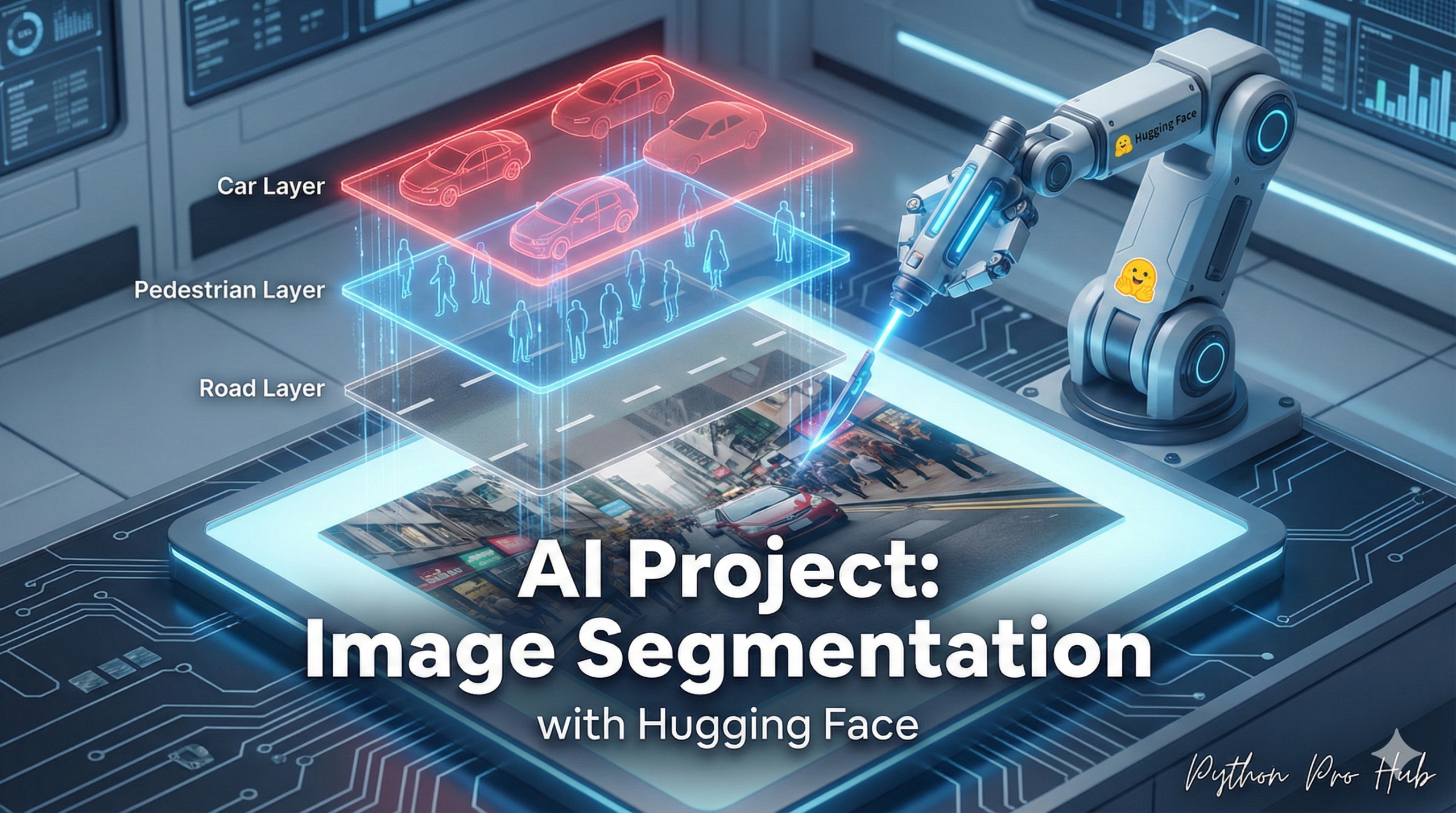
This is the next level of Computer Vision. Hugging Face Image Segmentation is an innovative approach transforming what computers see and understand.
- Classification asks: “Is there a cat in this image?”
- Object Detection asks: “Where is the cat (in a box)?”
- Segmentation asks: “Which exact pixels belong to the cat?”
This is how self-driving cars identify the exact shape of a pedestrian, or how virtual background tools cut you out of your room.
Step 1: Installation
You’ll need Pillow to handle images and timm for the model backend.
pip install transformers torch pillow timm
Step 2: The Code
We use the image-segmentation pipeline. This will download a model (like a version of Mask2Former) and run it.
from transformers import pipeline
from PIL import Image
import requests

# 1. Load the pipeline
segmenter = pipeline("image-segmentation")

# 2. Get an image
url = "http://images.cocodataset.org/val2017/000000039769.jpg" # (The image of two cats and a remote)
img = Image.open(requests.get(url, stream=True).raw)

# 3. Run the segmenter!
# This will find ALL objects in the image and create masks
results = segmenter(img)

print(f"Found {len(results)} objects!")

# Let's inspect the first object found
print(results[0])
# {
#  'score': 0.998,
#  'label': 'remote',
#  'mask': <PIL.Image.Image image mode=L size=640x480 at 0x...>
# }
Step 3: Use the Mask
The most powerful part is the 'mask'. This is a Pillow image object. It’s a black-and-white image where “white” pixels are the object and “black” pixels are the background.
You can now use this mask to “cut out” the object from the original image!
# Let's get the mask for the first cat (usually index 1 or 2)
cat_mask = results[1]['mask']

# You can save the mask to see what it looks like
cat_mask.save("cat_mask.png")
You’ve just built a script that can create perfect cutouts of any object, which is the foundation of advanced photo editing and analysis.
Key Takeaways
- Hugging Face Image Segmentation represents advanced computer vision, enabling tasks like classification, object detection, and pixel-level segmentation.
- To get started, install
Pillowfor image handling andtimmfor model backend support. - Use the
image-segmentationpipeline to download a model likeMask2Formerand perform segmentation. - The mask produced is a black-and-white image where white pixels indicate the object, allowing you to cut it out from the original image.
- This script creates perfect cutouts, forming the basis for advanced photo editing and analysis.