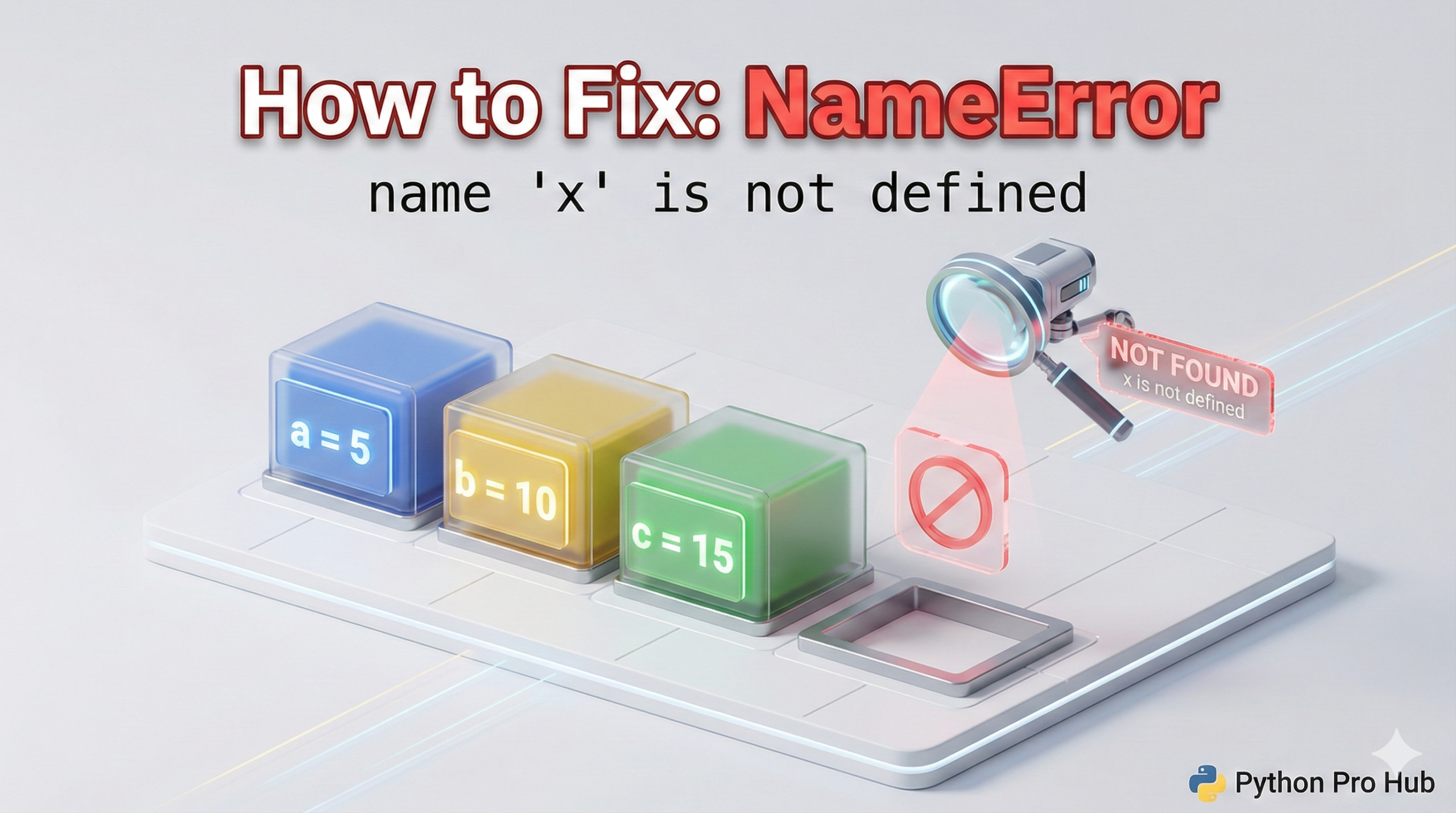
This error is Python’s way of asking: “Who?” The message “NameError: name ‘x’ not defined” often appears when the interpreter cannot find a reference to a variable or function.
You tried to use a variable or function that Python doesn’t know about. It’s like trying to call a friend whose number you haven’t saved in your phone.
⚡ Quick Fix: NameError: name ‘x’ is not defined — Python Variable Scope, Typo, and Declaration Order Fix
Python has no record of that name — you either misspelled it, used it before defining it, or referenced a variable that only exists inside a function.
# WRONG — typo kills the lookup
message = "Hello"
print(mesage)        # NameError: name 'mesage' is not defined

# WRONG — use before define
print(my_number)     # NameError fires here
my_number = 10

# WRONG — variable trapped inside function scope
def calculate_total():
    total = 150
calculate_total()
print(total)         # NameError: name 'total' is not defined

# RIGHT — define first, use second, return what you need
my_number = 10
print(my_number)

def calculate_total():
    total = 150
    return total

my_result = calculate_total()
print(my_result)
The three causes below each carry their own fix — read through to identify exactly which one hit you.
What Does This Error Mean?
A NameError happens when Python tries to look up a name (variable, function, library) and can’t find it in its current memory. This triggers the familiar NameError: name not defined.
3 Common Causes and Fixes
Cause 1: A Simple Typo (Most Common)
You defined a variable, but misspelled it when you tried to use it. This is a common reason why you might encounter a NameError: because the name was not defined correctly.
Problem Code:
message = "Hello, world!"
print(mesage)  # Misspelled 'message'
Error: NameError: name 'mesage' is not defined
The Fix: Check your spelling carefully! Python is case-sensitive, so Message and message are different names.
Cause 2: Using a Variable Before Defining It
Code runs from top to bottom. You must create (define) a variable before you try to use it. Otherwise, you may see a NameError: name not defined.
Problem Code:
print(my_number)  # Trying to use it first
my_number = 10    # Defining it second
Error: NameError: name 'my_number' is not defined
The Fix: Always define your variables at the top, before you need them.
my_number = 10
print(my_number)  # Correct!
Cause 3: Variable Scope (Inside vs. Outside Functions)
Variables created inside a function only exist inside that function. This is called “local scope.” You cannot use them outside.
Problem Code:
def calculate_total():
    total = 100 + 50  # 'total' is created inside the function
    return total

calculate_total()
print(total)  # Fails! 'total' does not exist out here.
Error: NameError: name 'total' is not defined
The Fix: If you need a value from a function, you must return it and save it to a new variable outside.
def calculate_total():
    total = 100 + 50
    return total

# Save the returned value to a NEW variable outside
my_result = calculate_total()
print(my_result)  # Correct!
Summary
When you see a NameError, you are encountering a NameError: name not defined.
- Check for typos.
- Make sure you defined the variable above the line that failed.
- Make sure the variable isn’t “trapped” inside a function.
What NameError: name ‘x’ is not defined Tells You About Your Python Code
NameError: name ‘x’ is not defined points at a specific line and tells you exactly which name Python could not find. Read that name carefully.
Spell it wrong? Fix the typo. Python is case-sensitive — total, Total, and TOTAL are three different names.
Used it before the assignment? Move the definition above the line that failed. Python reads top to bottom, no exceptions.
Defined it inside a function? Add a return statement, capture the result in a variable outside, and use that variable instead. A name born inside a function dies when that function exits.
These three checks cover 99% of NameError reports. Run them in order and you will find the bug fast.
The one remaining case worth knowing: forgetting to import a library. If you call pandas.read_csv() without import pandas as pd at the top of your file, Python fires a NameError on pandas — not an ImportError. Add the import, run again.