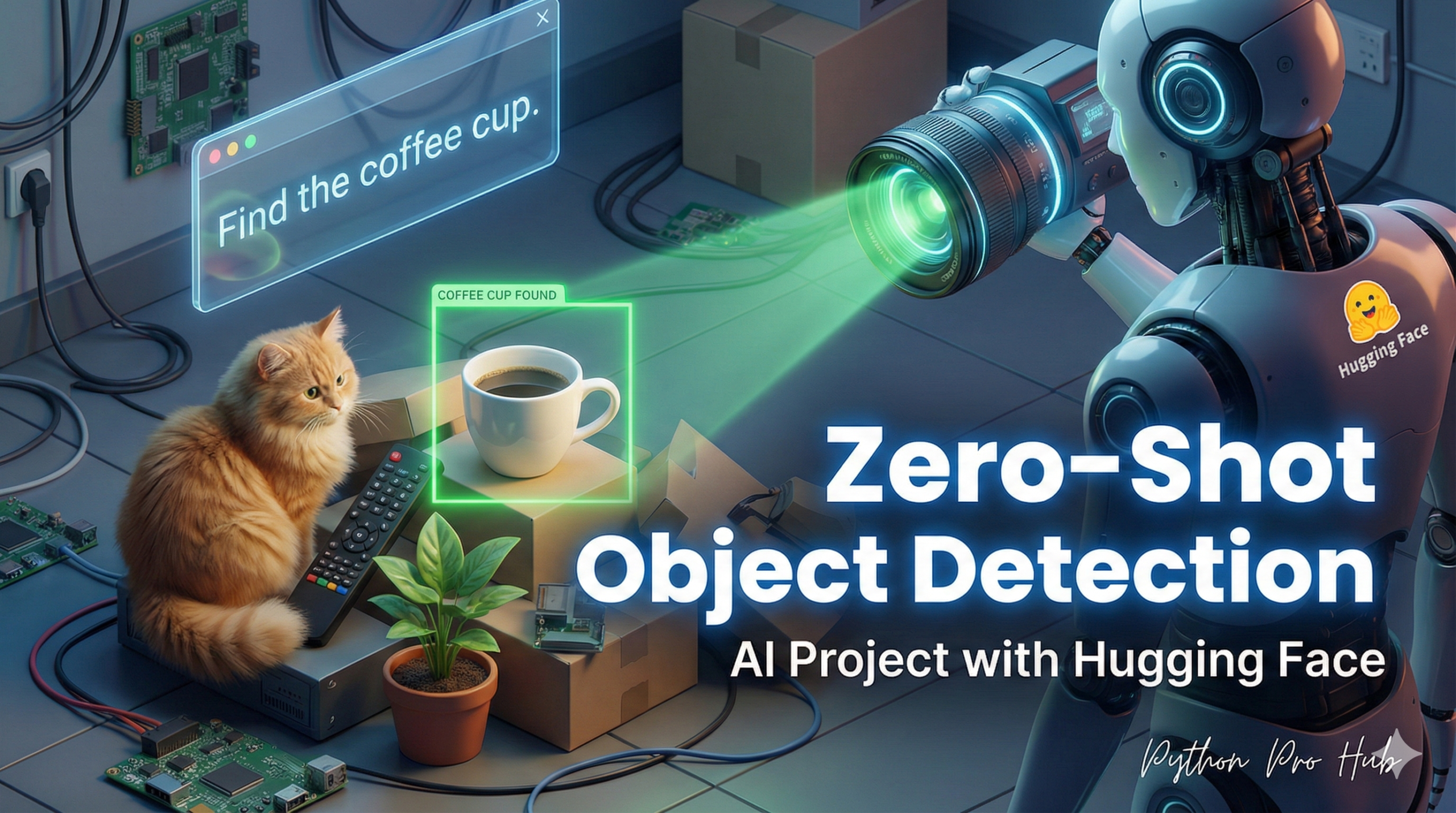
Zero-Shot Object Detection is one of the most exciting frontiers you can explore in this field. It’s the ultimate Computer Vision project, combining two of our skills:
- Object Detection: Finding where things are.
- Zero-Shot Learning: Finding things based on custom labels.
A normal object detector can only find “cat,” “dog,” “person.” A Zero-Shot Detector can find “a red shoe,” “a broken window,” or “my car keys” just from a text prompt!
We will use the zero-shot-object-detection pipeline and a powerful model like google/owlvit-base-patch32.
Step 1: Installation
pip install transformers torch pillow
Step 2: The Code
You provide the pipeline with an image and a list of “candidate labels” you want to find.
from transformers import pipeline
from PIL import Image
import requests

# 1. Load the pipeline (this is a large model)
detector = pipeline(
    "zero-shot-object-detection",
    model="google/owlvit-base-patch32"
)

# 2. Get an image
url = "http://images.cocodataset.org/val2017/000000039769.jpg" # (The image of two cats)
image = Image.open(requests.get(url, stream=True).raw)

# 3. Define your custom search terms!
labels_to_find = ["a remote control", "a cat's face", "a green sofa"]

# 4. Run the detector!
results = detector(image, candidate_labels=labels_to_find)

# 5. Print the results
print("--- Zero-Shot Objects Found ---")
for result in results:
    print(f"Label: {result['label']}")
    print(f"Score: {result['score']:.4f}")
    print(f"Box: {result['box']}")
    print("-----")
Step 3: The Result
The model will look at the image and find only the things you asked for:
--- Zero-Shot Objects Found ---
Label: a remote control
Score: 0.9882
Box: {'ymin': 74, 'xmin': 42, 'ymax': 118, 'xmax': 176}
-----
Label: a cat's face
Score: 0.9510
Box: {'ymin': 30, 'xmin': 70, 'ymax': 110, 'xmax': 135}
-----
Label: a cat's face
Score: 0.9423
Box: {'ymin': 25, 'xmin': 300, 'ymax': 105, 'xmax': 380}
-----
It found the remote and both cats’ faces, but correctly ignored “a green sofa” because the sofa isn’t green. This is an incredibly powerful tool for specific, on-the-fly visual analysis.
Key Takeaways
- This project integrates Object Detection and Zero-Shot Learning to enhance visual analysis.
- Zero-Shot Object Detection can identify items based on custom text prompts, not just predefined categories.
- The project uses the zero-shot-object-detection pipeline with models like google/owlvit-base-patch32.
- You supply an image and a list of candidate labels for the detector to recognise specific objects.