Matplotlib and Seaborn create static, non-interactive images. In 2026, data exploration is interactive.
hvplot is a library that provides a .hvplot() method for Pandas and Polars, giving you interactive charts with almost zero code change.
Step 1: Installation
You’ll need hvplot and pyarrow (for Polars compatibility).
pip install hvplot pyarrow
Step 2: The Code
You just import hvplot.polars and then… use .hvplot() instead of .plot().
import polars as pl
import hvplot.polars  # <-- This is the magic! It adds .hvplot()

# 1. Create some data
df = pl.DataFrame({
    "x": range(100),
    "y": pl.Series(range(100)).shuffle()
})

# 2. Create an interactive scatter plot
# This will open in your browser or Jupyter Notebook
df.hvplot.scatter(
    x="x",
    y="y",
    title="Interactive Polars Plot",
    hover_cols=["x", "y"] # Show values on hover
)
Why is this better?
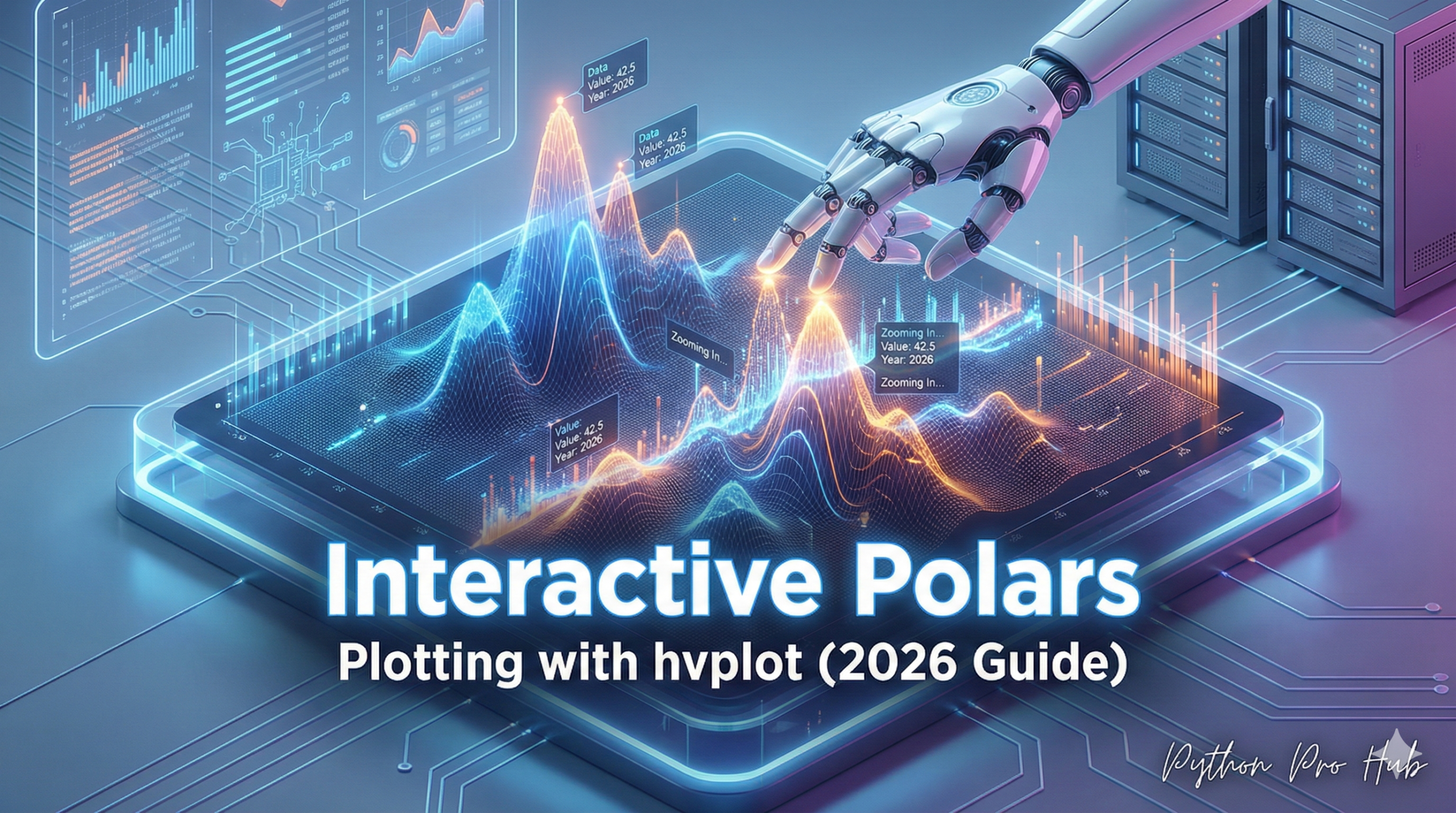
When you run this code, you don’t get a static image. You get a live, interactive chart with:
- Zooming: Use your mouse wheel to zoom in on data.
- Panning: Click and drag the chart.
- Hover Tools: See the exact
xandyvalues when you mouse over a point. - Saving: A button to save the plot as a static PNG.
This is the modern, fast way to explore a new dataset without writing complex Matplotlib code.
Key Takeaways
- Matplotlib and Seaborn create static images, while interactive data exploration is the future.
- Polars hvplot offers interactive charts with minimal code changes by using the .hvplot() method.
- To get started, install hvplot and pyarrow for Polars compatibility, then use hvplot.polars instead of plot().
- Interactive features include zooming, panning, hover tools for exact values, and saving charts as PNGs.
- Using Polars hvplot allows for efficient and modern dataset exploration without complex Matplotlib code.