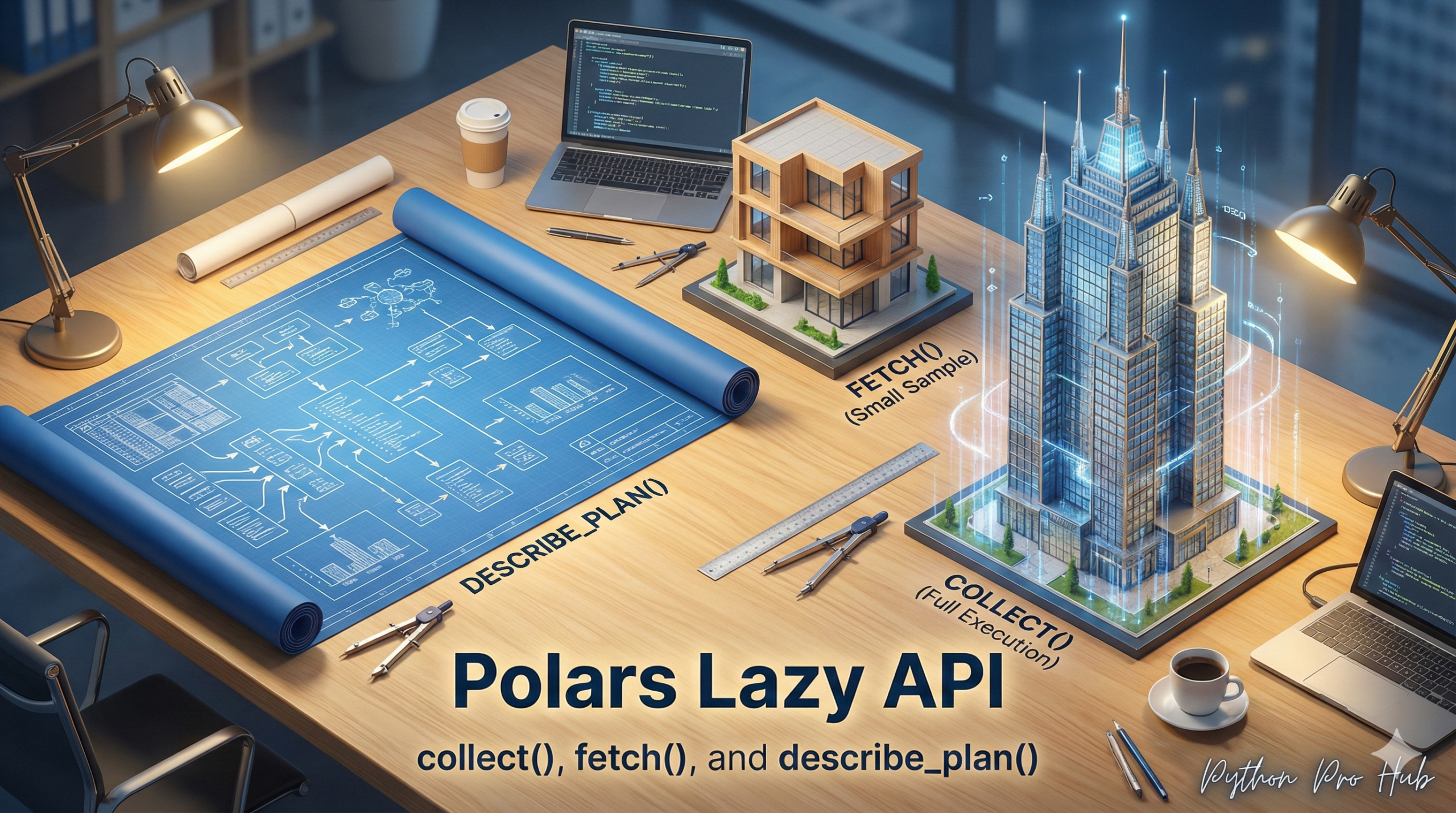
So far, we’ve used Polars in “Eager” mode (like Pandas), where df.filter() runs immediately. However, the Polars Lazy API offers a different approach to working with data by deferring execution until needed.
The real power of Polars is “Lazy” mode. In Lazy mode, you build a query plan first, and Polars finds the fastest way to run it. This allows Polars to handle datasets larger than your RAM.
Eager vs. Lazy
- Eager:
pl.read_csv()-> Loads 10GB into RAM. THENdf.filter()-> Creates a new 5GB DataFrame in RAM. (Uses 15GB RAM) - Lazy:
pl.scan_csv()-> Loads nothing. THEN.filter()-> Loads nothing. THEN.collect()-> Runs an optimized plan that only loads the 5GB you actually needed. (Uses 5GB RAM)
Step 1: scan_ (The Lazy Start)
You start a Lazy query by “scanning” a file instead of “reading” it.
import polars as pl

# This loads NOTHING into memory. It just "scans" the file.
lazy_df = pl.scan_csv("my_large_data.csv")
lazy_df is now a LazyFrame object (a query plan).
Step 2: Build the Plan
Now, we chain all our expressions. No code is running yet!
query_plan = (
    lazy_df
    .filter(pl.col("age") > 30)
    .group_by("department")
    .agg(pl.col("salary").mean())
)
Step 3: See the Plan
You can even ask Polars what its optimized plan is:
print(query_plan.describe_plan())
# It will show you an optimized query tree!
Step 4: Run the Plan (collect or fetch)
When you are ready for the answer, you “collect” the results.
.collect(): Runs the full query and brings all results into memory..fetch(n): Runs the query but only brings back the firstnrows.
# NOW Polars will actually read the file and run the query
results = query_plan.collect()
print(results)
This is the key to high-performance data science in 2026.
Key Takeaways
- Polars allows users to operate in ‘Eager’ mode or ‘Lazy’ mode, with Lazy mode deferring execution until necessary.
- In Eager mode, loading a large dataset consumes more RAM, while Lazy mode optimises memory usage by building a query plan first.
- To start a Lazy query, users ‘scan’ a file, which creates a LazyFrame object for further planning.
- Users can chain expressions without executing code until they choose to ‘collect’ or ‘fetch’ results, improving performance.
- The Polars Lazy API is key to achieving high-performance data science techniques in 2026.