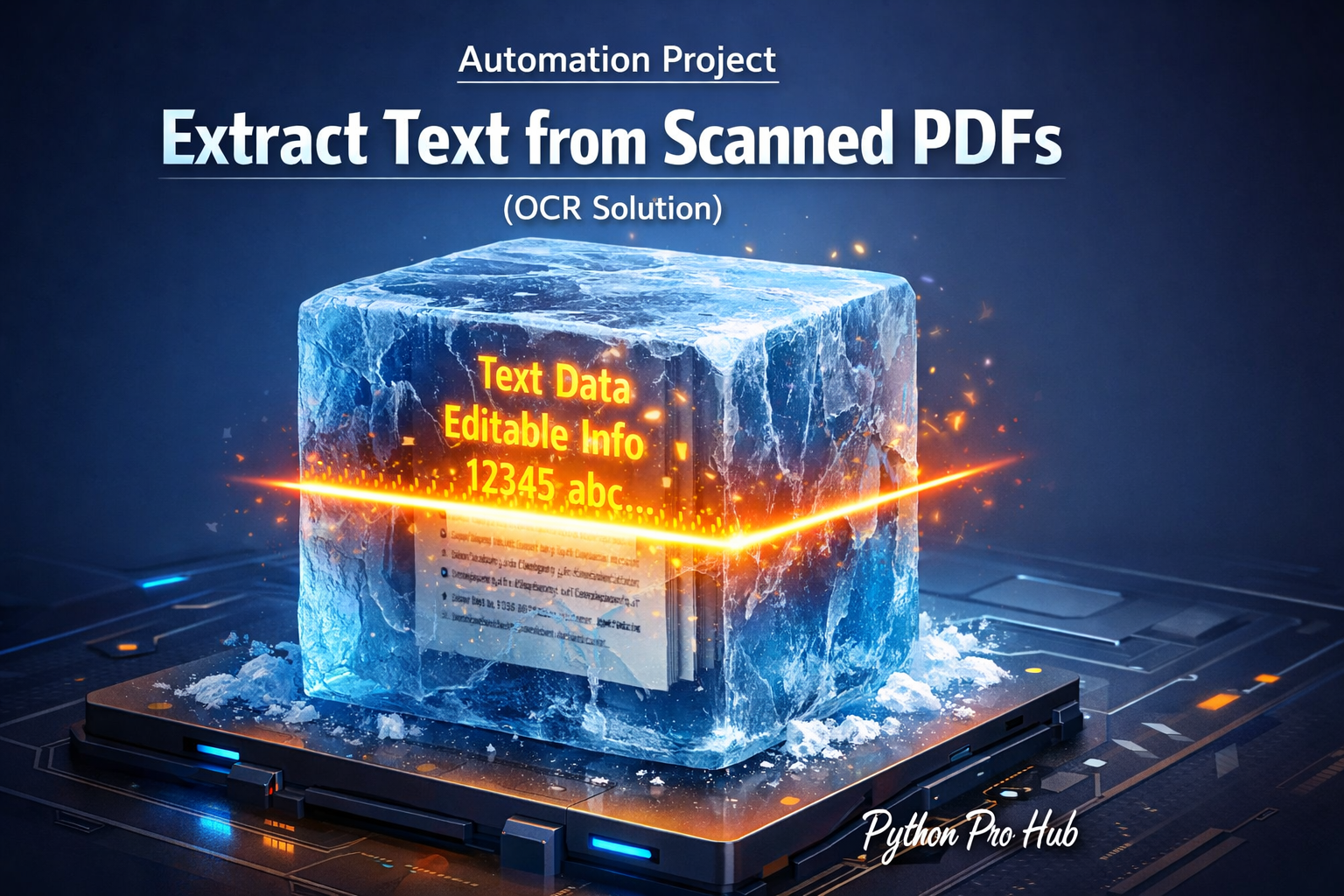
This is a major challenge for many businesses. You have a PDF, but it’s just a picture of text (a scanned document). When faced with this, a Python OCR Scanned PDF solution can help you extract and work with the text more easily. You can’t copy or search it.
We need to perform OCR (Optical Character Recognition) on it. But pytesseract only works on images, not PDFs.
The Strategy:
- Use
pdf2imageto convert each PDF page into a high-quality image. - Use
Pillowto open that image. - Use
pytesseractto “read” the text from that image.
Step 1: Installation
This has a few dependencies.
# 1. Python libraries
pip install pytesseract pillow pdf2image

# 2. Tesseract Engine (if not already installed)
# Mac: brew install tesseract
# Windows: Download the installer!

# 3. Poppler (pdf2image needs this)
# Mac: brew install poppler
# Windows: Download the Poppler binaries and add to your PATH.
Step 2: The Script
import pytesseract
from PIL import Image
from pdf2image import convert_from_path

# 1. Convert PDF to a list of images
# (This can take a few seconds)
print("Converting PDF to images...")
images = convert_from_path('scanned_document.pdf')

full_text = ""

# 2. Loop through each image (page)
for i, img in enumerate(images):
    print(f"Reading page {i+1}...")

    # 3. Use Pytesseract to extract text from the image
    page_text = pytesseract.image_to_string(img)
    full_text += f"\n\n--- PAGE {i+1} ---\n\n"
    full_text += page_text

# 4. Save the final text to a file
with open("output.txt", "w") as f:
    f.write(full_text)

print("Done! Extracted text saved to output.txt")
You’ve just built a powerful tool that digitizes scanned documents, combining three different automation libraries!
Key Takeaways
- Businesses face challenges with scanned PDF documents since they are just images of text and can’t be searched or copied.
- To extract text from these PDFs, use Python OCR Scanned PDF techniques that involve converting each page to an image using pdf2image.
- Next, open the image with Pillow and apply pytesseract to read the extracted text.
- This method digitizes scanned documents by combining three automation libraries efficiently.