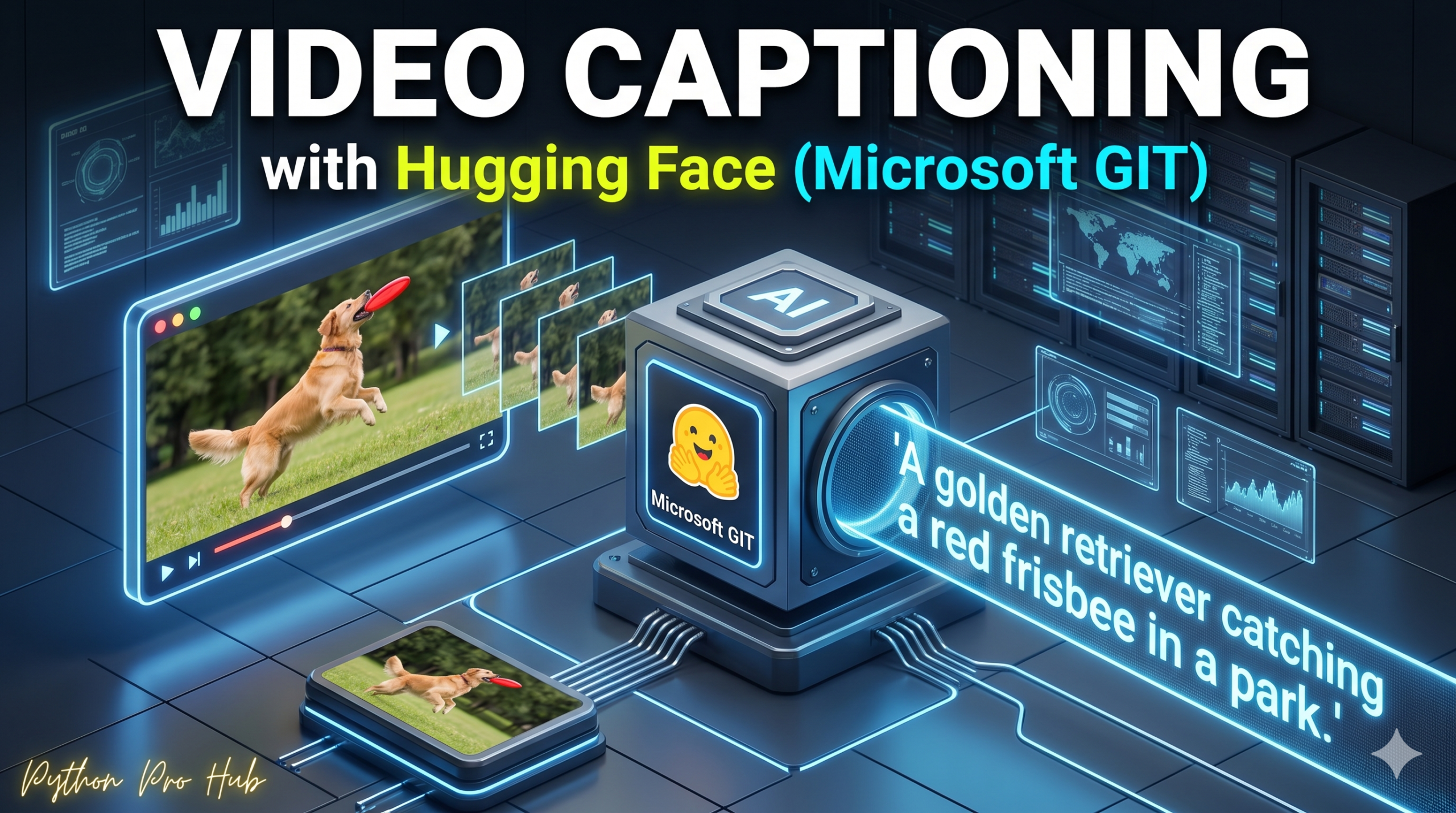
We’ve done Video Classification (detecting “Basketball”). But that’s just a label. Video Captioning generates a full sentence describing the scene, like “A man playing basketball on an outdoor court.”
We will use Microsoft’s GIT (Generative Image-to-text Transformer), a powerful model that works on both images and video.
⚡ Quick Fix: Video Captioning with Microsoft GIT and Hugging Face
AutoModelForCausalLM with microsoft/git-base-vatex generates a full descriptive sentence from a list of evenly sampled video frames. Extract frames with PyAV, pass them to AutoProcessor, and call model.generate() to get the caption.
from transformers import AutoProcessor, AutoModelForCausalLM
import av, numpy as np

processor = AutoProcessor.from_pretrained("microsoft/git-base-vatex")
model = AutoModelForCausalLM.from_pretrained("microsoft/git-base-vatex")

container = av.open("video.mp4")
indices = np.linspace(0, container.streams.video[0].frames - 1, 6).astype(int)
frames = [f.to_image() for i, f in enumerate(container.decode(video=0)) if i in indices]

inputs = processor(images=frames, return_tensors="pt")
ids = model.generate(pixel_values=inputs.pixel_values, max_length=50)
print(processor.batch_decode(ids, skip_special_tokens=True)[0])
Frame count is the variable most developers get wrong first — the full walkthrough below shows exactly how many frames GIT needs to generate an accurate description.
Step 1: Installation
You need av (PyAV) for video processing.
pip install transformers torch av
Step 2: The Code
We manually load the processor and model because there isn’t a simple “video-captioning” pipeline yet.
import av
import numpy as np
from transformers import AutoProcessor, AutoModelForCausalLM
from huggingface_hub import hf_hub_download

# 1. Load Model & Processor
# 'microsoft/git-base-vatex' is fine-tuned for video description
model_name = "microsoft/git-base-vatex"
processor = AutoProcessor.from_pretrained(model_name)
model = AutoModelForCausalLM.from_pretrained(model_name)

# 2. Load Video
# Download a sample video from Hugging Face
video_path = hf_hub_download(repo_id="nielsr/video-demo", filename="eating_spaghetti.mp4", repo_type="dataset")
container = av.open(video_path)

# 3. Extract Frames
# The model needs a list of frames (images) from the video
# We'll grab 6 frames evenly spaced
indices = np.linspace(0, container.streams.video[0].frames - 1, 6).astype(int)
frames = []
for i, frame in enumerate(container.decode(video=0)):
    if i in indices:
        frames.append(frame.to_image())

# 4. Process inputs
# We pass the list of images (frames) to the processor
inputs = processor(images=frames, return_tensors="pt")

# 5. Generate Caption
generated_ids = model.generate(pixel_values=inputs.pixel_values, max_length=50)
caption = processor.batch_decode(generated_ids, skip_special_tokens=True)[0]

print(f"--- Video Description ---")
print(caption)
Step 3: The Result
The model watches the frames and outputs:
--- Video Description ---
a woman sitting at a table eating a plate of spaghetti.
This is incredibly powerful for automated metadata tagging, accessibility (audio descriptions for the blind), or searching through video archives.
Microsoft GIT Generates Natural Language Video Descriptions Without a Captioning Pipeline
Frame count directly controls caption quality — 6 frames covers most short clips, but increase to 8–12 for videos longer than 30 seconds where critical action spans multiple scene changes. np.linspace() distributes frames evenly across the full duration, which works well for continuous action; for videos with distinct segments (interviews cut with b-roll, highlight reels), sample frames at fixed intervals with np.arange() instead so dense action sequences get proportional representation. max_length=50 fits most scene descriptions cleanly — raise it to 80 for complex multi-subject scenes where the model truncates mid-sentence. For accessibility pipelines, pipe the caption output directly to a text-to-speech library like pyttsx3 or the OpenAI TTS API to generate audio descriptions without a manual review step.