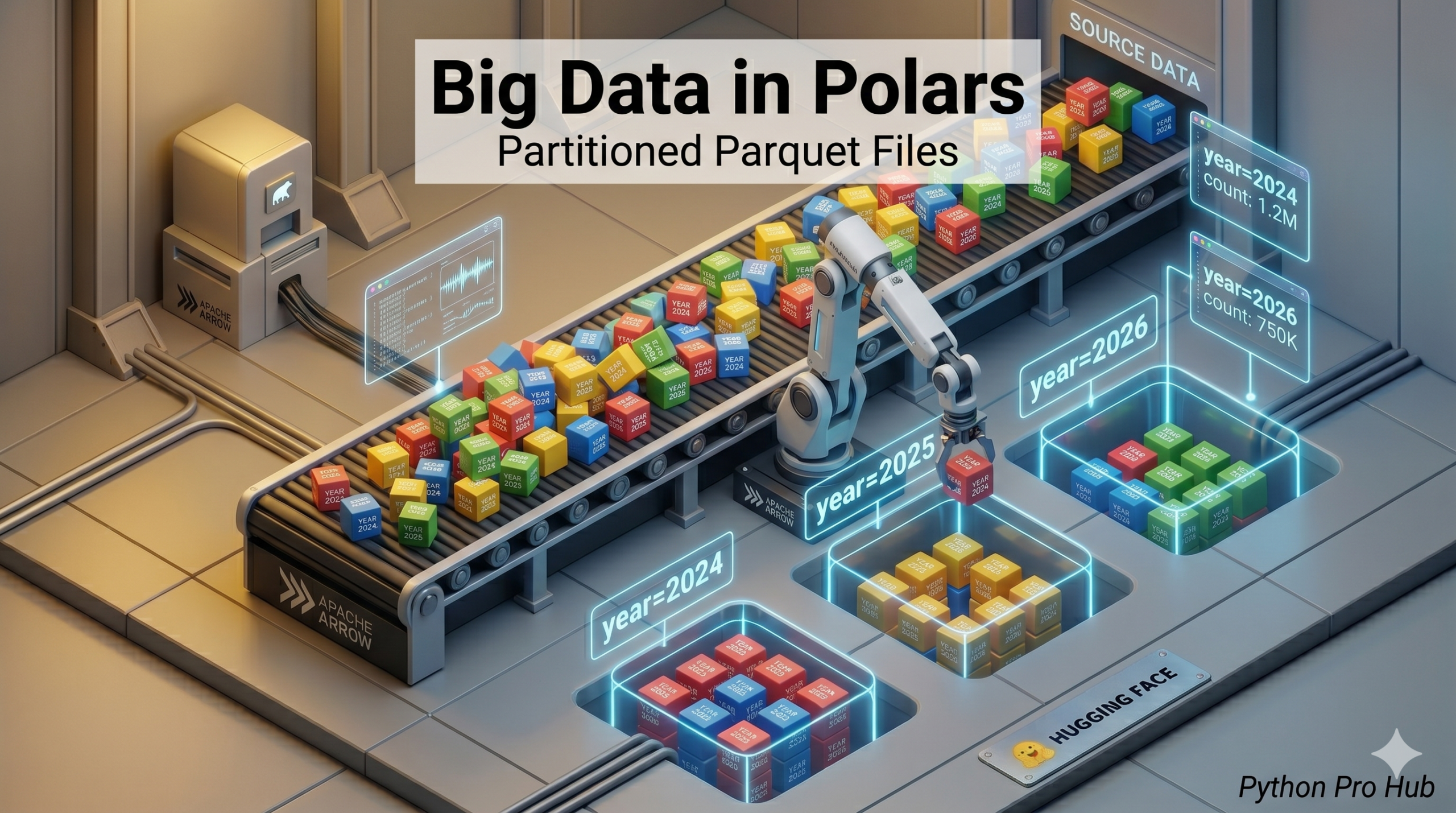
When you have 1TB of data, you don’t save it in one giant file. You split it up. Polars Partitioned Parquet is handling large datasets by dividing them into manageable parts.
Partitioning means saving data into folders based on a column value. Instead of sales.parquet, you have a folder structure like:
/dataset/year=2024/month=01/data.parquet/dataset/year=2024/month=02/data.parquet
Polars loves this structure (called “Hive-style”). It allows Polars to read only the folders it needs, making queries nearly instant.
1. Writing Partitioned Data
Let’s say we have sales data. We want to split it by category.
import polars as pl

df = pl.DataFrame({
    "category": ["Electronics", "Electronics", "Clothing", "Clothing"],
    "product": ["Laptop", "Mouse", "Shirt", "Pants"],
    "price": [1000, 20, 50, 40]
})

# Write to a dataset folder, partitioned by 'category'
df.write_parquet(
    "my_sales_dataset",
    partition_by="category"
)
Result: This creates a folder my_sales_dataset/ with subfolders category=Electronics/ and category=Clothing/.
2. Reading Partitioned Data (scan_parquet)
To read it back, you just point Polars at the root folder. You must use scan_parquet (Lazy API) to take advantage of the speed boost.
# Scan the whole folder
lazy_df = pl.scan_parquet("my_sales_dataset/**/*.parquet")

# Query for just ONE category
query = (
    lazy_df
    .filter(pl.col("category") == "Electronics")
    .collect()
)

print(query)
Why is this fast?
Because of Hive Partitioning, Polars sees your filter category == "Electronics" and only opens the files inside the category=Electronics folder. It completely skips the Clothing folder, saving massive amounts of time and RAM.
Key Takeaways
- Partitioning data involves saving it in a structured folder format based on column values, rather than as a single file.
- Polars works efficiently with this Hive-style folder structure, enabling it to read only necessary folders for faster queries.
- To write partitioned data, create folders like ‘category=Electronics/’ and ‘category=Clothing/’ under a main dataset folder.
- When reading partitioned data, use the ‘scan_parquet’ method in Polars to leverage improved performance.
- Hive Partitioning allows Polars to skip unnecessary folders, significantly reducing time and RAM usage.