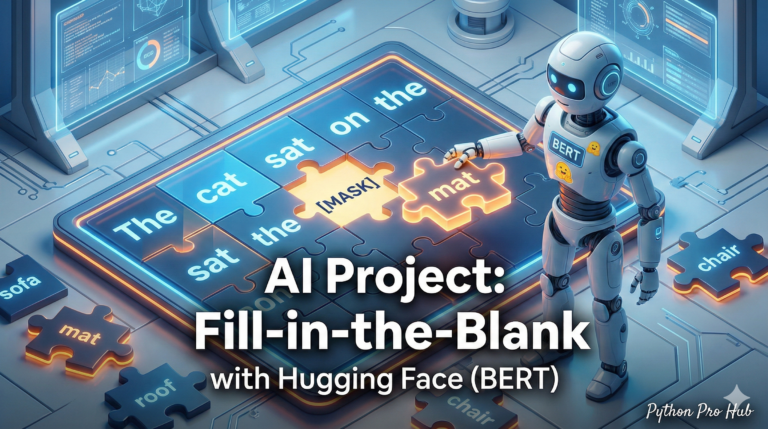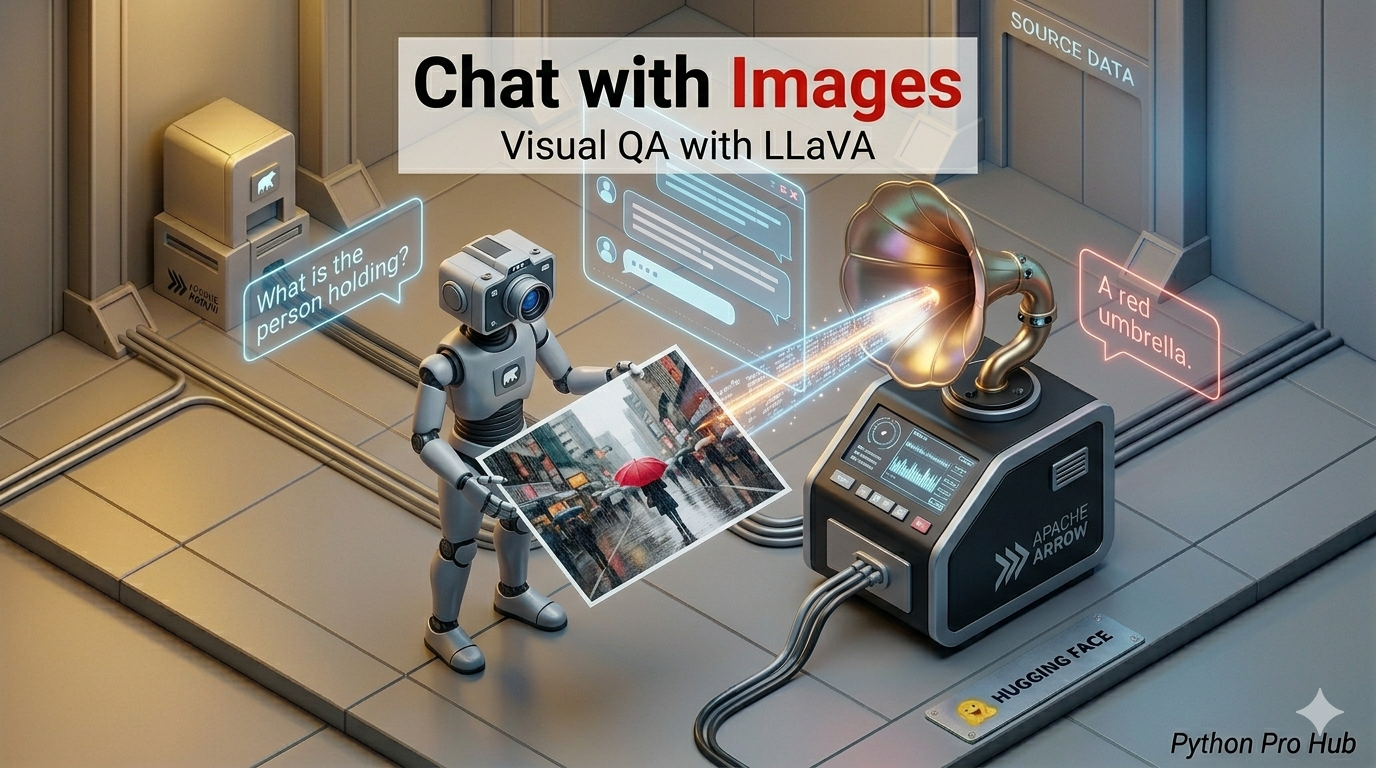
We’ve done Image Captioning (getting a simple description). But what if you want to have a conversation about an image? That’s where Hugging Face LLaVA comes in, making conversations about images more interactive.
- “What kind of car is that?”
- “Write a poem about this sunset.”
- “Extract the JSON data from this screenshot.”
This requires a Multimodal Model (LLM + Vision). The open-source leader is LLaVA (Large Language-and-Vision Assistant).
⚠️ Hardware Warning
This is a large model (7B parameters). You need a GPU with 12GB+ VRAM (like an RTX 3060/4070) or Google Colab (T4 GPU).
Step 1: Installation
We need bitsandbytes to load the model in 4-bit mode (saving memory).
pip install transformers torch pillow bitsandbytes accelerate
Step 2: The Code
We will use the pipeline for “image-to-text”, passing it the LLaVA model.
from transformers import pipeline
from PIL import Image
import requests
import torch

model_id = "llava-hf/llava-1.5-7b-hf"

# 1. Load the pipeline in 4-bit mode (to fit in memory)
pipe = pipeline(
    "image-to-text",
    model=model_id,
    model_kwargs={"quantization_config": {"load_in_4bit": True}}
)

# 2. Load an image
url = "https://huggingface.co/datasets/huggingface/documentation-images/resolve/main/transformers/tasks/car.jpg"
image = Image.open(requests.get(url, stream=True).raw)

# 3. Ask a question!
# You must format the prompt like this: "USER: <image>\n<Question>\nASSISTANT:"
prompt = "USER: <image>\nWhat brand of car is this and what color is it?\nASSISTANT:"

# 4. Run the model
result = pipe(image, prompt=prompt, generate_kwargs={"max_new_tokens": 200})

print(result[0]["generated_text"])
Step 3: The Result
The AI will look at the image and answer:
USER:
What brand of car is this and what color is it?
ASSISTANT: The car in the image is a pink Volkswagen Beetle.
You have just built a “ChatGPT-Vision” competitor running on your own code!
Key Takeaways
- The article discusses how to enable conversation about images using a Multimodal Model.
- LLaVA (Large Language-and-Vision Assistant) is highlighted as the open-source leader in this area.
- To run LLaVA, you need a GPU with 12GB+ VRAM or access to Google Colab.
- Steps include installing bitsandbytes, using a pipeline for image-to-text, and coding the model.
- Finally, you can create your own ‘ChatGPT-Vision’ competitor with the outlined process.