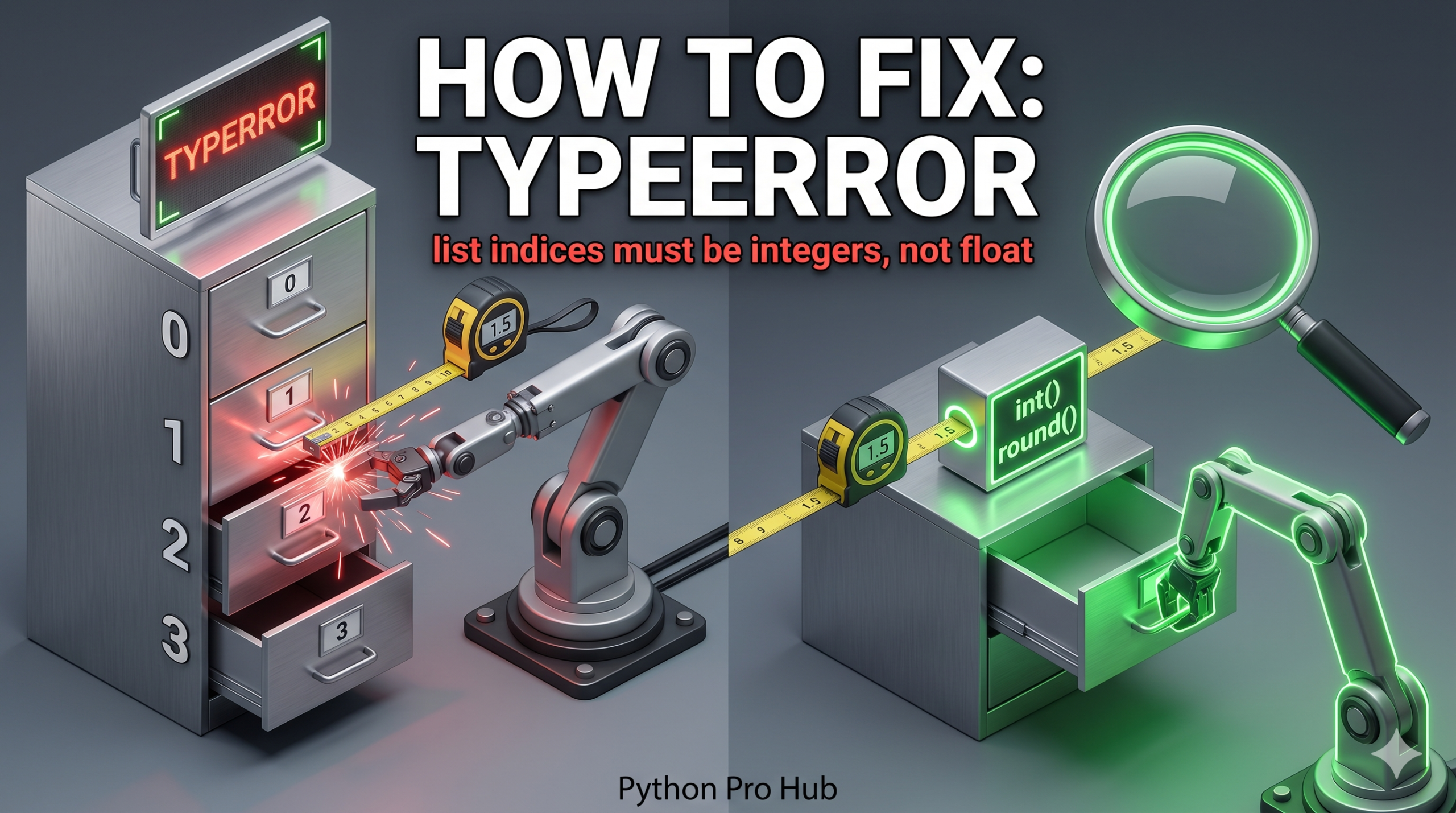
This is a very common error when doing math to find an item in a list. The TypeError list indices float issue usually occurs when a floating-point number is used instead of an integer to index the list.
It means: “You asked for item number 2.0. I only understand item number 2. Please remove the decimal point.”
⚡ Quick Fix: TypeError: list indices must be integers or slices, not float – Python Floor Division vs True Division Index Fix
Python’s / operator always returns a float — use // for floor division or wrap the result in int() before using it as a list index.
my_list = ["a", "b", "c", "d", "e"]
length = len(my_list)  # 5

# Fix 1 — Floor division: returns a true integer, not a float
middle_index = length // 2       # 2
print(my_list[middle_index])     # Output: c

# Fix 2 — Cast to int: strips the decimal from any division result
middle_index = int(length / 2)   # 2
print(my_list[middle_index])     # Output: c

# Fix 3 — Direct cast on any float index before access
index = 2.0
print(my_list[int(index)])       # Output: c
Read through the root causes below, find which one matches your code, and fix it permanently.
The Cause: Division (/)
In Python 3, the single slash division operator / always returns a float, even if the result is a whole number.
4 / 2results in2.0(Float).4 // 2results in2(Integer).
Problem Code:
my_list = ["a", "b", "c", "d", "e"]
length = len(my_list) # 5

# Try to find the middle item
middle_index = length / 2 # 2.5 (Float)

print(my_list[middle_index])
# CRASH! TypeError: list indices must be integers or slices, not float
Even if the length was 4 (4 / 2 = 2.0), it would still crash because 2.0 is a float.
The Fix: Floor Division (//) or int()
You must ensure the index is an integer.
Fix 1: Floor Division (Recommended)
Use the double slash //. This divides and rounds down to the nearest whole integer.
middle_index = length // 2 # 2 (Integer)
print(my_list[middle_index]) # Works!
Fix 2: Cast to Integer
Wrap your calculation in int().
middle_index = int(length / 2)
print(my_list[middle_index]) # Works!
What This Error Exposes About Python 3’s Division Model
TypeError: list indices must be integers or slices, not float is Python’s __getitem__ protocol rejecting a float index before touching the list’s memory. List indexing routes through __getitem__, which accepts only int and slice objects. A float index — even 2.0, which is mathematically equivalent to 2 — carries a different type identity and fails the check immediately. Python does not round, truncate, or coerce implicitly, because silent type coercion in index arithmetic hides bugs that corrupt data pipelines in ways that are extremely difficult to trace.
The Python 3 division model is the root cause in almost every real-world case. Python 2’s / operator performed integer division when both operands were integers — 5 / 2 returned 2. Python 3 changed / to always return a float regardless of operand types, making 5 / 2 return 2.5 and 4 / 2 return 2.0. That change was correct for mathematical accuracy but introduced a breaking change for any code that fed division results directly into list indices. The // floor division operator restores integer output explicitly — 5 // 2 returns 2, 4 // 2 returns 2 — and signals intent clearly to every developer reading the code.
The int() cast is the correct alternative when your index comes from an external source — a database value, an API response, or a configuration file — where the type is not guaranteed. int(2.9) returns 2, not 3 — it truncates toward zero rather than rounding. If your calculation can produce values like 2.9 where rounding up to 3 is the correct behavior, use round() or math.ceil() before the int() cast. Choosing between truncation and rounding is a business logic decision your code must make explicitly — Python’s index system will never make it for you.