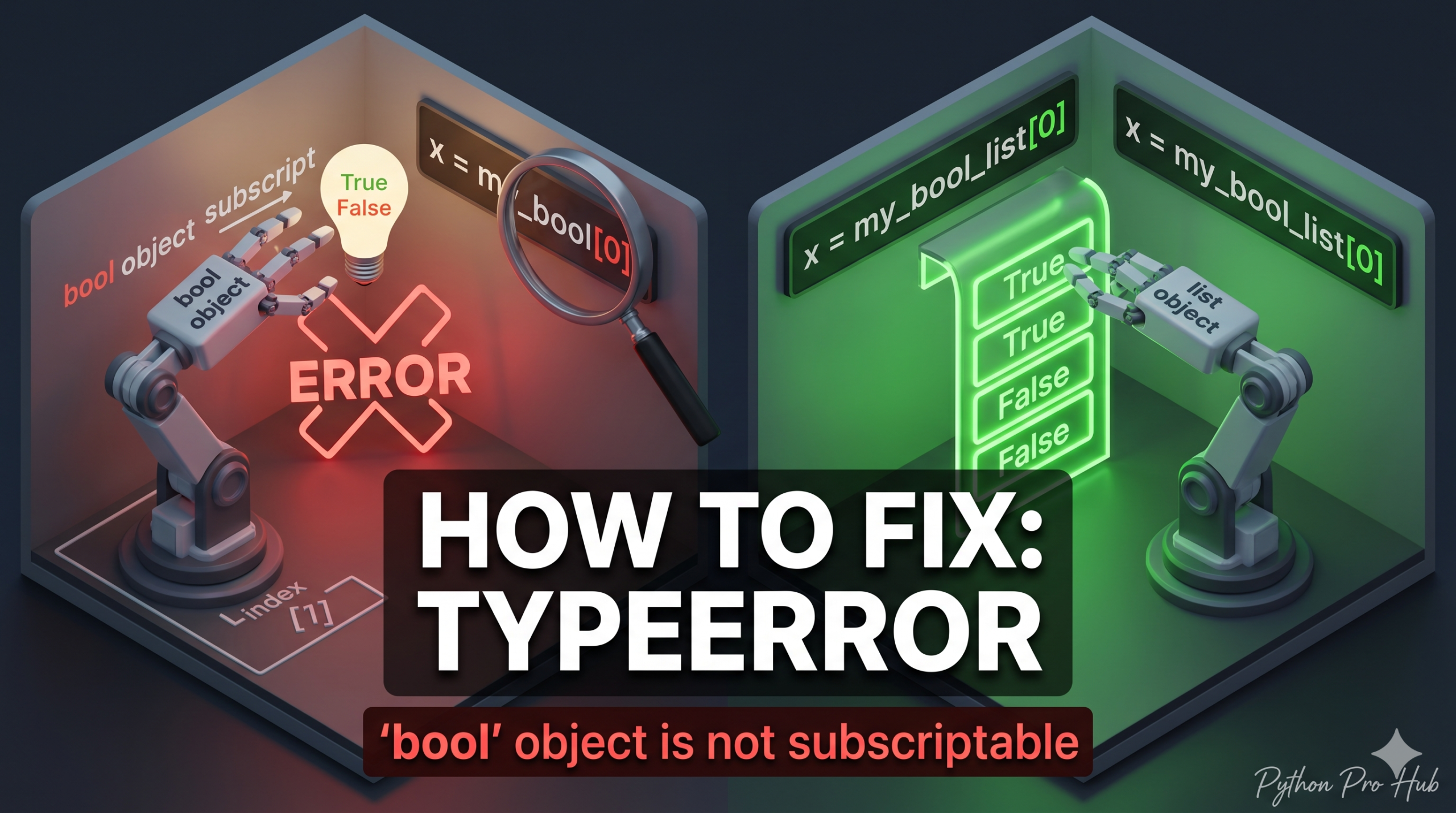
This TypeError bool not subscriptable follows the pattern of int and NoneType errors.
It means: “You are trying to use square brackets [] (to access an index or key), but the variable holds a Boolean (True or False), which doesn’t support that.”
⚡ Quick Fix: TypeError: ‘bool’ object is not subscriptable – Python Boolean Return Value and Type Check Fix
A function returned True or False where you expected a dictionary or list — check the return value before indexing into it.
# Fix 1 — Check the return value before accessing data
user = get_user_data(999)
if not user:
    print("User not found.")
else:
    print(user['name'])  # Safe: confirmed it's a dict

# Fix 2 — Check type explicitly when return type is ambiguous
if isinstance(user, dict):
    print(user['name'])

# Fix 3 — Pandas: use .loc[] for chained filtering
result = df.loc[df['sales'] > 100, 'product']  # Not: df[...][...]
This tells you exactly where your boundary is — now read through the root causes below to find which one broke your code and fix it permanently.
The Cause: Unexpected Return Values
You usually expect a function to return a List or Dictionary, but it returns True or False (often indicating “Success” or “Failure”) instead.
Problem Code:
def get_user_data(user_id):
    # Pretend we connect to a database
    if user_id == 999:
        return False # User not found
    return {"name": "Alice", "id": user_id}

# We try to get a user that doesn't exist
user = get_user_data(999)
# user is now False

# We try to access the name
print(user['name'])
# CRASH! TypeError: 'bool' object is not subscriptable
Python is trying to do False['name'], which is impossible.
The Fix: Check the Type or Value
Always check if the function returned what you expected before trying to access data inside it.
user = get_user_data(999)

if user is False:  # Or 'if not user:'
    print("User not found.")
else:
    # Now we know it's a dictionary
    print(user['name'])
Alternative Cause: Pandas Filtering
In Pandas, this can happen if you mess up your brackets during filtering.
# WRONG
df[df['sales'] > 100]['product']

# If df['sales'] > 100 resolves to a boolean series incorrectly
# in complex logic, you might hit this.
Always verify your variable types with print(type(variable)) if you get stuck!
What This Error Exposes About Python’s Subscript Protocol
TypeError: 'bool' object is not subscriptable is Python’s __getitem__ lookup hitting a dead end on a boolean value. Square bracket access routes through __getitem__ — the protocol implemented by lists, dictionaries, tuples, and strings to handle index and key lookups. Boolean values implement no such protocol because True and False are scalar objects with no internal structure to navigate. False['name'] is not just wrong — it is meaningless at the type level, and Python raises the error before attempting any lookup.
The root cause is almost always an unchecked function return value. Python functions that interact with databases, APIs, or file systems commonly use boolean returns as sentinel values — False for “not found,” True for “success with no payload.” When the calling code assumes a dict or list without verifying the return type, the boolean propagates silently until the first subscript access triggers the crash. The if not user guard closes that gap in one line and makes the failure case explicit.
The isinstance(user, dict) pattern is the stricter alternative for production code where a function might return multiple types — dict, None, False, or an empty list all evaluate as falsy, so if not user cannot distinguish between them. Explicit type checking documents your expectation in the code itself and raises a clear path for each return case. For Pandas filtering, .loc[condition, column] is the correct single-expression pattern — it applies the boolean mask and column selection in one operation through the DataFrame’s internal indexing engine, avoiding the chained [][] syntax that can produce ambiguous boolean series in complex filter conditions.