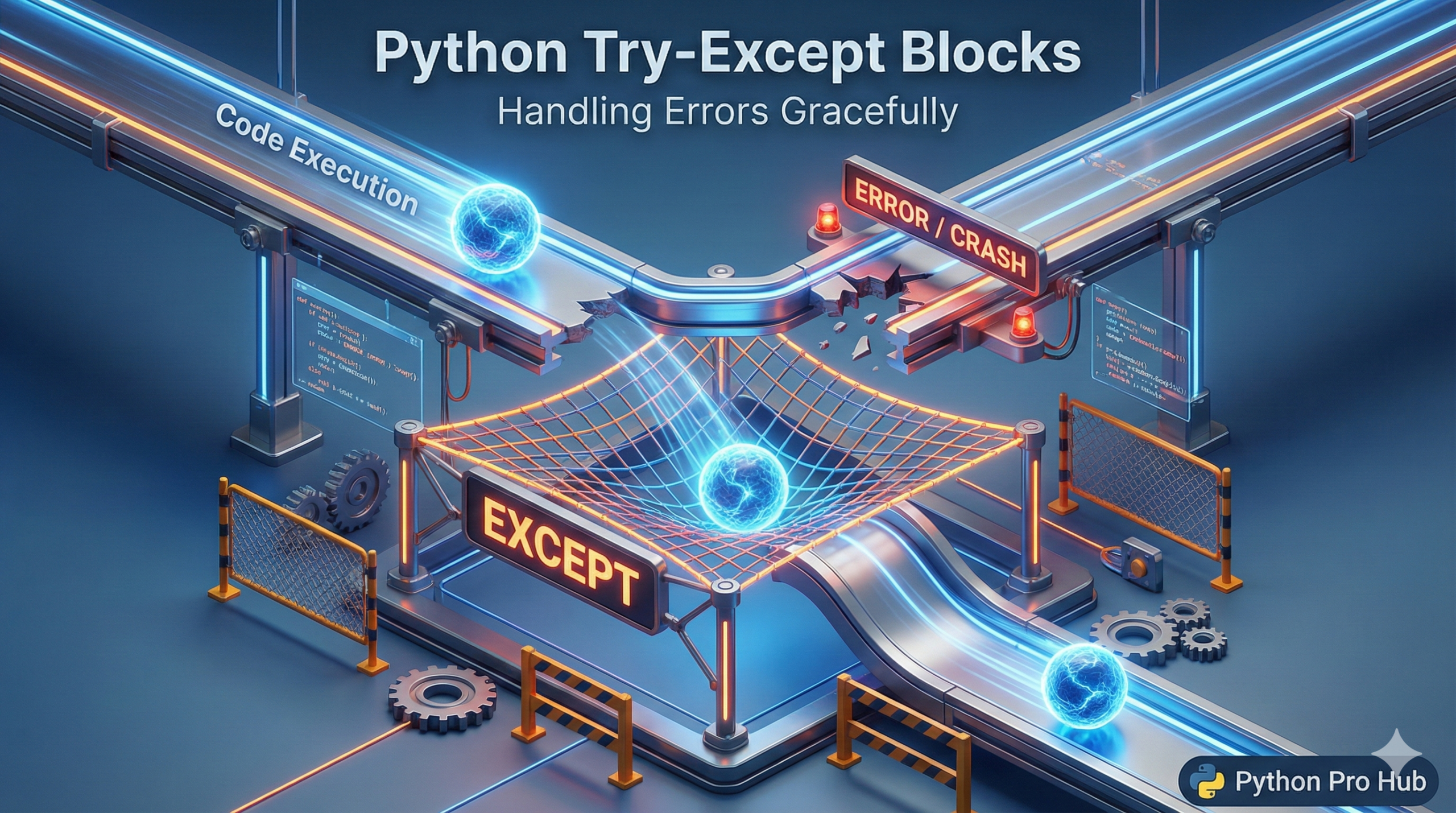
You’ve seen plenty of errors by now: ValueError, TypeError, ZeroDivisionError. In Python, Try Except can be used to handle these errors gracefully. Normally, when these happen, your program crashes immediately.
But what if you don’t want it to crash? What if you want it to say, “Oops, that didn’t work, let’s try something else”? By using Python Try Except, you gain control over potential errors.
That’s what try and except blocks are for. When mastering Python Try Except, understanding the control flow becomes crucial.
⚡ Quick Fix: Python try except Blocks — ValueError, ZeroDivisionError, FileNotFoundError Handling with else and finally
Your program crashes on bad input, missing files, or division by zero because unprotected code hands control back to Python the moment an error fires.
# WRONG — no protection, crashes on bad input
number = int(input("Enter a number: "))   # crashes if user types "hello"

# RIGHT — wrap dangerous code in try, handle the specific error in except
try:
    number = int(input("Enter a number: "))
    print(f"You entered: {number}")
except ValueError:
    print("Not a number. Defaulting to 0.")
    number = 0

# RIGHT — catch multiple specific errors
try:
    result = 10 / int(input("Divide by: "))
except ValueError:
    print("Enter a valid number.")
except ZeroDivisionError:
    print("Can't divide by zero.")
finally:
    print("Done.")    # runs no matter what
The else and finally blocks below show you how to build bulletproof error handling for user input, file reads, and web requests.
The Basic Structure
You wrap the “dangerous” code (code that might fail) in a try block. You put the backup plan in the except block.
try:
    # Dangerous code
    number = int(input("Enter a number: "))
    print(f"You entered: {number}")
except ValueError:
    # Backup plan if they typed text instead of a number
    print("That was NOT a number! Setting default to 0.")
    number = 0
If you run this and type “hello”, it won’t crash with a scary red error message. It will just print your nice backup message.
Catching Specific Errors
You should always specify which error you want to catch. Python Try Except allows you to tailor reactions to specific error types.
try:
    num1 = 10
    num2 = int(input("Divide 10 by what? "))
    result = num1 / num2
    print(f"Result is: {result}")

except ValueError:
    print("Please enter a valid NUMBER.")
except ZeroDivisionError:
    print("You can't divide by zero! Nice try.")
except Exception as e:
    # This catches ANY other unexpected error
    print(f"Something else went wrong: {e}")
The else and finally Blocks
else: Runs only if NO error happened in thetryblock.finally: Runs NO MATTER WHAT (even if it crashes). Great for cleanup tasks like closing files.
try:
    f = open("data.txt", "r")
except FileNotFoundError:
    print("Could not find file.")
else:
    print("File opened successfully!")
    content = f.read()
    f.close()
finally:
    print("Execution complete.")
Summary
Use try/except when dealing with things outside your control: user input, file reading, or web requests. It’s the difference between a fragile script and a professional application. Incorporating Python Try Except is essential to crafting resilient software.
Python try except in Production — The Four Rules That Separate Fragile Scripts from Real Applications
try/except is not a debugging tool. It handles situations your code cannot control: user input, file reads, network requests, and database calls.
Follow these four rules every time you write a try block.
Catch specific errors, not bare except. A bare except: catches everything including keyboard interrupts and system exits — errors your program should never swallow silently. Name the exact error: ValueError, FileNotFoundError, ZeroDivisionError.
Keep the try block small. Wrap only the one line that can fail, not a dozen lines of logic. A bloated try block hides bugs and makes debugging harder.
Use finally for cleanup. Close files, release database connections, and shut down network sockets in finally — it runs whether the try succeeded or crashed.
Use else for success logic. Code in the else block runs only when try completes without an error. Put your success-path logic there, not inside the try block itself.
Apply try/except to these three places first: any int(input()) call, any open() file operation, and any external API or database query. Those three cover 80% of real-world crashes in Python applications.