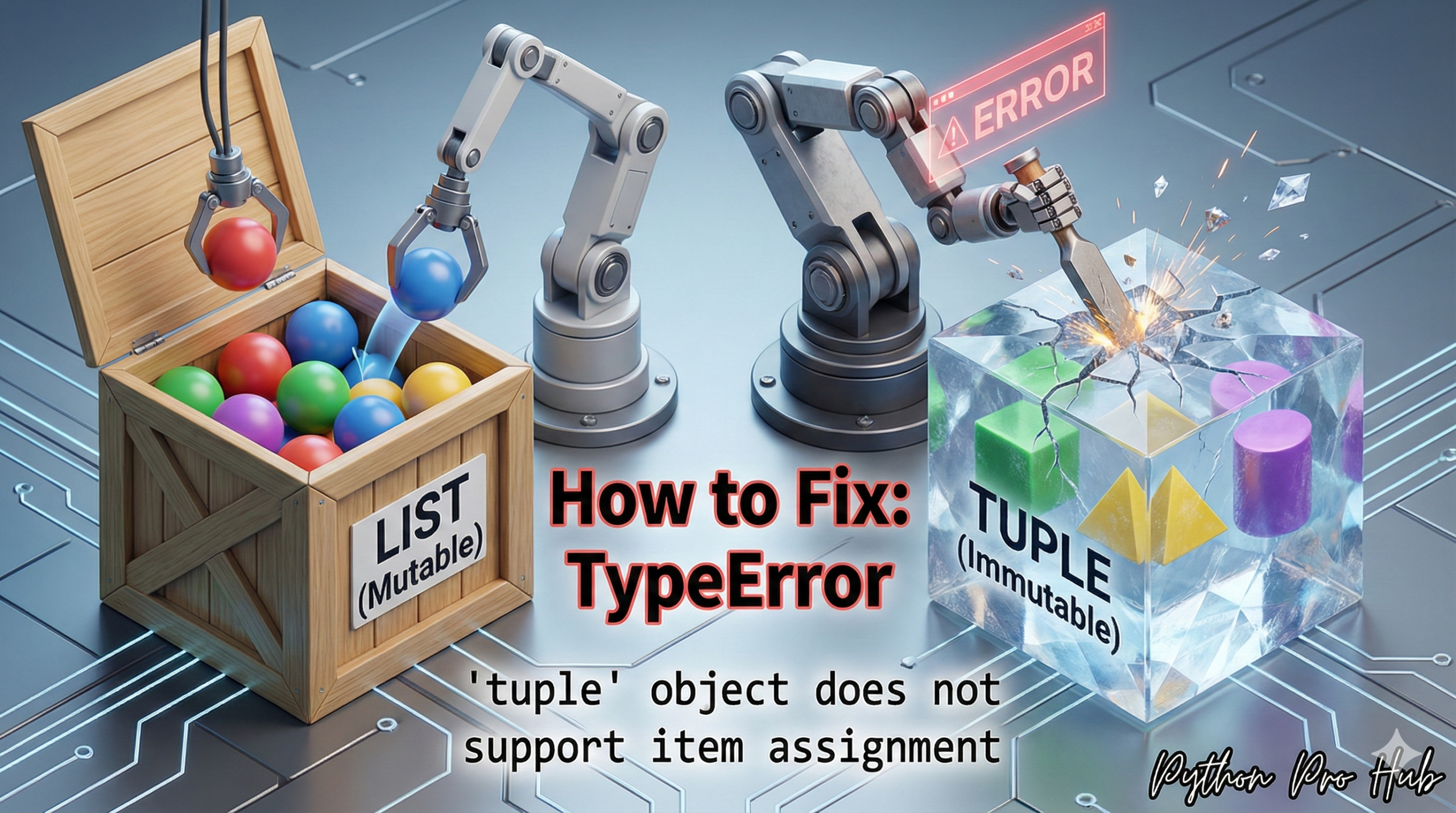
This error is the “twin” of the AttributeError: ‘tuple’ object has no attribute ‘append’. The TypeError tuple item assignment Is a fundamental rule of Python: Tuples cannot have their items reassigned because they are Immutable.
“Immutable” means “cannot be changed after creation.”
⚡ Quick Fix: TypeError: ‘tuple’ object does not support item assignment — Python list() Conversion Fix and Tuple Immutability Rule for Index-Based Modification
You assigned a value to a tuple index — tuples are immutable, every item locks in at creation, and no index assignment ever works on them.
# WRONG — tuples block index assignment unconditionally
my_tuple = ("Alice", 25, "Engineer")
my_tuple[1] = 30              # TypeError: 'tuple' object does not support item assignment

# WRONG — accidental tuple from parentheses around a single value
my_data = ("Alice",)          # trailing comma = tuple, not a grouped expression
my_data[0] = "Bob"            # TypeError fires here

# FIX 1 — use a list if the data needs to change (right tool for mutable data)
my_list = ["Alice", 25, "Engineer"]
my_list[1] = 30               # works — lists support item assignment
print(my_list)                # Output: ['Alice', 30, 'Engineer']

# FIX 2 — convert tuple → list → modify → convert back (when tuple is required)
my_tuple = ("Alice", 25, "Engineer")
temp = list(my_tuple)
temp[1] = 30
my_tuple = tuple(temp)
print(my_tuple)               # Output: ('Alice', 30, 'Engineer')

# FIX 3 — slicing: build a new tuple without converting to list
my_tuple = my_tuple[:1] + (30,) + my_tuple[2:]
print(my_tuple)               # Output: ('Alice', 30, 'Engineer')
The breakdown below explains why tuples are immutable by design — and the one scenario where the convert-and-convert-back pattern is the correct production choice.
The Cause
You are trying to change a value inside a tuple () using its index.
Problem Code:
my_tuple = ("Alice", 25, "Engineer")

# Let's try to change the age
my_tuple[1] = 30
# CRASH! TypeError: 'tuple' object does not support item assignment
The Fix: Use a List (or Convert It)
Fix 1: Did you mean to use a List?
99% of the time, this error means you should have used a list [] (which is mutable) in the first place.
# This is probably what you wanted
my_list = ["Alice", 25, "Engineer"]
my_list[1] = 30 # This works!
Fix 2: Convert, Change, Convert Back
If you must start with a tuple and end with a tuple, you have to convert it.
my_tuple = ("Alice", 25, "Engineer")

# 1. Convert to a list
temp_list = list(my_tuple)

# 2. Make your change
temp_list[1] = 30

# 3. Convert back to a tuple
my_tuple = tuple(temp_list)

print(my_tuple)
# Output: ('Alice', 30, 'Engineer')
This rule is a feature, not a bug. It allows Python to use tuples as safe, “unchangeable” keys in a dictionary.
TypeError: ‘tuple’ object does not support item assignment — Immutability, Three Fix Patterns, and When Each Applies
TypeError: ‘tuple’ object does not support item assignment enforces Python’s immutability contract. A tuple created as (“Alice”, 25, “Engineer”) stays exactly that — no index swap, no in-place update, no appending — for its entire lifetime.
Three fix patterns exist. Pick based on what your code actually needs.
Switch to a list when the data changes over time. A collection of scores being built up in a loop, a queue of pending tasks, a result set being filtered — these belong in a list. The fix is at the point of creation: change () to []. Lists support every mutation operation tuples block: index assignment, .append(), .insert(), .remove(), .sort().
Convert tuple → list → modify → tuple when you receive a tuple from an external source and must return a tuple. Database drivers, CSV readers with named tuples, and some API clients return tuples directly. Convert with list(), apply the change, convert back with tuple(). Keep this pattern for the boundary between external data and your internal logic.
Use tuple slicing when you want a new tuple without the list round-trip. my_tuple[:i] + (new_value,) + my_tuple[i+1:] replaces the item at index i in one expression. No mutation, no conversion, no intermediate list. This is the fastest approach for single-item replacement in a small tuple.
The design reason worth knowing: immutability makes tuples hashable. A tuple works as a dictionary key or a set member — a list never can. When you store (latitude, longitude) as a dict key or cache (user_id, session_id) in a set, you rely on tuple immutability. That constraint is not a limitation — it’s the feature that makes those patterns possible.
coordinates = {(40.7128, -74.0060): “New York”, (51.5074, -0.1278): “London”}
print(coordinates[(40.7128, -74.0060)]) # Output: New York