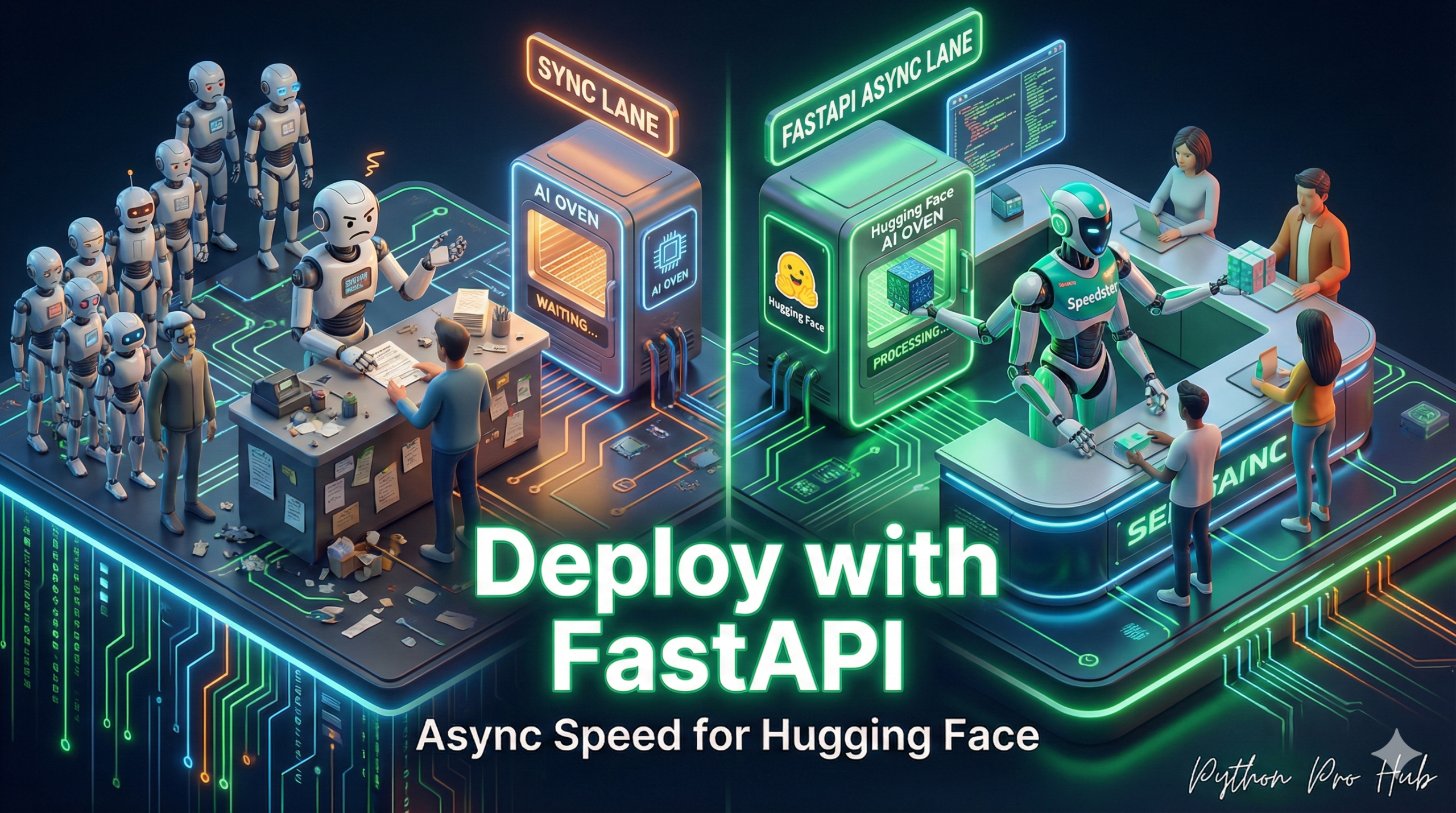
In our previous Flask project, we built an AI server. But it has a huge flaw: Flask is synchronous. If one user sends a request that takes 2 seconds, all other users must wait for it to finish.
The “2026 Vision” solution is FastAPI + asyncio. FastAPI is a modern web framework built for speed. It’s asynchronous, meaning it can handle thousands of requests at once.
The Problem: AI Models are “Blocking”
A Hugging Face pipeline is “blocking”—it uses the CPU/GPU and blocks the whole program. If we call it directly in FastAPI, we’re still blocking.
The Solution: asyncio.to_thread
We tell FastAPI: “This AI function is slow. Run it in a separate thread so you (FastAPI) can go back to handling other requests while it works.”
Step 1: Installation
pip install "fastapi[all]" uvicorn transformers torch
Step 2: The High-Performance Server (app.py)
from fastapi import FastAPI
from pydantic import BaseModel
from transformers import pipeline
import asyncio

# --- 1. Load Model at Startup ---
# This is done ONCE, not per-request
print("Loading AI model...")
classifier = pipeline("sentiment-analysis")
print("Model loaded!")

# --- 2. Create FastAPI App ---
app = FastAPI()

# --- 3. Define the input data model ---
class TextIn(BaseModel):
    text: str

# --- 4. Define the ASYNC endpoint ---
@app.post("/analyze")
async def analyze(item: TextIn):
    # This is the "blocking" function we need to run
    def run_model():
        return classifier(item.text)

    # 5. Run the blocking model in a separate thread
    # and "await" the result. This frees up the server.
    print("Request received. Handing to model thread...")
    result = await asyncio.to_thread(run_model)
    print("Model finished. Sending result.")

    return result[0]

# 6. (Optional) A simple "hello" route
@app.get("/")
async def root():
    return {"message": "AI Server is running"}
Step 3: Run the Server
Save this as app.py and run it from your terminal:
uvicorn app:app --reload
Your server is now running at http://127.0.0.1:8000 and can handle many concurrent AI requests without freezing.
Key Takeaways
- Flask is synchronous, which creates a bottleneck as it forces all users to wait for long requests to finish.
- The proposed solution is Hugging Face FastAPI combined with asyncio, allowing for handling multiple requests simultaneously.
- AI models can block the program, so using asyncio.to_thread helps run slow AI functions in separate threads.
- Users can set up a high-performance server by saving the configuration in app.py and running it via terminal.
- The server can now handle numerous concurrent AI requests without freezing, improving user experience.