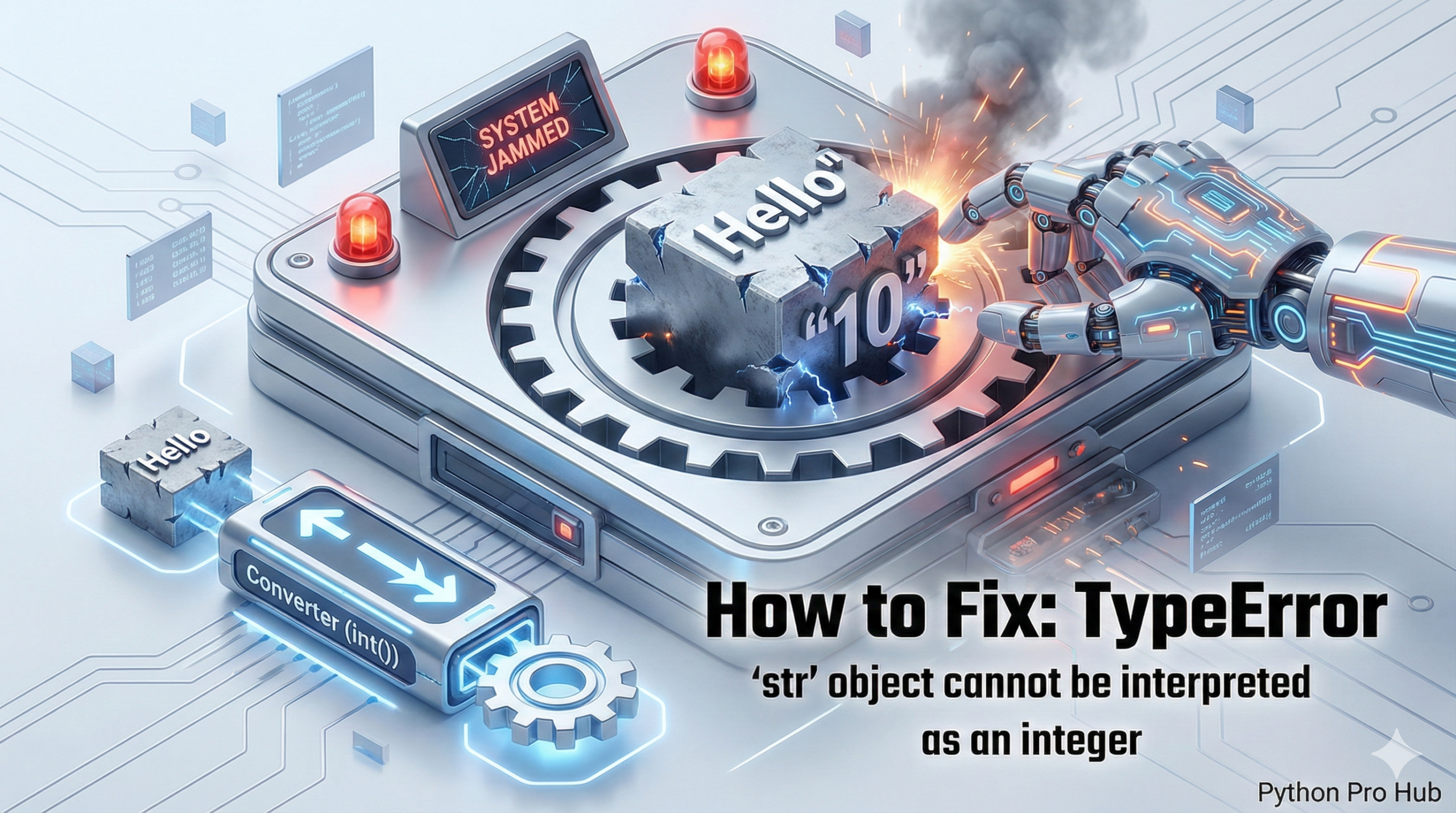
This is a very specific TypeError that almost always happens in one place: the range() function. If you’ve seen the message “TypeError str object integer”, you’re probably wondering how to fix it.
It means: “You gave me a string (like “5”), but I need a real number (like 5) to know how many times to loop.”
⚡ Quick Fix: TypeError: ‘str’ object cannot be interpreted as an integer — Python range() and input() Fix with int() Conversion and try/except ValueError
You passed a string to range() — range() only accepts integers, and input() always returns a string regardless of what the user typed.
# WRONG — input() returns the string "10", not the integer 10
num_times = input("How many times? ")   # user types 10 — num_times is "10"
for i in range(num_times):              # TypeError: 'str' object cannot be interpreted as an integer
    print("Hello!")

# WRONG — same error fires when a string from a CSV or API feeds range()
count = "5"                             # string from external data source
for i in range(count):                  # TypeError fires here
    print(i)

# RIGHT — convert with int() before passing to range()
num_times = int(input("How many times? "))
for i in range(num_times):
    print("Hello!")

# RIGHT — production pattern: wrap int() in try/except for any user input
try:
    num_times = int(input("How many times? "))
    for i in range(num_times):
        print("Hello!")
except ValueError:
    print("Enter a whole number.")
The breakdown below covers the input() source and the external data source — the two places this string reaches range() without being converted.
The Cause
The range() function only accepts integers. This error is most common when you get a number from input(), which always gives you a string.
Problem Code:
num_times = input("How many times should I loop? ") # User types '10'

# 'num_times' is the STRING "10", not the NUMBER 10
for i in range(num_times):
    print("Hello!")
# CRASH! TypeError: 'str' object cannot be interpreted as an integer
The Fix: Convert to int()
You must explicitly convert the string to an integer before you pass it to range().
num_times_str = input("How many times should I loop? ")

try:
    num_times_int = int(num_times_str) # Convert "10" to 10

    for i in range(num_times_int):
        print("Hello!")

except ValueError:
    print("That was not a valid number!")
By wrapping the conversion in a try/except block, you also safely handle cases where the user types “hello” instead of a number.
TypeError: ‘str’ object cannot be interpreted as an integer — The range() Contract and Every Source That Breaks It
TypeError: ‘str’ object cannot be interpreted as an integer enforces one contract: range() accepts only integers. It takes no floats, no strings, no None. Any other type fires this error immediately.
Three sources deliver strings where range() expects integers.
input() — every time. input() returns a string unconditionally. The user types 10 and you receive “10”. Wrap every input() call that feeds range(), list indexing, or any arithmetic with int() at the point of assignment. Never let a raw input() result reach range() without conversion.
External data: CSV files, JSON responses, database query results, environment variables. Python reads all of these as strings by default. A CSV column named “count” with value “5” is the string “5” until you explicitly call int(). Add the conversion at the point where you load the data — not three lines later when range() crashes on it.
Concatenated or formatted strings. num = “1” + “0” produces “10” as a string, not the integer 10. String arithmetic builds strings. Integer arithmetic builds numbers. Keep the types separate and convert before range().
The five functions that require integers and fire this error on strings: range(), round(), int.bit_length(), random.randint(), and list/string slicing with a variable step. Apply int() conversion before every call to these functions when the source is user input or external data.
The one pattern that handles every case cleanly
def get_int_input(prompt: str) -> int:
while True:
try:
return int(input(prompt))
except ValueError:
print(“Enter a whole number — no letters, no decimals.”)
count = get_int_input(“How many times? “)
for i in range(count):
print(f”Loop {i + 1}”)