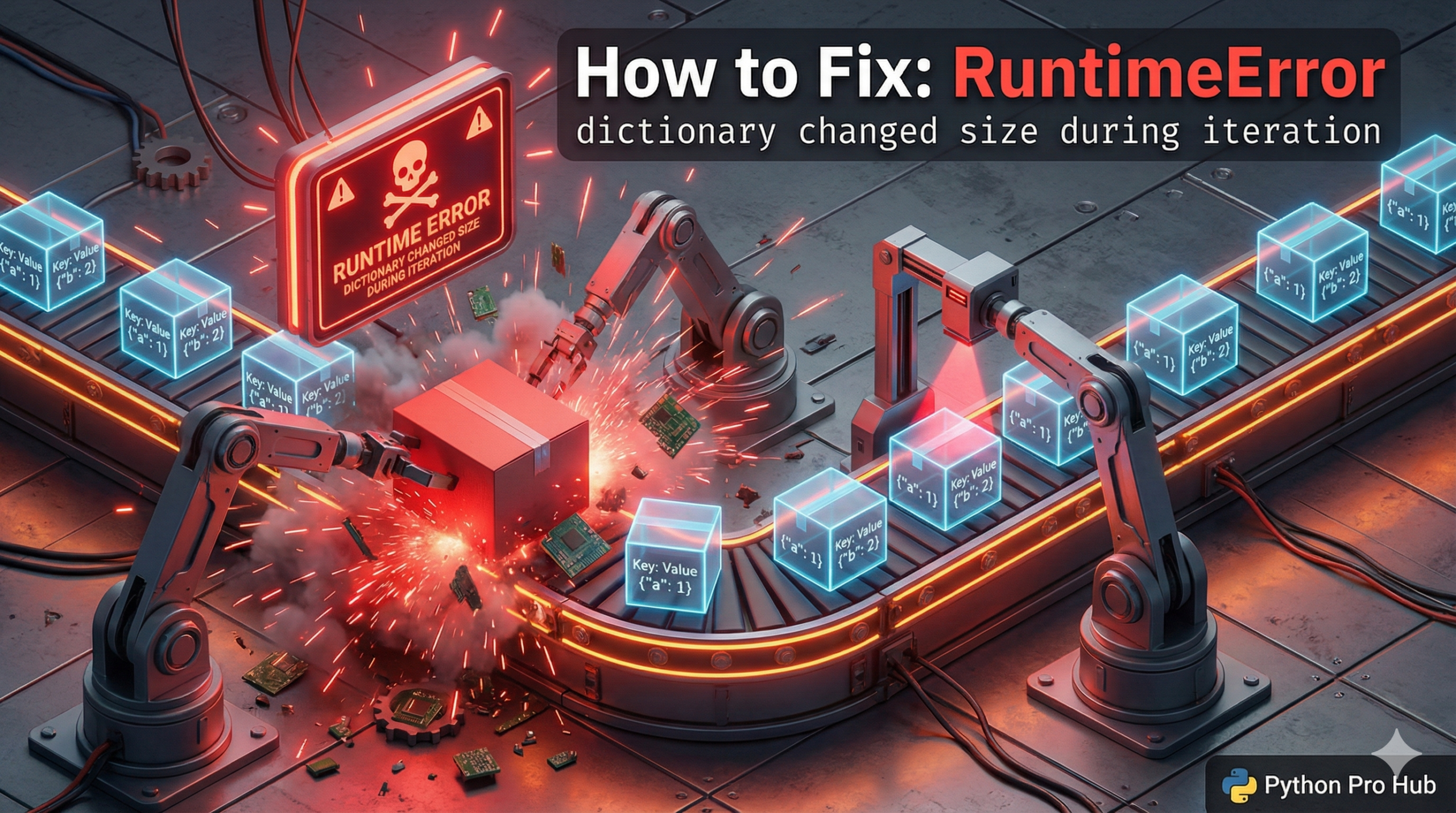
Imagine you have a list of tasks, and you’re crossing them off one by one. If someone suddenly ripped half the page out while you were reading it, you’d get confused. That’s exactly what happens to Python here, resulting in a RuntimeError because the dictionary changed size during iteration.
⚡ Quick Fix: RuntimeError: dictionary changed size during iteration — Python list(dict.keys()) and Dictionary Comprehension Fix
You deleted or added a key inside a for loop that iterates the same dictionary — Python’s iterator lost its footing mid-loop and crashed.
# WRONG — deleting from a dict while iterating it directly
scores = {"Alice": 50, "Bob": 85, "Charlie": 40}
for student, score in scores.items():
    if score < 60:
        del scores[student]    # RuntimeError: dictionary changed size during iteration

# FIX 1 — iterate a static copy with list(), delete from the original
for student in list(scores.keys()):
    if scores[student] < 60:
        del scores[student]    # safe — you loop the list, modify the dict
print(scores)                  # Output: {'Bob': 85}

# FIX 2 — dict comprehension: build a new dict, skip the unwanted keys (cleanest)
scores = {k: v for k, v in scores.items() if v >= 60}
print(scores)                  # Output: {'Bob': 85}
The breakdown below explains why Python’s iterator crashes on a live dict and when to pick list() over a comprehension.
The Cause
You are looping through a dictionary and trying to add or delete keys inside that same loop.
Problem Code:
scores = {"Alice": 50, "Bob": 85, "Charlie": 40}
for student, score in scores.items():
    if score < 60:
        # CRASH! You can't delete 'Alice' while you are currently looking at 'Alice'
        del scores[student]
The Fix: Iterate Over a Copy
You need to loop over a static list of the keys, not the live dictionary itself. You can get a static list by converting .keys() or .items() to a list(). This prevents encountering the RuntimeError dictionary changed size.
scores = {"Alice": 50, "Bob": 85, "Charlie": 40}
# Create a separate LIST of keys to loop over
# list(scores.keys()) creates ['Alice', 'Bob', 'Charlie']
for student in list(scores.keys()):
    if scores[student] < 60:
        del scores[student]  # This is now safe!
print(scores)
# Output: {'Bob': 85}
Now, you are reading from the static list, but deleting from the actual dictionary. No confusion and no more RuntimeError surprises!
RuntimeError: dictionary changed size during iteration — The Rule and the Two Fixes That Prevent It
RuntimeError: dictionary changed size during iteration enforces one rule: never add or remove keys from a dictionary while a for loop iterates it directly.
Python’s dictionary iterator tracks the current position by size. Delete a key mid-loop and the size changes. Python detects the mismatch immediately and raises RuntimeError — it will not silently skip the deleted key or guess where to continue.
Two fixes exist. Pick based on what your code needs to do after the loop.
Use list(scores.keys()) when you need the original dictionary modified in place — other parts of your code hold a reference to the same dict object and expect it updated. list() snapshots the keys before the loop starts. The loop reads the snapshot, the deletions hit the live dict, no iterator conflict.
Use a dict comprehension when you want a clean filtered result and don’t need in-place modification. {k: v for k, v in scores.items() if v >= 60} builds a new dictionary in one line, leaves the original untouched, and runs faster than the delete loop on large datasets.
The same rule applies to lists and sets. Never append to or remove from a list inside a for loop that iterates the same list. Use list(my_list) to iterate a copy, or build a new list with a list comprehension. Python enforces the same iterator safety contract across all mutable collections.