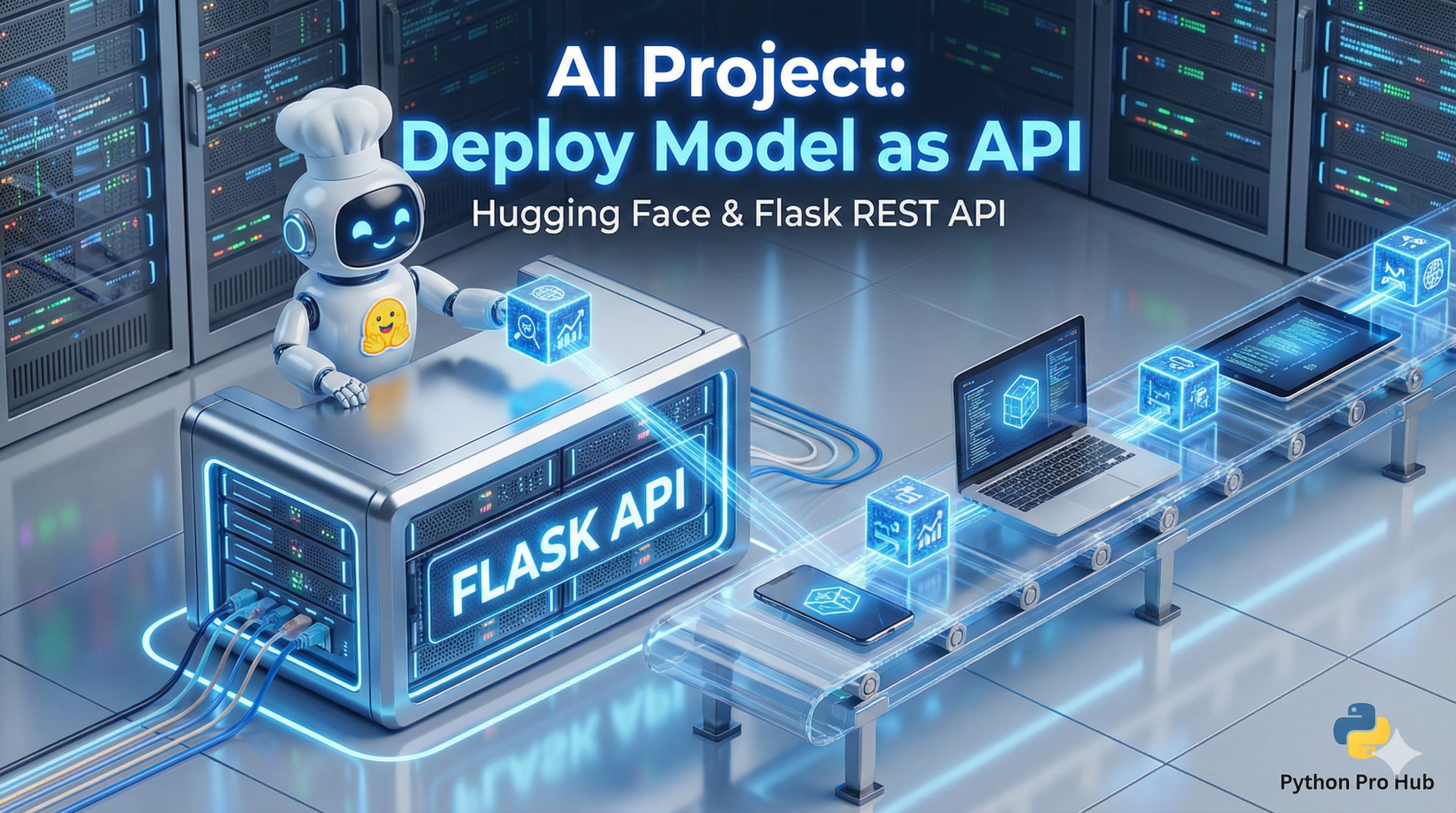
You’ve built amazing AI models with Hugging Face, but they’re stuck in your script. Want to know how to deploy Hugging Face API so other applications (like a website or a mobile app) can use them?
wrap them in an API. We’ll use Flask to create a simple web server that runs your AI model.
Step 1: Install Libraries
pip install flask transformers torch
Step 2: The Flask Server (app.py)
This script will:
- Load the AI model (only once, when the server starts).
- Create a Flask “route” (a URL) that can accept
POSTrequests. - Run the model on the data sent to it and return the result as JSON.
from flask import Flask, request, jsonify
from transformers import pipeline

# 1. Initialize the Flask app
app = Flask(__name__)

# 2. Load the AI model ONCE at startup
# We'll use the sentiment analyzer
print("Loading AI model...")
classifier = pipeline("sentiment-analysis")
print("Model loaded!")

# 3. Define the API endpoint
@app.route("/analyze", methods=['POST'])
def analyze_text():
    # 4. Get the JSON data from the request
    data = request.json
    if not data or 'text' not in data:
        return jsonify({"error": "Missing 'text' key"}), 400

    text_to_analyze = data['text']

    # 5. Run the model and return the result
    result = classifier(text_to_analyze)
    return jsonify(result)

# 6. Run the app
if __name__ == "__main__":
    app.run(debug=True, port=5000)
Step 3: Run It and Test It
- Run your script:
python app.py - Your server is now running at
http://127.0.0.1:5000. - You can’t test this in a browser (it’s a
POSTrequest). Use a tool like Insomnia/Postman or another Python script to send it data!
You now have a real, working AI microservice.
Key Takeaways
- To deploy your Hugging Face AI models, wrap them in an API using Flask.
- First, install the necessary libraries for your project.
- Create a Flask server with a route that accepts POST requests and runs the AI model.
- After running the server with python app.py, test the API using tools like Insomnia or Postman.
- You will successfully create a working AI microservice.