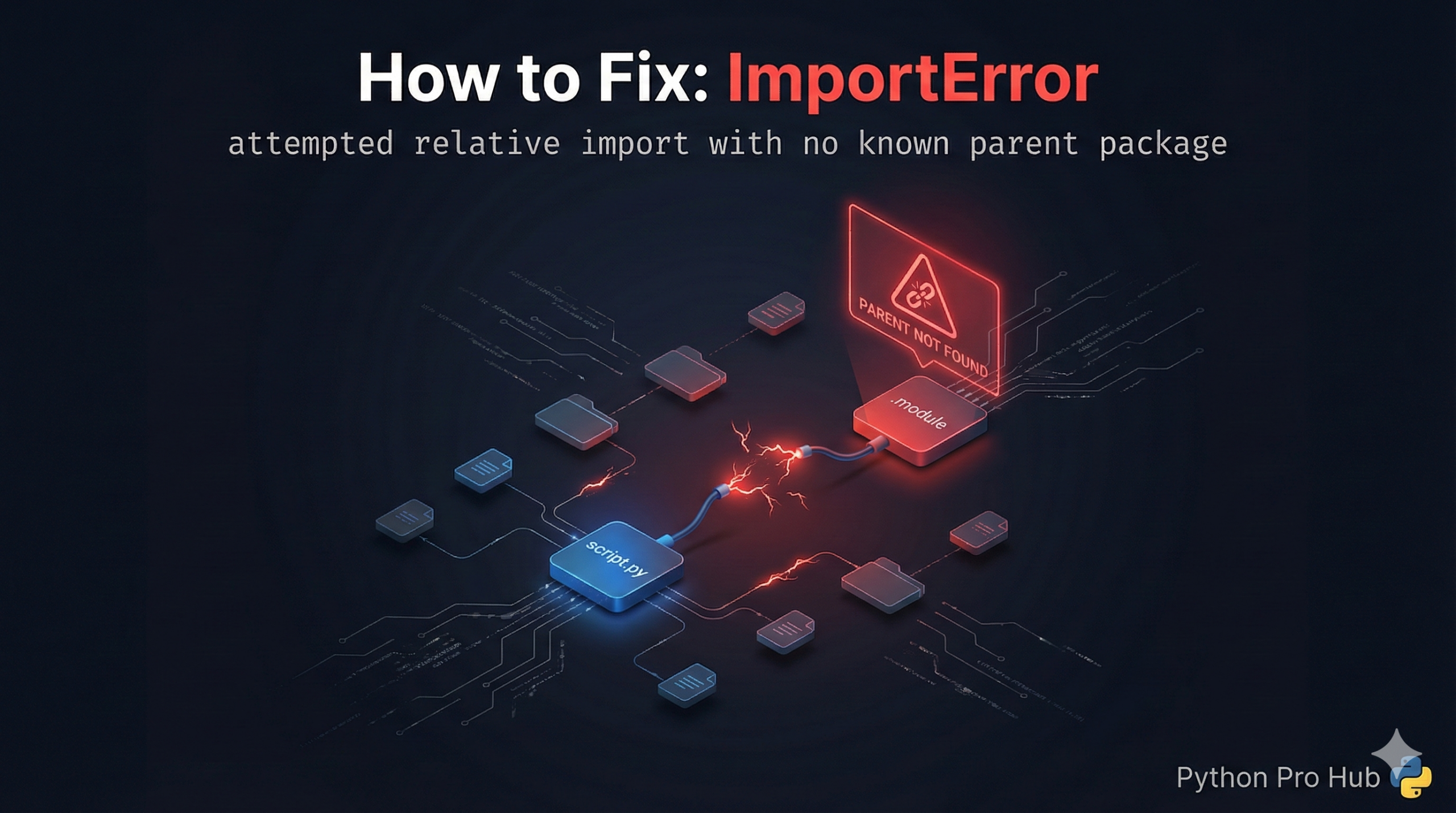
One of the most confusing errors for Python beginners is the ImportError relative import crash. You organize your code into nice folders, add a simple dot (.) to import a file from the same directory, and suddenly Python refuses to run.
The error message usually looks like this: ImportError: attempted relative import with no known parent package.
Problem Code:
# Inside my_package/script.py
from . import helper_functions
# The dot . means "look in the current folder"
If you try to run this script directly:
python my_package/script.pyCRASH! Python sees you are running script.py as the main program. It doesn’t know it’s part of a “package,” so the dot . means nothing to it.
The Fix: Run as a Module
To use relative imports, you must treat your code as a package, not just a loose script. Go up one level (outside the my_package folder) and run it using the -m (module) flag.
# Instead of: python my_package/script.py
# Do this:
python -m my_package.script
This tells Python: “Hey, my_package is the parent, and I want to run the script module inside it.” Now Python understands what the . means.
Simpler Fix for Beginners
Avoid relative imports if you don’t need them. Just use absolute imports based on your project root.
from my_package import helper_functionsThis is often clearer and less error-prone for simple projects.
The ImportError relative import error is Python’s way of telling you it has lost track of your project’s folder structure. By running your code as a module (-m) or switching to absolute imports, you can resolve this instantly.