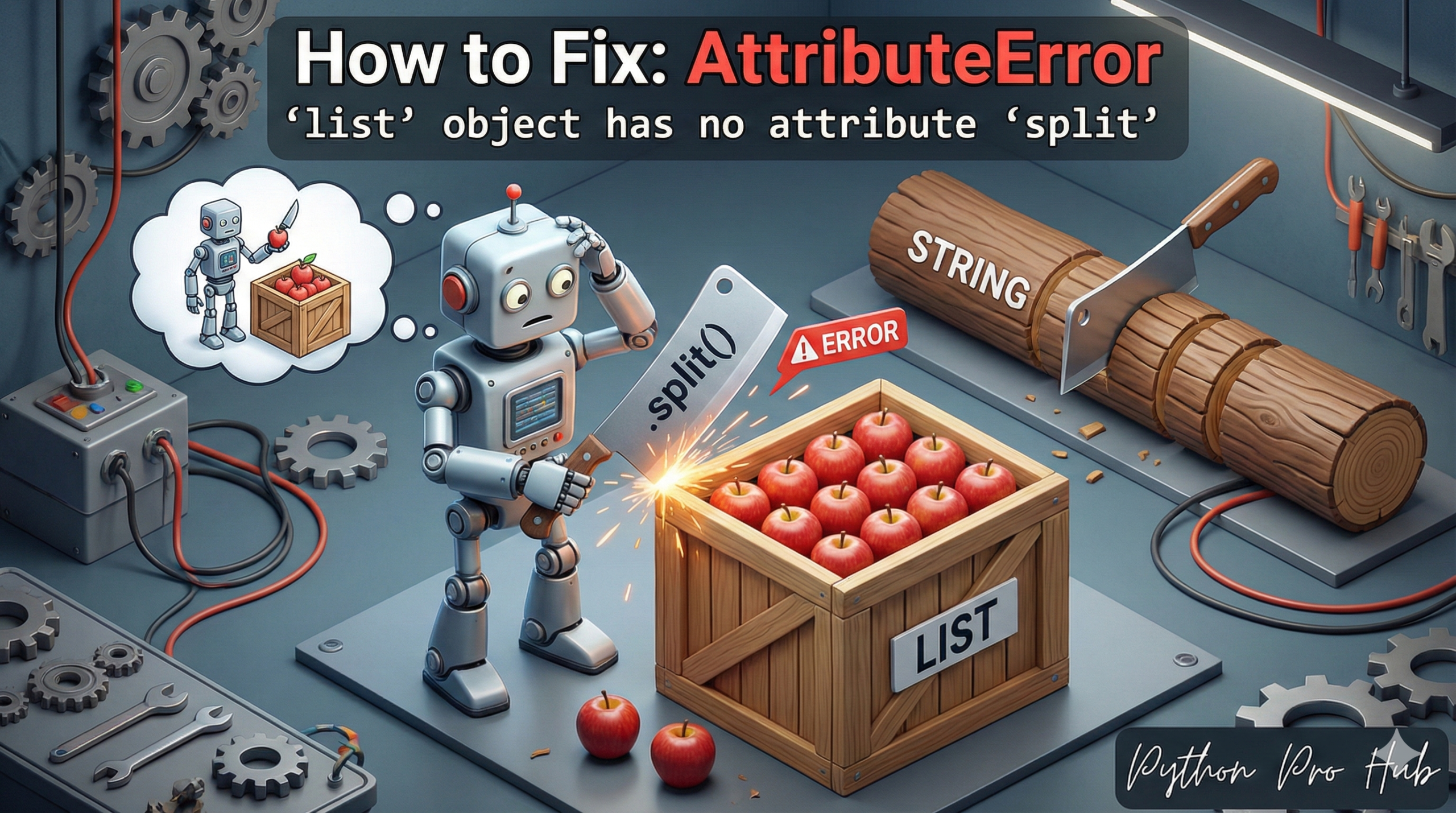
The AttributeError list split issue is a classic “wrong data type” error. It means: “You are trying to use the .split() method on a List, but .split() only exists for Strings.”
⚡ Quick Fix: AttributeError: ‘list’ object has no attribute ‘split’ (Python List vs String Split Fix)
You called .split() on a list — that method only exists on strings, and your list is already a collection of separate items.
# Fix 1 — Loop through the list and split each string individually
lines = ["first line", "second line"]
for line in lines:
    print(line.split(" "))  # Output: ['first', 'line'] / ['second', 'line']

# Fix 2 — One-liner: flatten all words across every line
all_words = [word for line in lines for word in line.split(" ")]
# Output: ['first', 'line', 'second', 'line']
The rest of the article breaks down why the loop variable trips developers up and how to spot which pattern your code actually needs.
- Strings
""can be split."Hello world".split(" ")works. - Lists
[]cannot be split. They are already split.
The Cause of AttributeError list split
You have a variable that you think is a string, but it’s actually a list.
Problem Code:
my_data = ["Hello", "world"]
words = my_data.split(" ")
# CRASH! AttributeError: 'list' object has no attribute 'split'
The Most Common Scenario: Looping
This error often happens when you are looping through a list of strings. You forget that the loop variable is a string, but the list itself is not.
Problem Code (Confused):
lines = [
    "first line",
    "second line"
]

# You try to split the whole list
words_in_all_lines = lines.split(" ")
# CRASH!
The Fix: Loop First
You can’t split the list, but you can split each string inside the list.
lines = [
    "first line",
    "second line"
]

for line in lines:
    # 'line' is a string (e.g., "first line")
    # This works!
    words = line.split(" ")
    print(words)
Output:
['first', 'line']
['second', 'line']
One-Liner Fix (List Comprehension): If you want a list of all words, you can use a list comprehension.
all_words = [word for line in lines for word in line.split(" ")]
print(all_words)
# Output: ['first', 'line', 'second', 'line']
What This Error Exposes About Python List and String Boundaries
AttributeError: 'list' object has no attribute 'split' surfaces a fundamental confusion between a container and its contents. A list of strings already exists as separate elements — .split() has no meaningful target at the list level because there is no single string to divide. The method belongs exclusively to str, where it produces a list by breaking text on a delimiter. Calling it on a list tries to reverse a step that already happened.
The loop scenario drives most real-world cases. Developers read lines from a file or receive an API payload, store the results in a list, then write data.split() instead of iterating first. The variable name looks singular, the code reads naturally, and the type mismatch stays invisible until runtime. The fix is building a habit of asking one question before any method call: is this variable the container or the item inside the container?
The list comprehension pattern [word for line in lines for word in line.split(" ")] is the production-grade solution when you need all tokens in a single flat list. For large datasets, replace the nested comprehension with itertools.chain.from_iterable(line.split() for line in lines) — it avoids building intermediate lists on every iteration and keeps memory overhead flat regardless of input size.