In Python, understanding Python Variables & Data Types is crucial as everything is an object, and every object has a “type.” Understanding this is the most fundamental step to writing working code involving Python Variables & Data Types.
If you’re just starting, this is a core concept from our [Complete Guide to Learning Python]. In this deep dive, we’ll explore exactly what variables are and how data types work, with practical examples you can run yourself. Mastering Python Variables & Data Types will set you up for success.
What is a Python Variable?
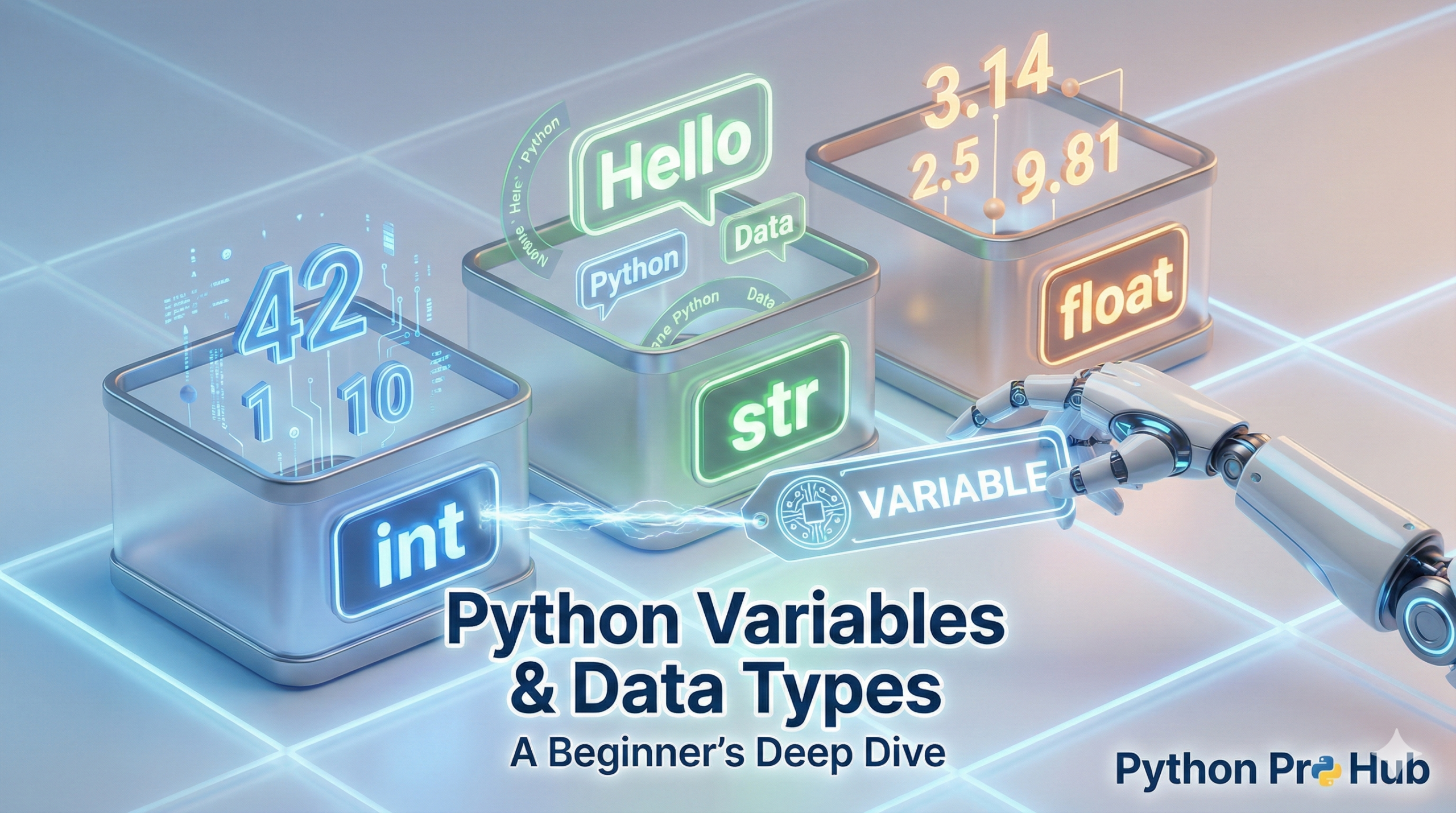
A variable is a container with a name. It’s a reserved memory location to store a value. Think of it as a labeled box. You put data inside the box and give it a label (the variable name). Understanding Python Variables & Data Types will help you manage this effectively.
In Python, you create a variable using assignment, which is done with a single equals sign (=).
# The variable "name" is storing the string "Alice"
name = "Alice"

# The variable "age" is storing the integer 72
age = 72

# You can print the value by referencing the name
print(name)  # Output: Alice
print(age)   # Output: 72
Variable Naming Rules (Snake Case)
Python has rules for naming variables:
- Must start with a letter (a-z, A-Z) or an underscore (
_). - The rest of the name can contain letters, numbers, and underscores.
- Names are case-sensitive (
ageis different fromAge).
The community standard for Python is snake_case, where all letters are lowercase and words are separated by underscores.
- Good:
user_name,total_cost - Bad:
UserName,totalcost
The Main Python Data Types
Python is “dynamically typed,” which means you don’t have to tell it the data type. It figures it out automatically when you assign the value.
Let’s look at the most common “rudimentary” types.
1. String (str)
A string is used for text. You can create one using either single quotes (') or double quotes (").
greeting = "Hello, world!"
user = 'Bob'
You can combine strings (concatenation) using the + sign:
print("Welcome, " + user) # Output: Welcome, BobA more modern and powerful way is using f-strings:
print(f"Welcome, {user}! You are {age} years old.")2. Numerical Types: Integer (int) and Float (float)
int(Integer): A whole number, positive or negative.10,-500,0.float(Float): A decimal number.3.14,2.718,-0.01.
# An integer
apples = 5

# A float
price_per_apple = 1.99

total = apples * price_per_apple
print(total)  # Output: 9.95
Notice that multiplying an int and a float results in a float.
3. Boolean (bool)
A Boolean can only have two possible values: True or False. (Note the capital T and F). They are the foundation of all logic and decision-making.
is_admin = True
is_logged_in = False

if is_admin:
  print("Showing admin panel...")
else:
  print("Access denied.")
The “Collection” Data Types
These types are containers that can hold other variables.
1. List (list)
A list is a changeable (mutable), ordered collection of items. They are created with square brackets [].
# A list of strings
shopping_list = ["apples", "milk", "bread"]

# Access an item by its index (position)
# Python is 0-indexed, so the first item is at index 0
print(shopping_list[0])  # Output: apples

# Add an item to the end
shopping_list.append("eggs")
print(shopping_list)  # Output: ['apples', 'milk', 'bread', 'eggs']

# Change an item
shopping_list[1] = "almond milk"
2. Dictionary (dict)
A dictionary is an unordered collection of key: value pairs. They are extremely useful for storing structured data. You create them with curly braces {}.
# A dictionary representing a user
user_profile = {
  "username": "python_pro",
  "level": 12,
  "is_active": True
}

# Access a value by its key
print(user_profile["username"])  # Output: python_pro

# Add a new key:value pair
user_profile["last_login"] = "2025-10-20"

print(user_profile)
How to Check a Variable’s Type
If you’re ever unsure what data type a variable is holding, you can use the built-in type() function. This can aid greatly when working with Python Variables & Data Types.
x = 10
y = "Hello"
z = [1, 2, 3]
print(type(x))  # Output: <class 'int'>
print(type(y))  # Output: <class 'str'>
print(type(z))  # Output: <class 'list'>
Summary
Understanding variables and data types is non-negotiable.
- Variables are named boxes.
- Data Types are the kind of data (text, numbers, booleans).
- Collections (lists and dictionaries) store multiple pieces of data.
Now that you have a grasp of these, you’re ready to start using them with Python Loops and Functions.
Key Takeaways
- In Python, everything is an object with a type; this is crucial for writing code.
- Variables act as containers for data and follow specific naming rules, primarily using snake_case.
- Python supports various data types, including strings, integers, floats, and booleans, which help represent different data.
- Collection types like lists and dictionaries store multiple pieces of data effectively.
- Understanding Python variables & data types is essential to progress towards using loops and functions.