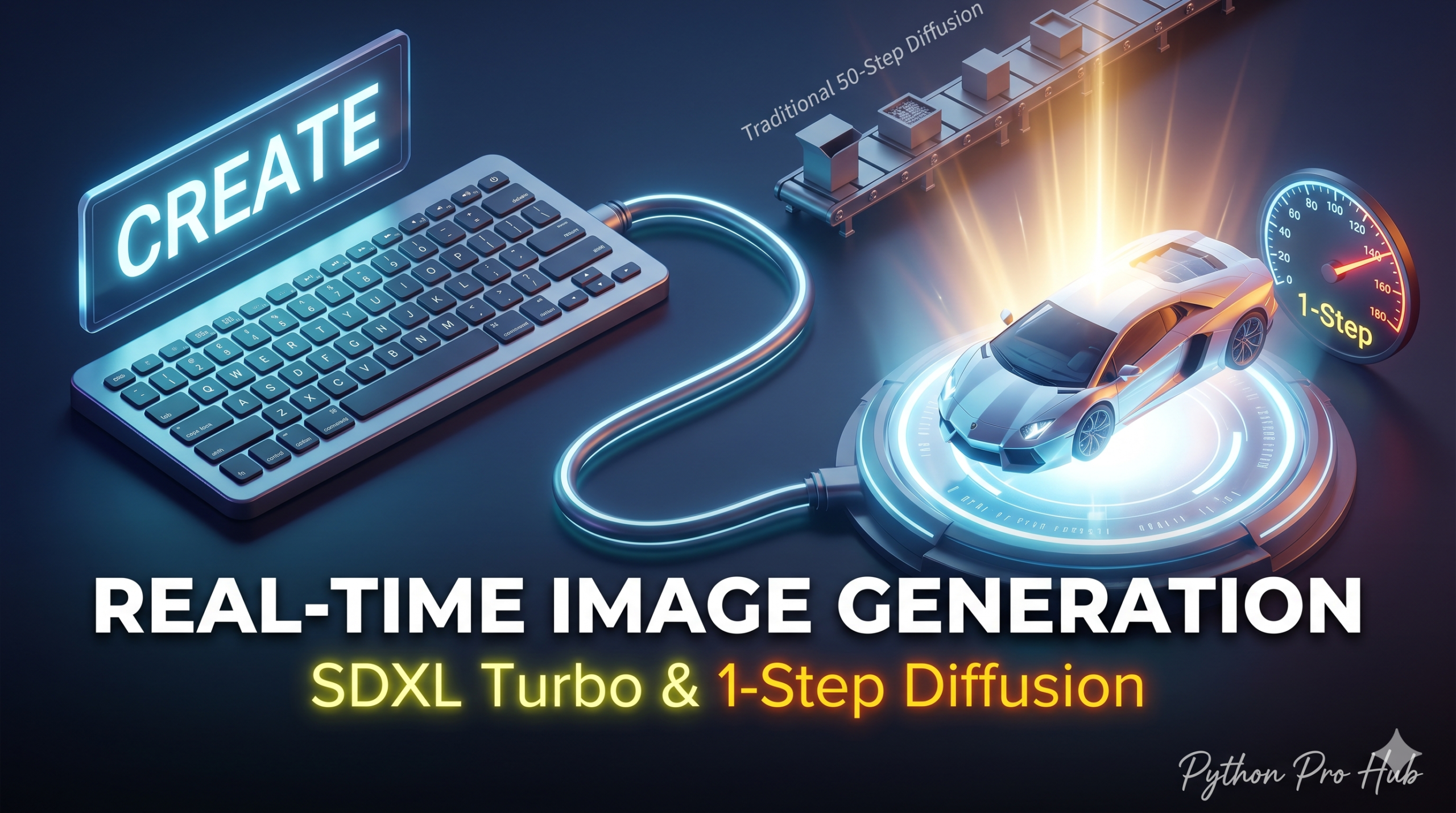
Standard Stable Diffusion takes 20-50 “steps” to denoise an image, which takes seconds. SDXL Turbo Python is a breakthrough model that generates high-quality images in 1 single step and makes fast image generation possible.
This enables “Real-Time” AI art, where the image changes instantly as you type.
Step 1: Installation
pip install diffusers transformers torch accelerate
Step 2: The Code
We use the AutoPipelineForText2Image which automatically handles the Turbo configuration.
import torch
from diffusers import AutoPipelineForText2Image

# 1. Load the Turbo Model
# 'stabilityai/sdxl-turbo' is the official model
pipe = AutoPipelineForText2Image.from_pretrained(
    "stabilityai/sdxl-turbo",
    torch_dtype=torch.float16,
    variant="fp16"
)
pipe.to("cuda") # High-end GPU required for sub-second speed

# 2. Generate with ONE step
prompt = "A cinematic shot of a futuristic racing car, neon lights, rain, 8k"

image = pipe(
    prompt=prompt,
    num_inference_steps=1, # The magic number!
    guidance_scale=0.0     # Turbo doesn't use guidance scale
).images[0]

# 3. Save
image.save("turbo_racer.png")
print("Image generated instantly!")
* Live FastAPI Generation Streaming
To turn single-step inference into a consumer-ready feature, you cannot write images to disk or use slow HTTP polling cycles. You must build an in-memory streaming endpoint using FastAPI and BytesIO to pipe raw image bytes directly to a front-end canvas layout.
from fastapi import FastAPI, Response
from fastapi.responses import StreamingResponse
from diffusers import AutoPipelineForText2Image
import torch
import io

app = FastAPI()

# Pre-load the pipeline globally into VRAM on startup
pipe = AutoPipelineForText2Image.from_pretrained(
    "stabilityai/sdxl-turbo", torch_dtype=torch.float16, variant="fp16"
).to("cuda")

@app.get("/generate")
async def generate_stream(prompt: str):
    # Execute generation instantly within 1 step
    image = pipe(
        prompt=prompt,
        num_inference_steps=1,
        guidance_scale=0.0
    ).images[0]

    # Keep the byte array completely in-memory (Zero disk I/O latency)
    buffer = io.BytesIO()
    image.save(buffer, format="JPEG", quality=80)
    buffer.seek(0)

    return StreamingResponse(buffer, media_type="image/jpeg")
Why this matters for 2026
In the future, AI won’t have loading bars. It will be instant. SDXL Turbo is the first glimpse of that future. You can integrate this into a FastAPI backend to build a live-generating web app.
Key Takeaways
- SDXL Turbo Python allows high-quality image generation in just 1 step, enabling real-time AI art.
- To implement it, use the AutoPipelineForText2Image for easy Turbo configuration.
- Build an in-memory streaming endpoint with FastAPI and BytesIO for efficient image delivery.
- This technology suggests a future without loading bars, making AI instantaneously responsive.
- You can integrate SDXL Turbo with a FastAPI backend to create live-generating web applications.