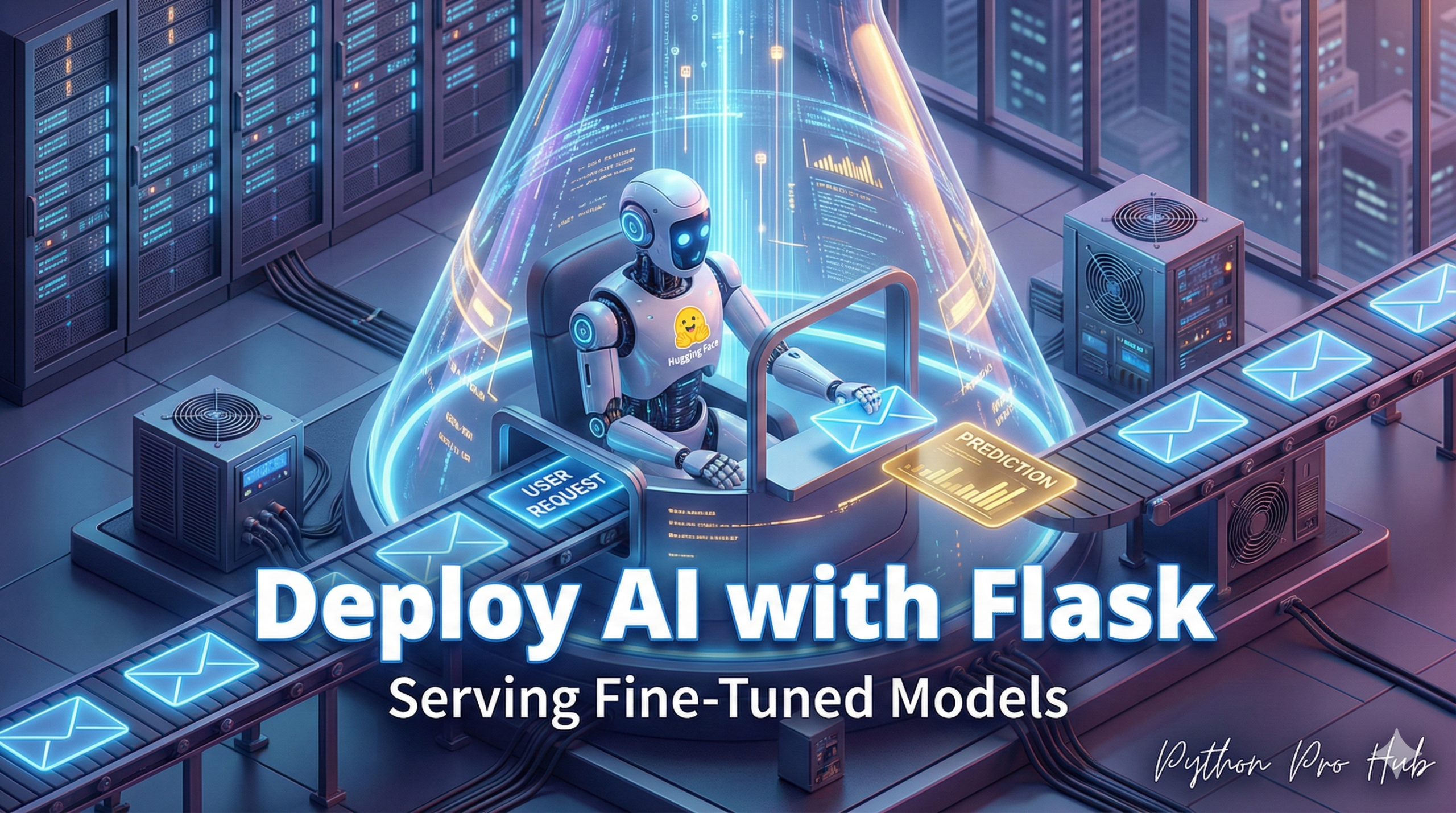
This is the ultimate capstone project. In Deploy Hugging Face API, we deployed a pre-trained pipeline. In Fine-Tuning : Part 3, you saved your own custom model. Now, you’ll discover how to Deploy Fine-Tuned Model Flask in your own application.
let’s combine them. We’ll load your own fine-tuned model into a Flask server to create a specialized, high-performance API.
Step 1: Install Libraries
pip install flask transformers torch
Step 2: The Flask Server (app.py)
This script will:
- Load your local, custom model and tokenizer (not from the hub).
- Wrap them in a
pipelinefor easy use. - Create a
/predictroute to serve predictions.
from flask import Flask, request, jsonify
from transformers import pipeline, AutoModelForSequenceClassification, AutoTokenizer

# 1. Define your app and model path
app = Flask(__name__)
MODEL_PATH = "./my-awesome-model" # The folder you saved in Week 68

# 2. Load your *local* fine-tuned model and tokenizer
print("Loading custom model...")
try:
    model = AutoModelForSequenceClassification.from_pretrained(MODEL_PATH)
    tokenizer = AutoTokenizer.from_pretrained(MODEL_PATH)

    # 3. Create a pipeline with your custom model
    classifier = pipeline("sentiment-analysis", model=model, tokenizer=tokenizer)
    print("Custom model loaded successfully!")

except EnvironmentError:
    print(f"Error: Could not load model from {MODEL_PATH}")
    print("Please run the fine-tuning articles first!")
    classifier = None

# 4. Define the API endpoint
@app.route("/predict", methods=['POST'])
def predict():
    if classifier is None:
        return jsonify({"error": "Model is not loaded"}), 500

    data = request.json
    if not data or 'text' not in data:
        return jsonify({"error": "Missing 'text' key"}), 400

    # 5. Run prediction
    result = classifier(data['text'])
    return jsonify(result)

# 6. Run the app
if __name__ == "__main__":
    app.run(debug=True, port=5000)
You now have a production-ready API that serves your custom-trained AI, ready to be called from any website or application.
Key Takeaways
- This project involves deploying a fine-tuned model in a Flask server.
- You will load your own custom model and tokenizer, not from the hub.
- The Flask server will create an API that serves predictions through a /predict route.
- This setup allows you to use your trained AI from any website or application.