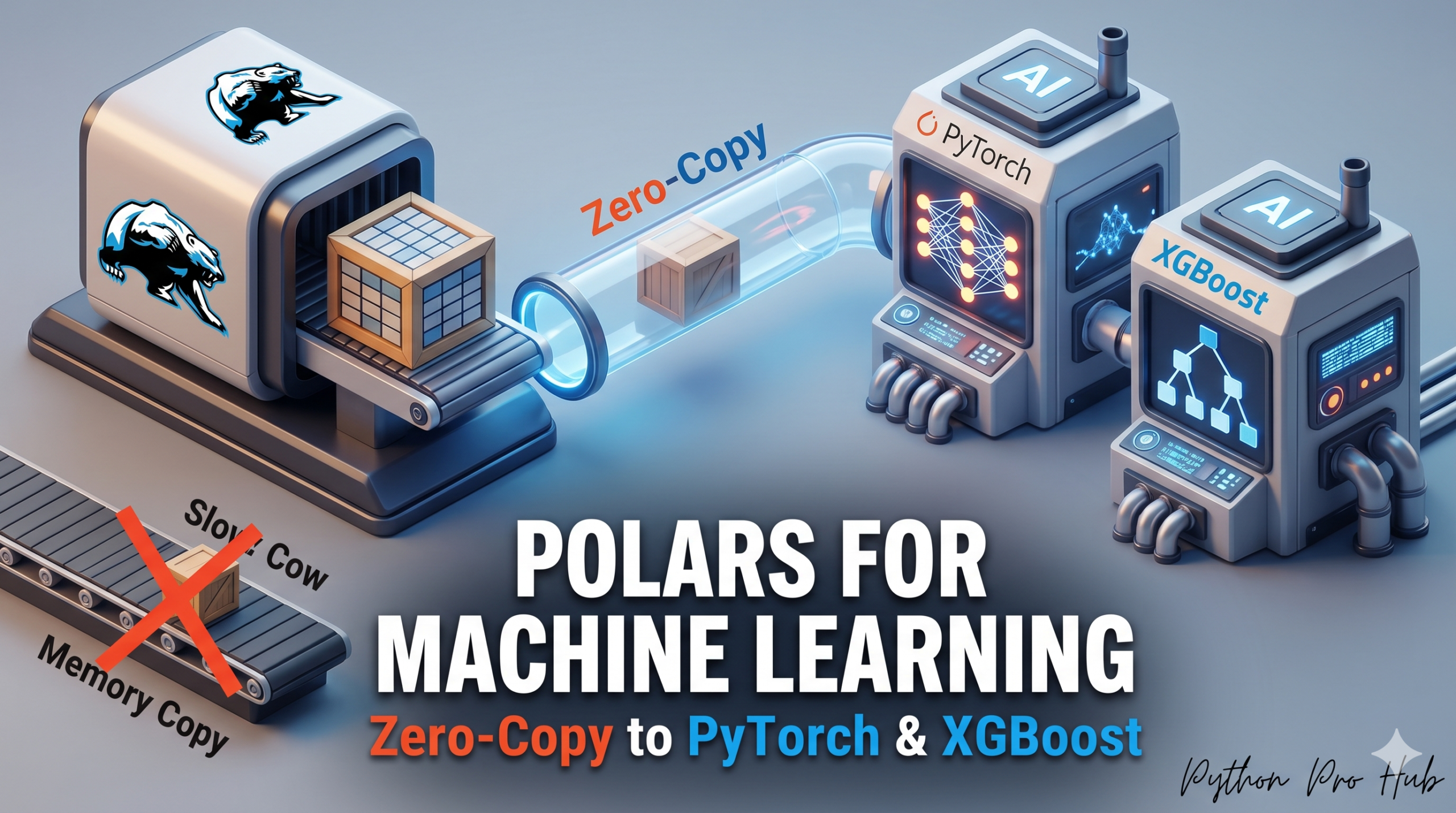
Traditional machine learning workflows often suffer from excessive memory overhead. When training models on tabular data with pandas-based pipelines, data frequently passes through multiple intermediate representations before reaching the model. Each conversion can introduce additional memory allocations, increasing resource consumption, slowing training, and limiting scalability. Polars addresses many of these inefficiencies through its Apache Arrow–based architecture, enabling more memory-efficient data pipelines and tighter integration with modern machine learning frameworks.
the multiple mutations the data goes through before reaching your models:
- Load a massive CSV into memory using Pandas.
- Convert the DataFrame to a NumPy array (Memory Copy #1).
- Pass that NumPy array into a PyTorch Tensor or ML framework (Memory Copy #2).
If you are working with a 50GB dataset, this approach can easily balloon your memory footprint to 150GB, causing immediate Out-of-Memory (OOM) crashes on standard engineering workstations.
1. Polars to PyTorch
Polars features a native to_torch() method that translates Arrow memory blocks directly into PyTorch tensors without duplicating the underlying data in RAM.
import polars as pl
import torch

# 1. Instantiate a typical dense feature matrix
df = pl.DataFrame({
    "feature1": [1.0, 2.0, 3.0],
    "feature2": [0.5, 1.5, 2.5],
    "label": [0, 1, 0]
})

# 2. Extract features and labels straight into PyTorch Tensors
X = df.select(["feature1", "feature2"]).to_torch(return_tensor_type="pt")
y = df.select("label").to_torch(return_tensor_type="pt")

print("X Tensor:\n", X)
print("Dtype:", X.dtype)
Output:
X Tensor:
 tensor([[1.0000, 0.5000],
        [2.0000, 1.5000],
        [3.0000, 2.5000]], dtype=torch.float64)
Dtype: torch.float64
2. Polars to XGBoost
XGBoost accepts Polars DataFrames natively. You do not need to convert your data to NumPy arrays or Pandas objects before initializing your training matrices.
import polars as pl
import xgboost as xgb

# Set up your training data
df_train = pl.DataFrame({
    "feature1": [1.0, 2.0, 3.0, 4.0],
    "feature2": [0.5, 1.5, 2.5, 3.5],
    "label": [0, 1, 0, 1]
})

# Pass Polars expressions directly into the DMatrix constructor
dtrain = xgb.DMatrix(
    df_train.select(["feature1", "feature2"]),
    label=df_train.select("label")
)

# Train the model natively
params = {"objective": "binary:logistic", "eval_metric": "logloss"}
bst = xgb.train(params, dtrain, num_boost_round=5)

print("XGBoost training completed successfully using native Polars structures.")
Why This Matters ?
For a 50GB dataset, the Pandas way requires ~150GB of RAM (Data + Copy + Tensor). The Polars way requires ~50GB. This allows you to train massive models on standard hardware.
Key Takeaways
- Traditional Python machine learning pipelines consume excessive RAM, often leading to Out-of-Memory crashes.
- Polars Machine Learning offers efficient alternatives with zero-copy data transfers, reducing memory usage.
- Polars can convert to PyTorch tensors directly with its to_torch() method, avoiding data duplication.
- XGBoost supports Polars DataFrames natively, eliminating the need for conversion to other formats.
- Using Polars, a 50GB dataset requires only ~50GB of RAM compared to ~150GB with Pandas.