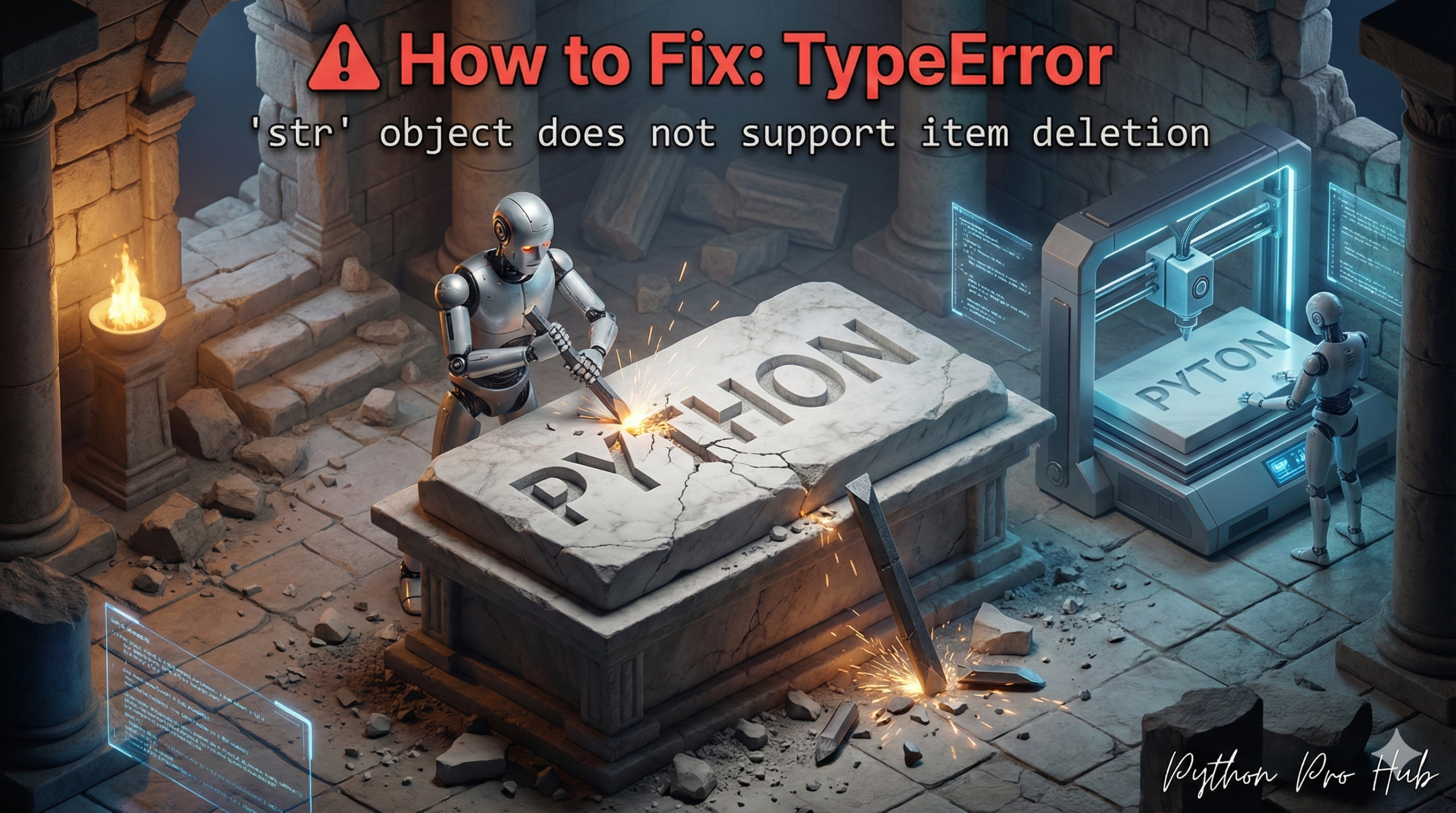
This TypeError str item deletion is a direct consequence of Python’s immutable strings rule. It’s the “delete” version of the item assignment error.
It means: “You tried to delete a character from a string using del, but strings cannot be changed after they are created.”
⚡ Quick Fix: TypeError: ‘str’ object does not support item deletion — Python Slicing and .replace() Fix for del on Immutable Strings
You used del on a string index — Python strings are immutable, every character locks in at creation, and deletion is as impossible as assignment on an individual position.
# WRONG — del crashes on any string index, no exceptions
message = "Hello"
del message[1]          # TypeError: 'str' object does not support item deletion

# RIGHT — slicing: build a new string that skips the character at the target index
message = "Hello"
index_to_remove = 1
new_message = message[:index_to_remove] + message[index_to_remove + 1:]
print(new_message)      # Output: Hllo

# RIGHT — .replace(): remove every occurrence of a specific character in one call
message = "Hello, world!"
new_message = message.replace("l", "")
print(new_message)      # Output: Heo, word!

# RIGHT — list conversion: when you need multiple targeted deletions in one pass
chars = list("Hello")
del chars[1]            # lists support item deletion
new_message = "".join(chars)
print(new_message)      # Output: Hllo
The two fixes below explain exactly when to use slicing versus .replace() — and the list conversion pattern for complex multi-character removal.
The Cause
You are trying to treat a string like a list, which does support item deletion.
Problem Code:
message = "Hello"
# Let's try to delete the 'e' at index 1
del message[1]
# CRASH! TypeError: 'str' object does not support item deletion
The Fix: Create a New String
You cannot change the original string. You must build a new one that skips the character you want to remove.
Fix 1: Using Slicing
This is the most common way. You slice up to the character and after the character and join them.
message = "Hello"
index_to_remove = 1

# Get everything BEFORE index 1 ('H')
# Get everything AFTER index 1 ('llo')
new_message = message[:index_to_remove] + message[index_to_remove + 1:]

print(new_message)
# Output: Hllo
Fix 2: Using .replace()
If you want to remove all instances of a specific character, .replace() is easier.
message = "Hello, world!"
# Replace all 'l' characters with an empty string
new_message = message.replace("l", "")

print(new_message)
# Output: Heo, word!
TypeError: ‘str’ object does not support item deletion — Immutability, Three Fix Patterns, and When Each Applies
TypeError: ‘str’ object does not support item deletion is the delete version of the item assignment error. Both fire for the same reason: Python strings never change after creation. No del, no index assignment, no in-place modification of any kind.
Three fix patterns cover every real-world character removal scenario.
Slicing handles single-position deletion. message[:i] + message[i+1:] removes the character at index i and joins the two pieces into a new string. Use this when the position matters more than the character value — removing the third character, the last character, or any specific index in a structured string like a file path or formatted code.
.replace() handles value-based removal. message.replace(“l”, “”) removes every occurrence of “l” in one call. Pass an empty string as the second argument and every instance of the target character disappears. Use this when you know the character to remove but not its position — stripping punctuation, removing whitespace, cleaning up CSV fields.
list() conversion handles multiple targeted deletions. Convert to list(), apply as many del operations as you need by index, then rejoin with “”.join(chars). This is the only pattern that gives you true index-level deletion — use it when you need to remove several specific positions in one pass without rebuilding the slicing logic multiple times.
The pattern to know for performance: building a new string by removing characters inside a loop with + creates a new string object on every iteration — O(n²) on large inputs. For bulk character removal, use a list comprehension and join once:
text = “H-e-l-l-o-,-w-o-r-l-d”
clean = “”.join(c for c in text if c != “-“)
print(clean) # Output: Hello,world