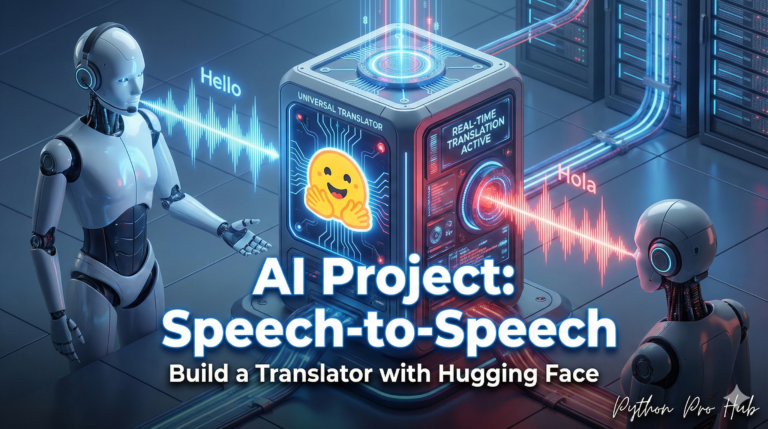
You’ve used Hugging Face to understand text, generate it, and even transcribe audio. Now, let’s use it to break the language barrier with Hugging Face Translation.
We will use the translation pipeline with models from the “Helsinki-NLP” group, which has created powerful, lightweight models for almost any language pair.
Step 1: Installation
pip install transformers torch sentencepiece
# 'sentencepiece' is a tokenizer used by many translation models
Step 2: The Code
We will load a specific model for the language pair we want (e.g., English to Spanish).
from transformers import pipeline

# 1. Load the translation pipeline
# We specify a model for English (en) to Spanish (es)
# You can find models for any pair (e.g., "en-de" for German)
translator = pipeline(
    "translation_en_to_es",
    model="Helsinki-NLP/opus-mt-en-es"
)

# 2. Define your text
text = "Python is the best programming language for data science."

# 3. Translate it!
result = translator(text)

# 4. Print the result
print("--- English to Spanish ---")
print(f"Original: {text}")
print(f"Translation: {result[0]['translation_text']}")
Step 3: The Result
The model will return the translated text.
--- English to Spanish ---
Original: Python is the best programming language for data science.
Translation: Python es el mejor lenguaje de programación para la ciencia de datos.
You can use this to build multi-lingual support into your apps, translate customer feedback, or analyze data from different regions.
Key Takeaways
- Hugging Face offers tools to understand and generate text, as well as transcribe audio.
- Hugging Face Translation uses the translation pipeline with models from Helsinki-NLP for various language pairs.
- Step 1 involves installing the necessary packages.
- Step 2 requires loading a specific model for the desired language pair, such as English to Spanish.
- Step 3 presents the translated text, enabling multilingual support in apps and analysis of regional data.