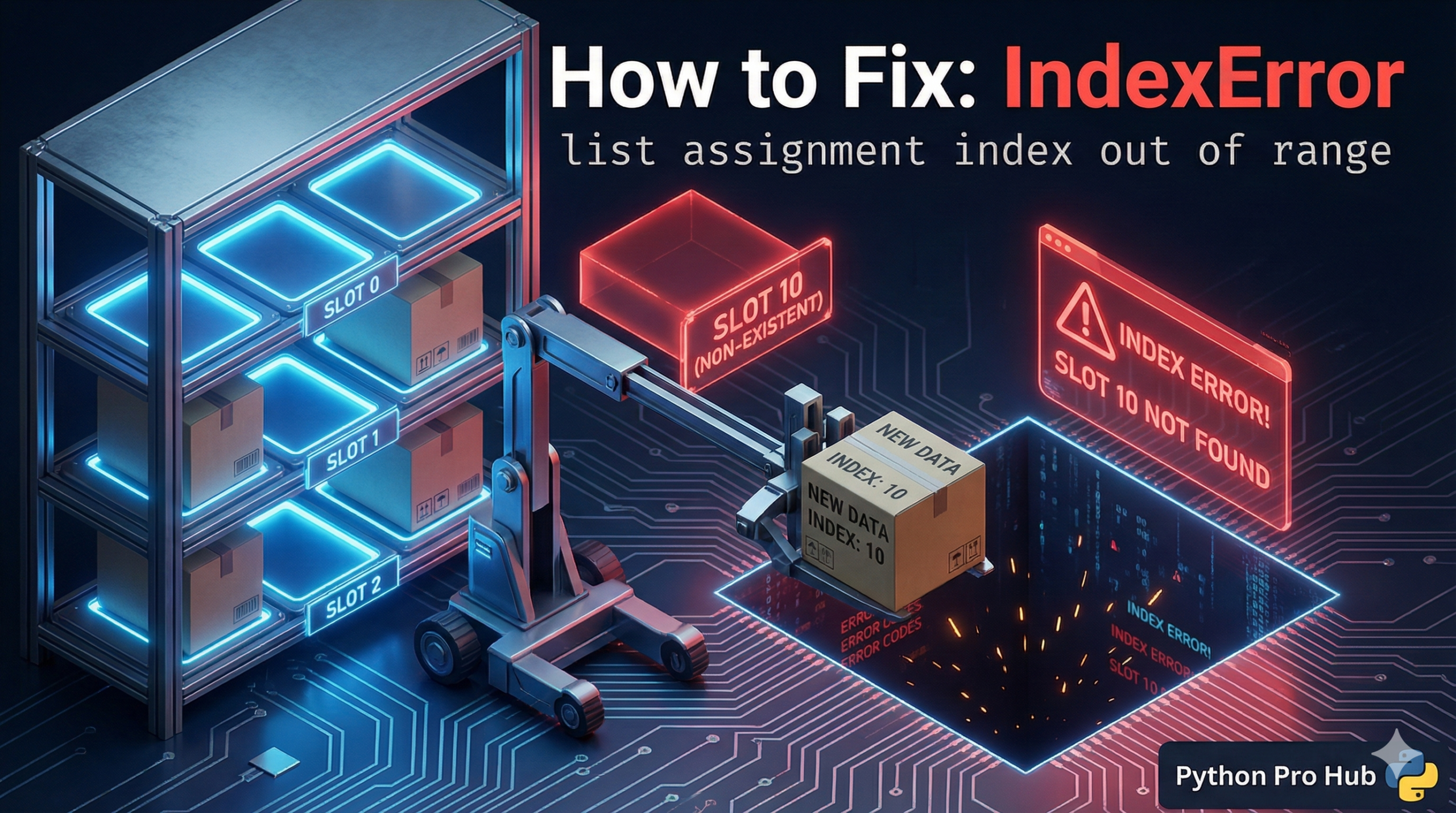
This is a classic misunderstanding of how Python lists work compared to arrays in other languages. One common error is the IndexError list assignment issue, which often confuses those new to Python.
You cannot “assign” a value to a slot that doesn’t exist yet.
⚡ Quick Fix: IndexError: list assignment index out of range — Python .append() Fix for Empty List Index Assignment and Pre-allocated List Patterns
You assigned a value to a position that doesn’t exist yet — Python lists don’t auto-expand on assignment the way arrays do in other languages.
# WRONG — empty list has no index 0, assignment crashes immediately
my_list = []
my_list[0] = "Hello"     # IndexError: list assignment index out of range

# WRONG — assigning beyond the current length crashes the same way
my_list = ["a", "b"]
my_list[5] = "z"         # IndexError — index 5 doesn't exist yet

# RIGHT — use .append() to add new items to any list
my_list = []
my_list.append("Hello")  # creates the slot and assigns in one operation
print(my_list[0])        # Output: Hello

# RIGHT — assignment by index only works on slots that already exist
my_list = ["Old Value", "Item 2"]
my_list[0] = "New Value" # safe — index 0 already exists

# RIGHT — pre-allocate a fixed-size list with None, then assign by index
my_list = [None] * 5     # creates [None, None, None, None, None]
my_list[0] = "Hello"     # safe — index 0 exists
my_list[4] = "World"     # safe — index 4 exists
The two patterns below cover both the empty list mistake and the pre-allocation approach, with the exact fix for each use case.
Problem Code:
my_list = []  # An empty list
my_list[0] = "Hello"
# CRASH! IndexError: list assignment index out of range
Python says: “You want me to put ‘Hello’ at position 0, but position 0 doesn’t exist! The list has length 0.”
The Fix: .append()
To add new items to a list, you must use the .append() method. It automatically creates the new slot at the end of the list.
my_list = []
my_list.append("Hello") # Correct!
print(my_list[0]) # Now this works, output: Hello
When Assignment IS Okay
You can only assign to an index if it already exists.
my_list = ["Old Value", "Item 2"]
# This is fine because index 0 already exists
my_list[0] = "New Value"
IndexError: list assignment index out of range — The List Growth Rule That Prevents This Permanently
IndexError: list assignment index out of range comes from one misunderstanding: Python lists don’t resize on assignment. my_list[5] = “x” does not create indices 0 through 5. It crashes because index 5 doesn’t exist yet.
Python gives you two tools to grow a list. Pick based on what your code needs.
Use .append() when you build a list item by item and don’t know the final size upfront. .append() creates the next slot automatically and assigns the value in one operation. It’s the correct tool for collecting results in a loop, accumulating API responses, or building output incrementally.
results = []
for item in data:
results.append(process(item))
Use pre-allocation when you know the exact size upfront and need index-based assignment. Create the list with [None] * n, then assign by index. This pattern matches the array-assignment style from other languages and runs faster than repeated .append() calls on large datasets.
results = [None] * len(data)
for i, item in enumerate(data):
results[i] = process(item)
The third option worth knowing: list comprehension. It builds the entire list in one line without pre-allocation or .append(), and runs faster than both for most use cases.
results = [process(item) for item in data]
Choose .append() for unknown-size accumulation, pre-allocation for fixed-size index assignment, and list comprehension for transformation of an existing iterable.