If you’ve ever encountered “TypeError: list indices”, this error almost always means one thing: You think you have a Dictionary, but you actually have a List.
⚡ Quick Fix: TypeError: list indices must be integers or slices, not str — Python List vs Dictionary and JSON API Data Fix
You used a string key on a list — lists take integers as indexes, dictionaries take string keys. Python got a string where it expected a number.
# WRONG — string key on a list
my_data = ["Alice", 25, "Engineer"]
print(my_data["name"])        # TypeError fires here

# WRONG — JSON API returns a list, you treat it like a dict
data = [{"name": "Alice"}, {"name": "Bob"}]
print(data["name"])           # TypeError — data is a list, not a dict

# RIGHT — use an integer index on a list
print(my_data[0])             # Output: Alice

# RIGHT — switch to a dictionary if you need string keys
my_data = {"name": "Alice", "age": 25, "job": "Engineer"}
print(my_data["name"])        # Output: Alice

# RIGHT — JSON list: pick the item by index first, then the key
print(data[0]["name"])        # Output: Alice
The two scenarios below break down exactly when to use a list versus a dictionary, and how to navigate nested JSON responses without hitting this error again.
The Difference Recap
- Lists
[]use numbers (integers) to access items based on their position (0, 1, 2…). Be sure to distinguish to avoid this error. - Dictionaries
{}use keys (strings) to access values ("name","age"…).
The Problem
You try to use a string “key” on a list.
my_data = ["Alice", 25, "Engineer"]

# Trying to access it like a dictionary
print(my_data["name"])
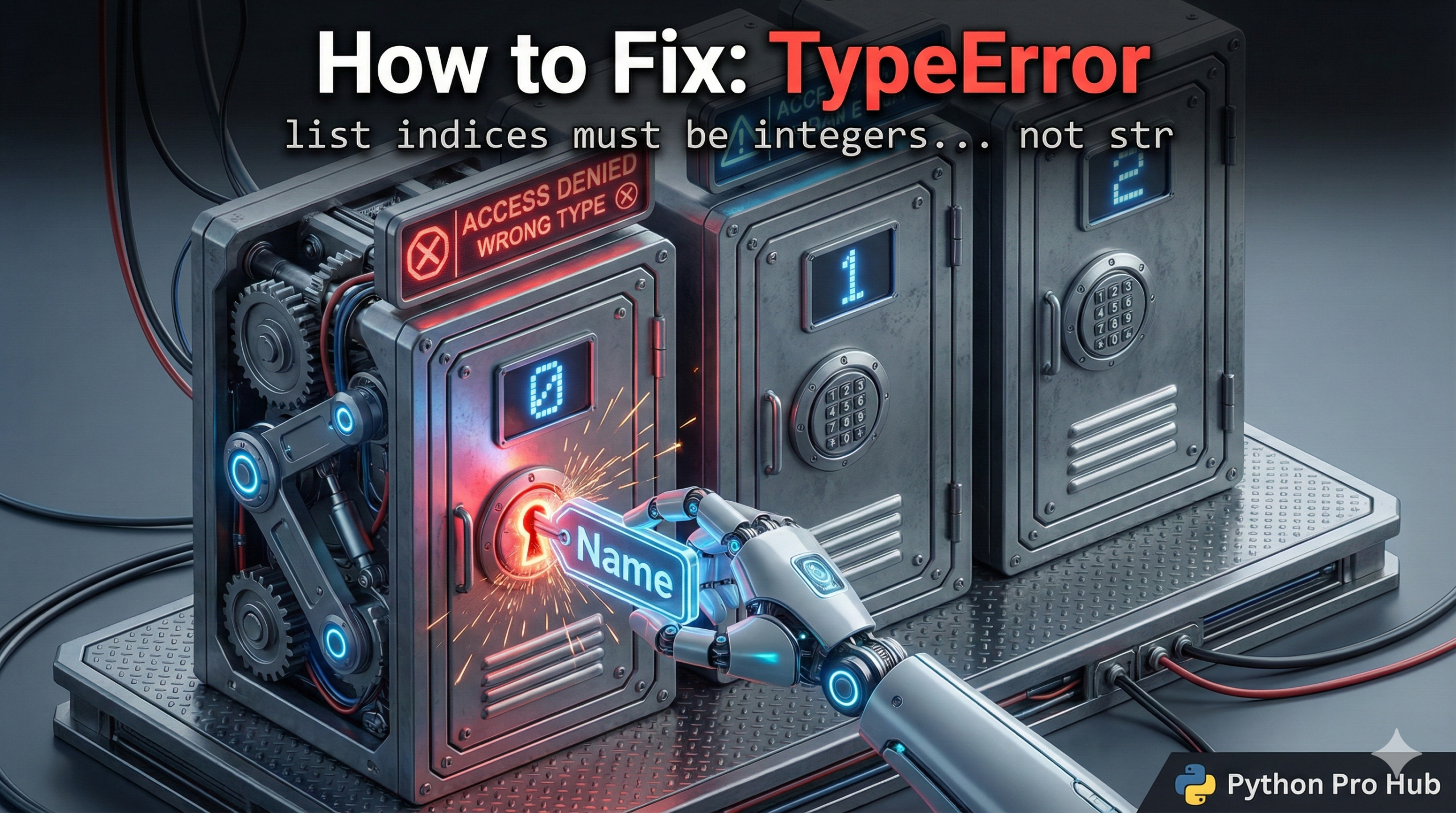
Error: TypeError: list indices must be integers or slices, not str Python is saying: “This is a list! I expect a number like 0 or 1, but you gave me the string 'name'.”
The Fixes
Option 1: Use the correct integer index (if it must remain a list) If TypeError: list indices persist, ensure to check your indices.
print(my_data[0]) # Output: Alice
Option 2: Change it to a Dictionary (Best if you need named keys) If you want to use keys like “name,” your data structure should be a dictionary.
my_data = {
    "name": "Alice",
    "age": 25,
    "job": "Engineer"
}

print(my_data["name"])  # Output: Alice (Works perfectly!)
JSON Data Tip
This often happens when working with JSON data from an API. If the API returns a list of users [{...}, {...}], you cannot just do data['username']. You must first select which user you want by index: data[0]['username'].Pay special attention to TypeError concerning list indices.
TypeError: list indices must be integers or slices, not str — The List vs Dictionary Rule That Ends This Error
TypeError: list indices must be integers or slices, not str points at a data structure mismatch. You handed Python a string where it needed a number.
Run print(type(your_variable)) on the variable that crashed. If it prints , you have two options: access it with an integer index like my_data[0], or restructure it as a dictionary if your code needs named keys.
The JSON API case trips up the most developers. An API response wrapped in square brackets [] is a list of objects — you must select a position first before reaching for a key. data[0][“name”] works. data[“name”] crashes. Print the raw response and check the outermost bracket before writing any access logic.
Build this habit: every time you create a variable that will hold structured data, decide immediately whether position or name drives your access pattern. Position → list. Name → dictionary. That decision made upfront eliminates this TypeError before you write a single line of access code.
For deeper work with dictionaries and safe key access, the guide on KeyError in Python and Pandas covers .get(), default values, and the column-name traps that fire the same class of error in Pandas DataFrames.