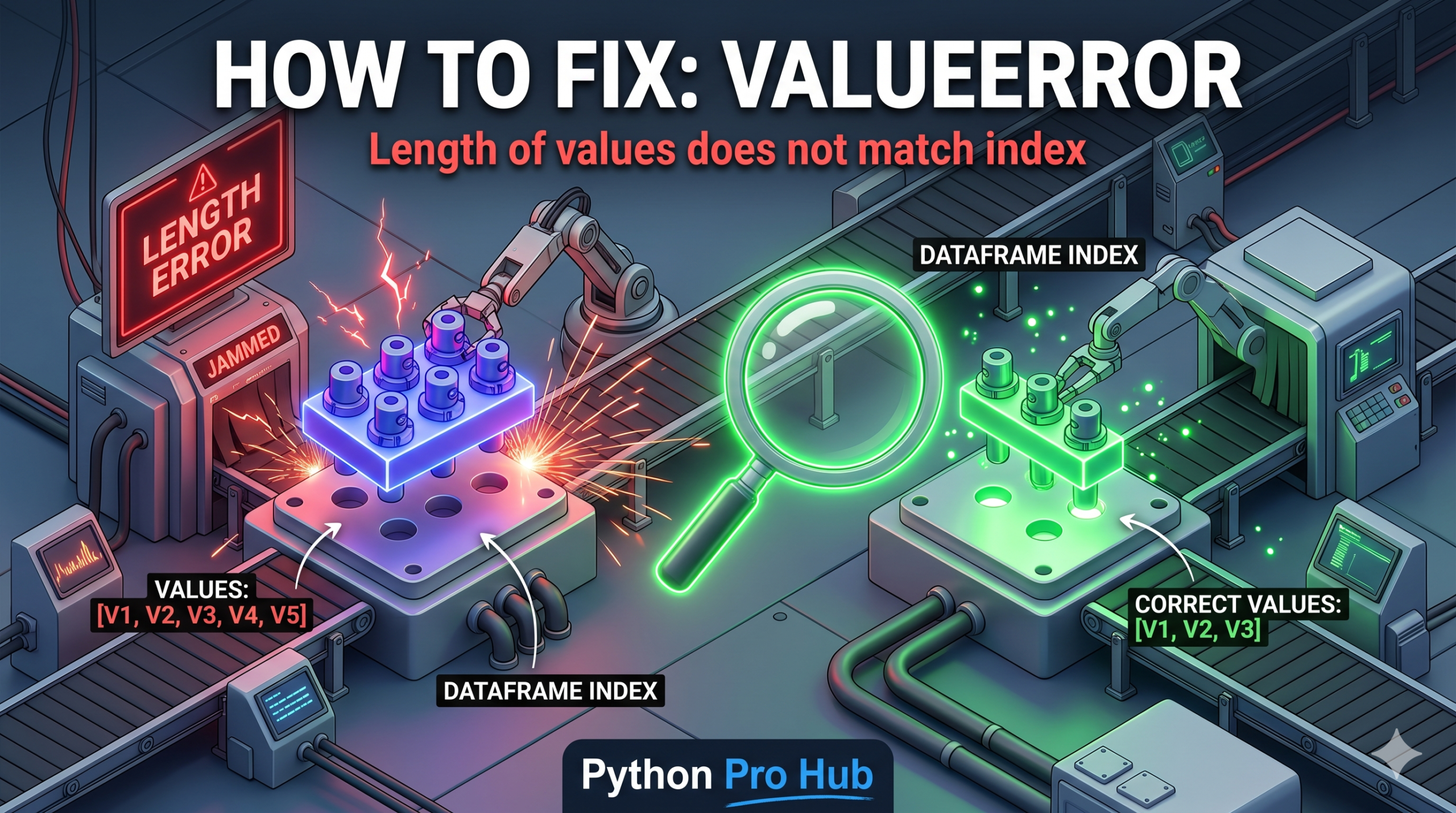
This ValueError length of values is the #1 error beginners face when manipulating Pandas DataFrames.
It means: “You have a DataFrame with 10 rows, but you tried to add a new column that only has 8 items. I don’t know what to put in the other 2 spots.”
⚡ Quick Fix: ValueError: Length of values does not match length of index – Pandas New Column Row Count Mismatch Fix
You assigned a list shorter than the DataFrame’s row count to a new column — match the length exactly or use a Series with an index to let Pandas fill missing positions with NaN.
import pandas as pd
df = pd.DataFrame({"A": [1, 2, 3, 4, 5]})  # 5 rows

# Fix 1 — Match the list length to the row count exactly
df["B"] = [10, 20, 30, 40, 50]

# Fix 2 — Series with index: unmatched rows fill with NaN automatically
df["B"] = pd.Series([10, 20, 30], index=[0, 1, 2])
# Rows 3 and 4 → NaN

# Fix 3 — Assign a scalar to fill every row with the same value
df["B"] = 0  # Every row gets 0
This tells you exactly where your boundary is — now read through the root causes below to find which one broke your code and fix it permanently.
The Cause
Pandas requires columns to be the exact same length as the DataFrame index.
Problem Code:
import pandas as pd
df = pd.DataFrame({"A": [1, 2, 3, 4, 5]}) # 5 rows

new_data = [10, 20, 30] # Only 3 items

# CRASH!
df["B"] = new_data
# ValueError: Length of values (3) does not match length of index (5)
The Fix 1: Match the Length
Ensure your list has the correct number of items.
new_data = [10, 20, 30, 40, 50] # Now it's 5 items
df["B"] = new_data # Works!
The Fix 2: Use a Series with an Index (Advanced)
If you create a Pandas Series and map the index correctly, Pandas will automatically fill missing values with NaN.
# Create a series where index 0=10, index 1=20, index 2=30
new_series = pd.Series([10, 20, 30], index=[0, 1, 2])

df["B"] = new_series
print(df)
Output:
   A     B
0  1  10.0
1  2  20.0
2  3  30.0
3  4   NaN  <-- Filled automatically!
4  5   NaN
What This Error Exposes About Pandas’ Index Alignment Contract
ValueError: Length of values (3) does not match length of index (5) is Pandas enforcing its core alignment contract. Every column in a DataFrame must map one value to every row in the index — no gaps, no implicit truncation, no silent padding. A plain Python list carries no index information, so Pandas attempts a positional assignment and raises the error the moment the list length diverges from the row count. The DataFrame has no basis for deciding whether the missing values should be zeros, NaN, or copies of the last item, so it refuses the assignment entirely.
The pd.Series fix works because a Series carries an explicit index alongside its values. When you assign a Series to a DataFrame column, Pandas performs index alignment — it matches Series index labels to DataFrame index labels and fills any unmatched positions with NaN automatically. That behavior is the foundation of Pandas’ entire data model: operations between DataFrames and Series always align on index labels first, which makes joins, merges, and column arithmetic predictable even when the inputs have different lengths.
The scalar assignment pattern — df["B"] = 0 — is the cleanest solution when every row should carry the same value. Pandas broadcasts the scalar across the full index without requiring any length calculation on your part. This is the correct pattern for initializing flag columns, default values, or placeholder columns before a computation fills them in. For production pipelines assembling DataFrames from multiple sources, always verify len(new_data) == len(df) or build a Series with an explicit index before any column assignment — that single check prevents this error from surfacing inside a pipeline where the row count is dynamic and not immediately obvious from reading the code.