In Data Engineering, you rarely just “write” files. You usually have a master dataset (e.g., “All Users”), and every day you get a “Daily Update” file. In these scenarios, using tools like Polars Delta Lake Merge can streamline how these datasets are managed and updated.
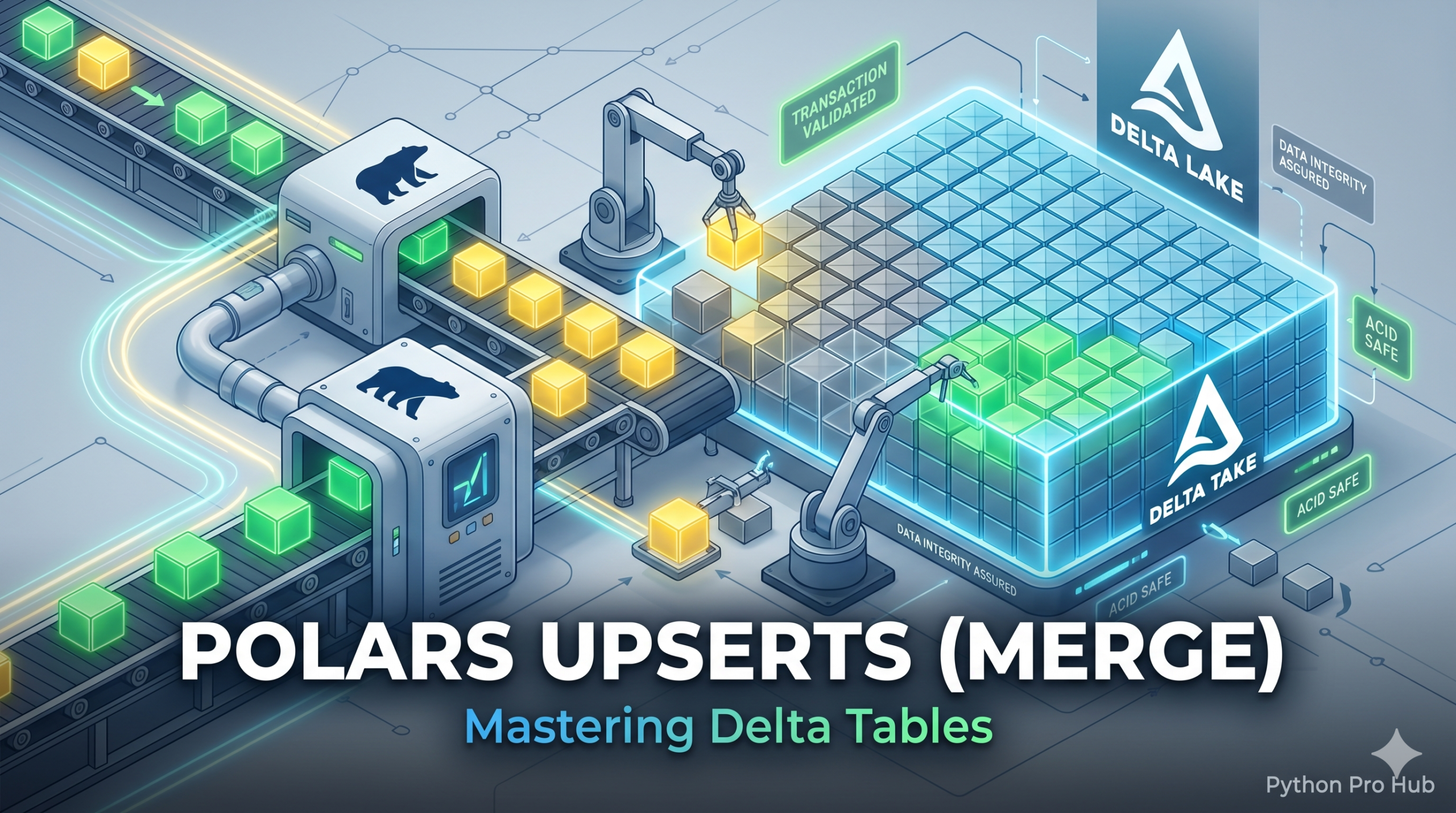
- If a user ID exists in the update, Update their info.
- If a user ID is new, Insert them.
This is called an Upsert (Update + Insert) or Merge. Standard Parquet files cannot do this. Delta Lake can.
Step 1: Setup
You need the deltalake library.
pip install deltalake polars
Step 2: Create Initial Data
Let’s create a Delta Table with our “old” data.
import polars as pl
from deltalake import DeltaTable, write_deltalake

# Initial Data (Old)
df_old = pl.DataFrame({
    "id": [1, 2, 3],
    "name": ["Alice", "Bob", "Charlie"],
    "status": ["active", "active", "inactive"]
})

# Write to Delta Table
write_deltalake("users_delta", df_old.to_arrow(), mode="overwrite")
Step 3: The New Data (The Update)
Here comes the change:
- ID 2 (Bob): Changed status to “inactive”.
- ID 4 (David): A new user.
df_new = pl.DataFrame({
    "id": [2, 4],
    "name": ["Bob", "David"],
    "status": ["inactive", "active"]
})
Step 4: The Merge (Upsert)
We use the DeltaTable object to perform the merge.
dt = DeltaTable("users_delta")

(
    dt.merge(
        source=df_new.to_arrow(),
        predicate="s.id = t.id", # Link source (s) to target (t)
        source_alias="s",
        target_alias="t"
    )
    .when_matched_update_all() # If IDs match, update the row
    .when_not_matched_insert_all() # If ID doesn't exist, insert it
    .execute()
)

print("Merge complete!")
Step 5: Verify
result = pl.read_delta("users_delta").sort("id")
print(result)
Output:
shape: (4, 3)
┌─────┬─────────┬──────────┐
│ id  ┆ name    ┆ status   │
│ --- ┆ ---     ┆ ---      │
│ i64 ┆ str     ┆ str      │
╞═════╪═════════╪══════════╡
│ 1   ┆ Alice   ┆ active   │
│ 2   ┆ Bob     ┆ inactive │ <-- Updated!
│ 3   ┆ Charlie ┆ inactive │
│ 4   ┆ David   ┆ active   │ <-- Inserted!
└─────┴─────────┴──────────┘
This is the professional standard for maintaining data pipelines.
Key Takeaways
- In Data Engineering, you often perform an Upsert (Update + Insert) using Delta Lake.
- Standard Parquet files cannot conduct an Upsert, but Delta Lake can handle this operation.
- You need the
deltalakelibrary to set up your environment for data merging. - Create a Delta Table with your existing data, then apply updates and insert new users.
- Use the
DeltaTableobject for merging, which is vital for maintaining data pipelines.