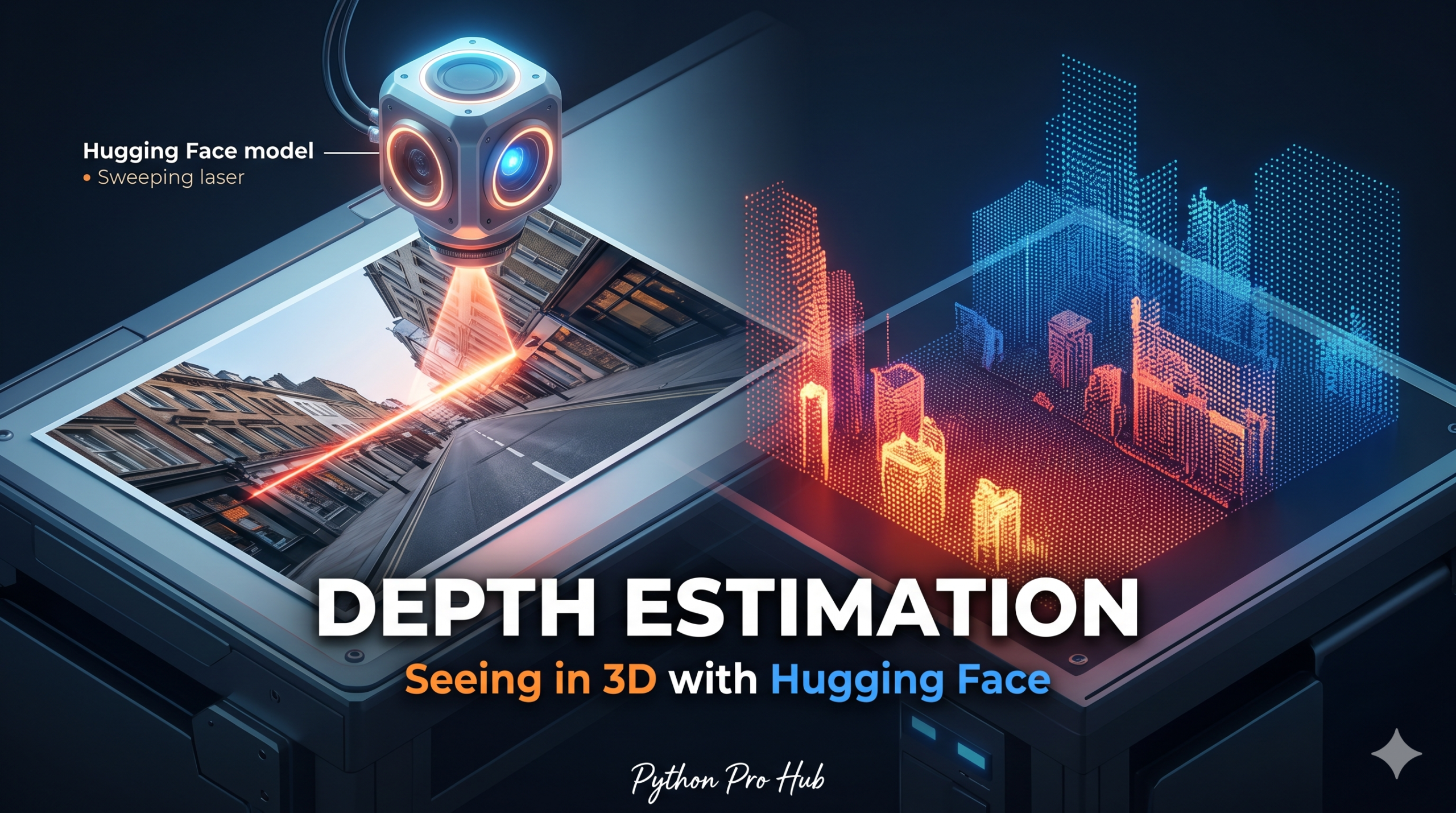
We’ve taught AI to classify objects and segment pixels. Now, let’s explore Hugging Face Depth Estimation and teach AI to understand distance.
Depth Estimation models look at a flat 2D image and predict how far away every pixel is from the camera. This is the technology used in self-driving cars and portrait mode on phones.
Step 1: Installation
pip install transformers torch pillow
Step 2: The Code
We will use the depth-estimation pipeline with a model like Intel/dpt-large.
from transformers import pipeline
from PIL import Image
import requests

# 1. Load the pipeline
# This model is incredibly accurate at estimating relative depth
estimator = pipeline(
    "depth-estimation",
    model="Intel/dpt-large"
)

# 2. Get an image
# We'll use a photo of a room or street
url = "http://images.cocodataset.org/val2017/000000039769.jpg"
image = Image.open(requests.get(url, stream=True).raw)

# 3. Estimate Depth!
result = estimator(image)

# The result contains the 'depth' map (a PIL Image)
depth_map = result["depth"]

# 4. Display the result
# Brighter pixels = Closer
# Darker pixels = Further away
depth_map.save("depth_map.png")
print("Depth map saved!")
Step 3: Visualizing the Result
The output depth_map.png will be a grayscale image.
- White areas: Objects close to the camera (like the cats in our example).
- Black areas: The background wall.
You can use this data to create 3D meshes, blur backgrounds, or measure relative distance.
Key Takeaways
- The article explains how to teach AI to understand distance through Hugging Face Depth Estimation models.
- Depth Estimation models predict the distance of every pixel in a 2D image, used in technologies like self-driving cars.
- Installation and coding steps involve using the depth-estimation pipeline with a model, such as Intel/dpt-large.
- The resulting depth map shows white areas for objects close to the camera and black for the background, aiding in 3D mesh creation or background blurring.