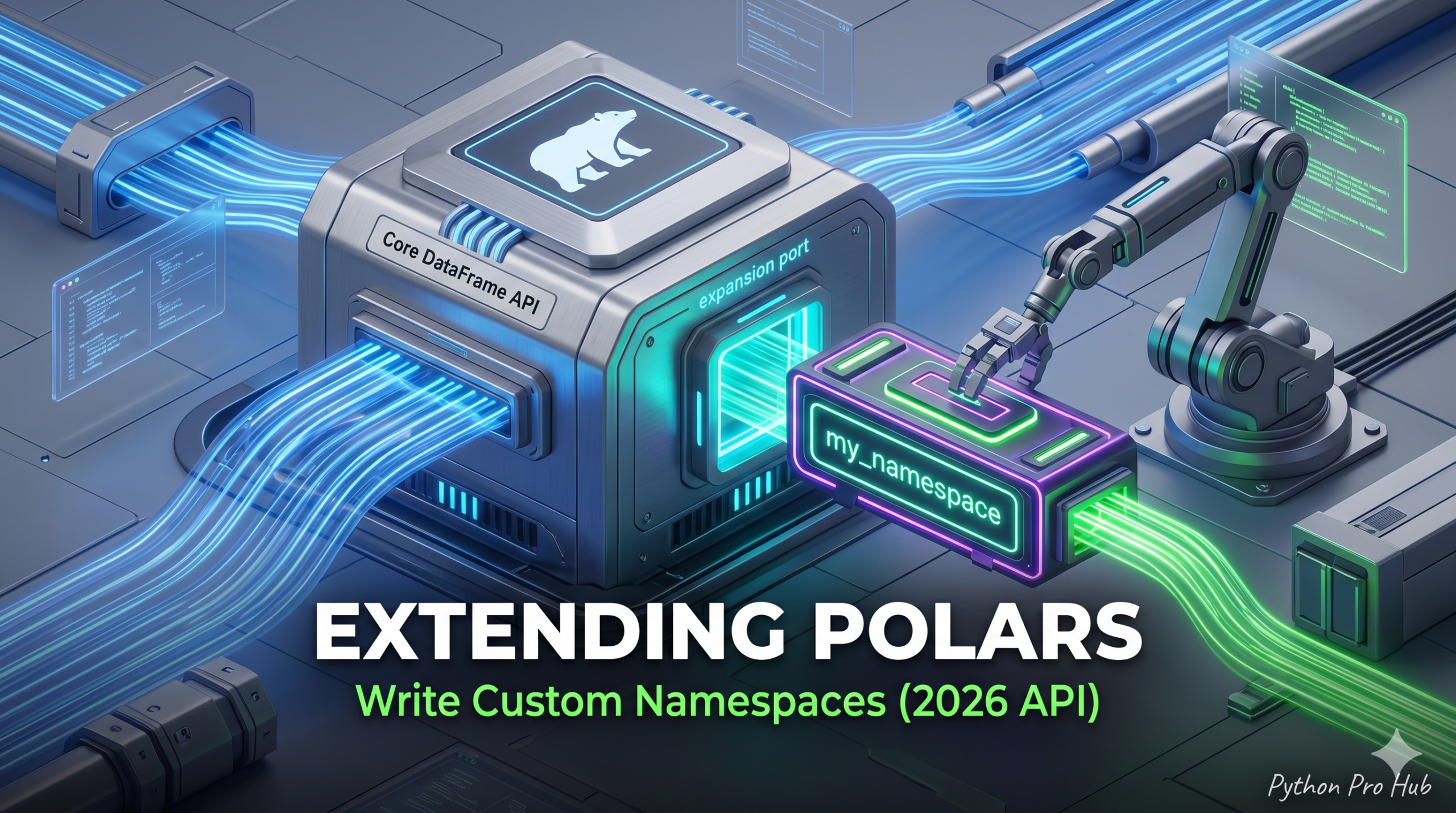
As you become an expert in Polars, you will inevitably find yourself reusing the same complex expressions. Fortunately, one highly effective way to avoid endless copy-pasting is by leveraging Polars Custom Namespaces to extend the core library itself. Specifically, you can register a custom namespace to intuitively chain custom methods, allowing you to type things like pl.col("text").my_nlp.clean() or df.business_logic.calculate_kpi().
Therefore, let’s explore a practical example by creating a namespace called geo that seamlessly converts miles to kilometers.
Step 1: Define the Namespace Class
First, we need to utilize the built-in register_expr_namespace decorator. Essentially, this binds our custom Python class to the Polars expression API.
import polars as pl

# 1. Define the Namespace Class
@pl.api.register_expr_namespace("geo")
class GeoNamespace:
    def __init__(self, expr: pl.Expr):
        self._expr = expr

    # 2. Define your custom method
    def miles_to_km(self):
        return self._expr * 1.60934

    def km_to_miles(self):
        return self._expr / 1.60934
Step 2: Using Your Extension
Consequently, the .geo namespace now exists natively on any Polars expression within your environment. Next, we can apply this directly to a DataFrame to see it in action.
df = pl.DataFrame({
    "distance_miles": [10, 100, 26.2]
})

result = df.with_columns(
    # Look at that! Custom syntax!
    pl.col("distance_miles").geo.miles_to_km().alias("distance_km")
)

print(result)
Output:
shape: (3, 2)
┌────────────────┬─────────────┐
│ distance_miles ┆ distance_km │
│ ---            ┆ ---         │
│ f64            ┆ f64         │
╞════════════════╪═════════════╡
│ 10.0           ┆ 16.0934     │
│ 100.0          ┆ 160.934     │
│ 26.2           ┆ 42.164708   │
└────────────────┴─────────────┘
Step 3: DataFrame-Level Namespaces (Pro Tip)
Furthermore, you are not strictly limited to column-level expressions. In fact, you can also register namespaces for entire DataFrames using @pl.api.register_dataframe_namespace("custom"). As a result, this allows you to encapsulate complex, multi-column business logic into a single, clean method call. Ultimately, this is exactly how professional data engineering teams build shared, scalable libraries in 2026.
Key Takeaways
- Polars Custom Namespaces allow you to create custom methods, reducing code redundancy and improving maintainability.
- Define a namespace class using the register_expr_namespace decorator to bind your custom class to the Polars expression API.
- You can apply your new namespace directly to DataFrames and encapsulate complex logic into single method calls.
- Additionally, you can register namespaces for entire DataFrames, promoting the development of scalable libraries.
- Mastering this approach simplifies repetitive tasks and enhances collaboration in data engineering teams.