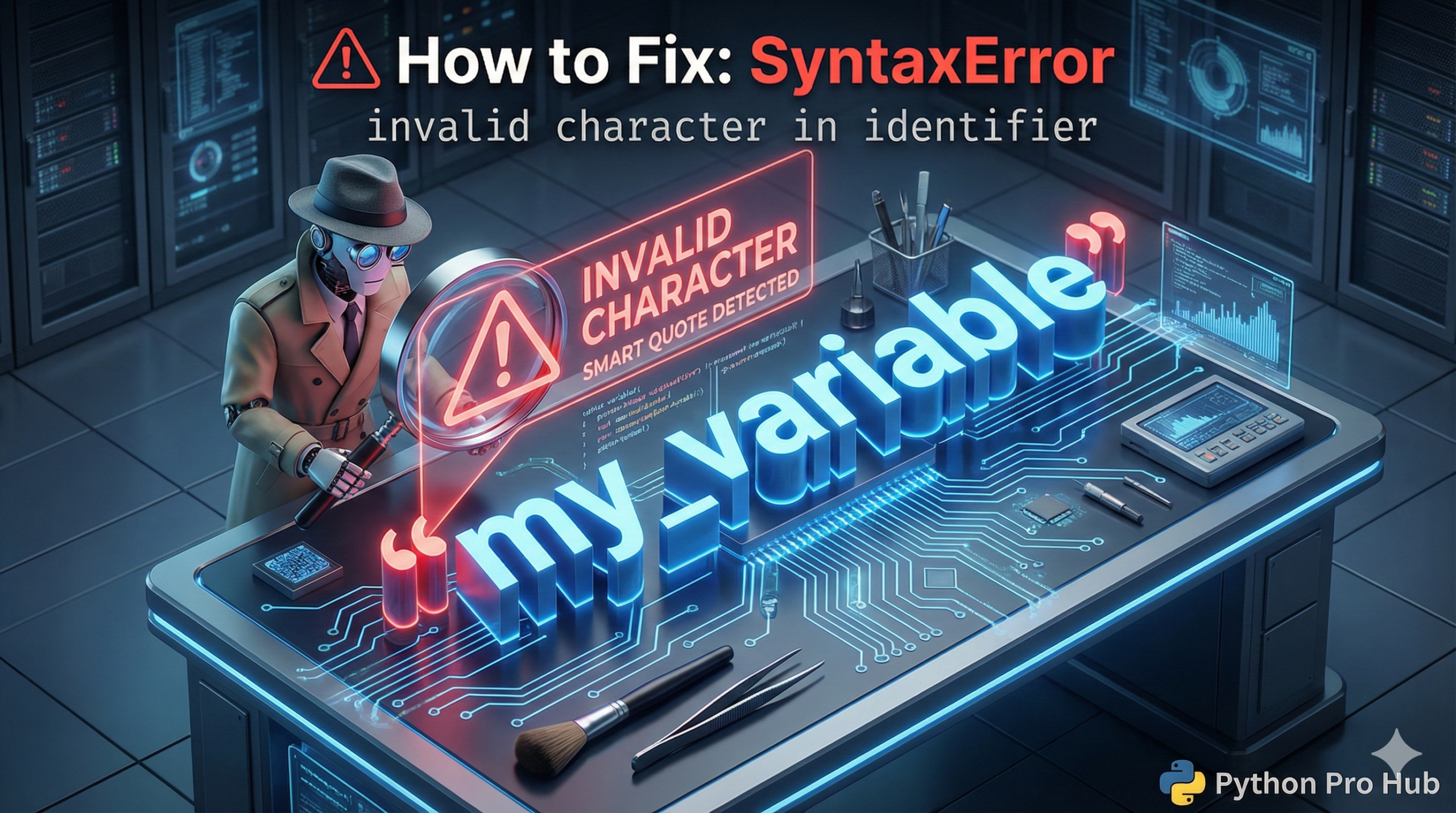
This error means you used a character in a variable name that Python doesn’t allow. In Python, the SyntaxError invalid character message appears when you include an invalid character in your code.
An “identifier” is just a variable, function, or class name. The rules for names are simple:
- Must start with a letter (a-z) or underscore (
_). - Can only contain letters, numbers, and underscores.
- CANNOT contain spaces, hyphens (
-), or special symbols (!,$,&).
The Cause 1: “Smart Quotes” (Most Common!)
This happens all the time when you copy code from a website or a Word document. These programs automatically change standard, straight quotes (' ") into curly “smart quotes” (‘ ’ “ ”). Python hates smart quotes.
Problem Code:
# Look closely at the quotes! They are curly.
message = ‘Hello, world!’
# CRASH! SyntaxError: invalid character in identifier (pointing at ‘)
The Fix: Delete the curly quotes and re-type them manually in your code editor as straight quotes (').
The Cause 2: Invisible Characters
Sometimes, you copy code that has “invisible” non-breaking spaces or other weird characters. Python sees them, but you don’t.
The Fix: If you can’t find the problem, delete the entire line and re-type it from scratch.
The Cause 3: Using a Hyphen
Beginners often use a hyphen (-) instead of an underscore (_) for variable names.
my-variable = 10
# CRASH! Python thinks you are doing 'my' MINUS 'variable'
The Fix: Use underscores (snake_case) for variable names.
my_variable = 10 # Correct!