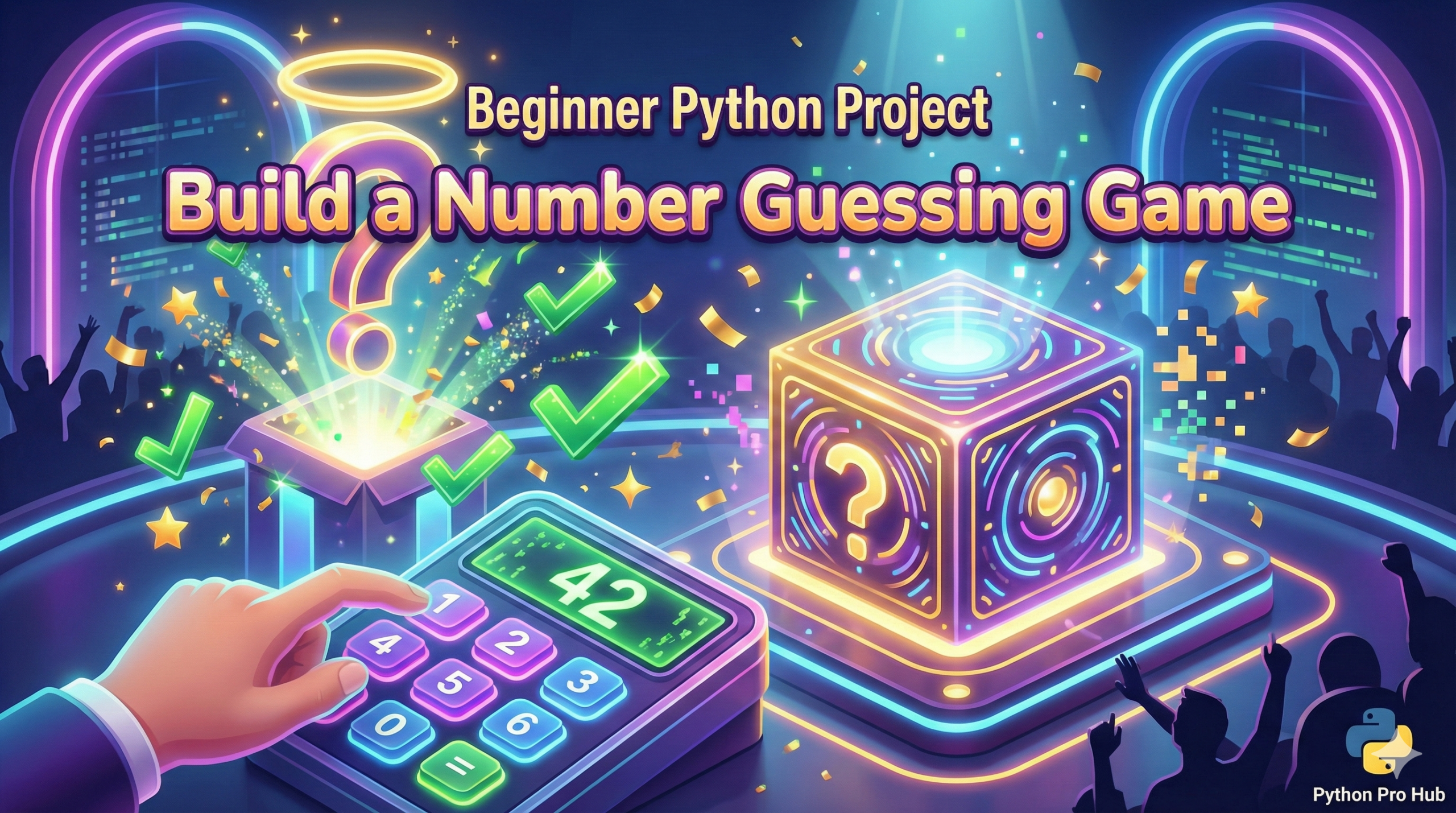
The best way to learn Python is to build something fun. Today, we’re going to build a classic: The Number Guessing Game.
The computer will pick a random number between 1 and 100, and you have to guess it. The computer will tell you if you are “Too high” or “Too low” until you get it right.
This project is perfect because it uses almost everything you’ve learned so far:
- Variables to store the number and your guess.
- The
randommodule to pick a number. - A
whileloop to keep the game going until you win. if/elif/elsestatements to check your guess.input()to get player guesses.
Step 1: Import random and Pick a Number
Python comes with a built-in module called random. We need to import it to use it.
import random

print("Welcome to the Number Guessing Game!")
print("I'm thinking of a number between 1 and 100.")

# Pick a random integer between 1 and 100 (inclusive)
secret_number = random.randint(1, 100)
Step 2: The Game Loop
We need a loop that keeps running as long as the player hasn’t guessed correctly.
We’ll start by setting a guess variable to something that can’t possibly be the answer (like 0), just to get the while loop started.
guess = 0        # Initialize with a wrong number
attempts = 0     # Let's count how many tries it takes

# Keep looping WHILE the guess is NOT EQUAL to the secret number
while guess != secret_number:
    # Game code goes here...
Step 3: Getting User Input
Inside the loop, we need to ask the player for their guess. Remember, input() returns a string, so we must convert it to an integer using int().
while guess != secret_number:
    # Get the guess and convert it to an integer immediately
    try:
        guess = int(input("Make a guess: "))
    except ValueError:
        print("That's not a valid number! Try again.")
        continue  # Skip the rest of the loop and start again

    attempts = attempts + 1  # Count this attempt
Note: I added a simple try/except block. This prevents the game from crashing if the user types “hello” instead of a number. It’s a nice pro touch!
Step 4: Checking the Guess (if/elif/else)
Now we need the logic to give hints.
if guess < secret_number:
        print("Too low! Try higher.")
    elif guess > secret_number:
        print("Too high! Try lower.")
    else:
        # If it's not lower and not higher, it MUST be correct!
        print(f"YOU WIN! The number was {secret_number}.")
        print(f"It took you {attempts} attempts.")
The Full Code
Put it all together in a file named guessing_game.py and run it!
import random

def start_game():
    print("=== Welcome to the Number Guessing Game! ===")
    print("I'm thinking of a number between 1 and 100.")

    secret_number = random.randint(1, 100)
    guess = 0
    attempts = 0

    while guess != secret_number:
        try:
            guess_text = input("\nMake a guess: ")
            guess = int(guess_text)
        except ValueError:
             print(f"'{guess_text}' is not a number. Please enter an integer.")
             continue

        attempts += 1

        if guess < secret_number:
            print("Too low! Try higher.")
        elif guess > secret_number:
            print("Too high! Try lower.")
        else:
            print(f"🎉 CORRECT! The number was {secret_number}!")
            print(f"You won in {attempts} attempts.")

# This is the best practice way to run your main function
if __name__ == "__main__":
    start_game()
Challenge
Can you upgrade this number guessing game?
- Limit the player to only 7 attempts. If they run out, they lose!
- Ask them if they want to play again after winning.


![3D illustration of a file path blocked by illegal characters causing an OSError [Errno 22] Invalid Argument in Python.](https://pythonprohub.com/wp-content/uploads/2026/01/fix-oserror-errno-22-invalid-argument-file-paths-768x429.png)