This is TypeError That’s very similar to the ‘str’ object cannot be interpreted as an integer error. When you come across a TypeError list integer in your code, you’re dealing with an issue related to type handling in Python.
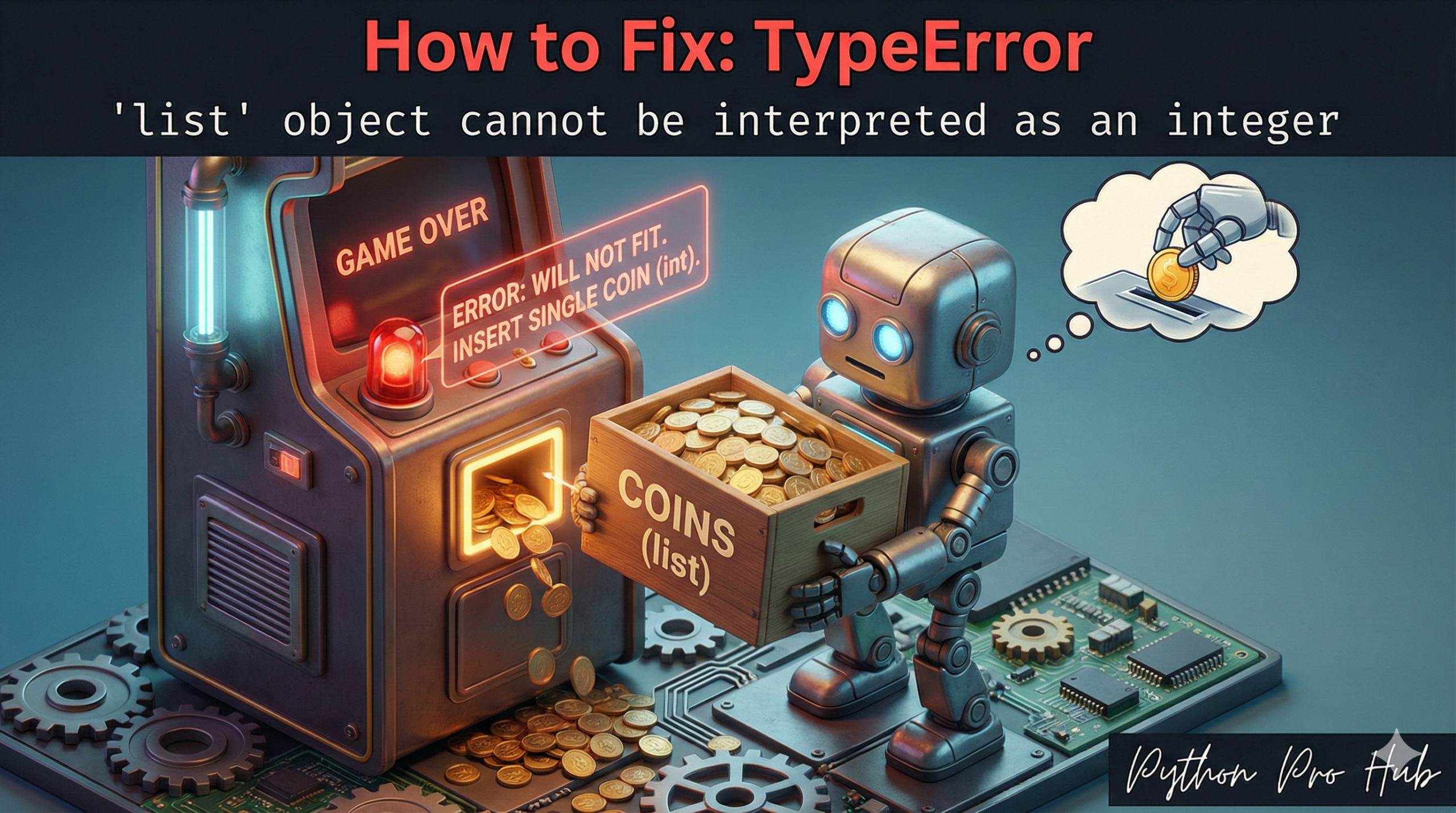
TypeError list integer means: “You gave the range() function a List [], but it needs an Integer (a number).”
⚡ Quick Fix: TypeError: ‘list’ object cannot be interpreted as an integer (Python range() Fix)
You passed a list directly into range() — that function only accepts an integer, not a collection.
my_list = [10, 20, 30]

# Fix 1 — Loop over items directly: no range() needed
for item in my_list:
    print(item)  # Output: 10, 20, 30

# Fix 2 — Loop by index: pass len() to range()
for i in range(len(my_list)):
    print(f"Index {i} has the value {my_list[i]}")
The rest of the article breaks down which fix matches your intent and why range() has no way to interpret a list as a loop count.
The Cause
The range() function only accepts integers. You are giving it an entire list, which doesn’t make sense.
Problem Code:
my_list = [10, 20, 30]

# You want to loop 3 times, but you passed the list itself
for i in range(my_list):
    print("Hello")
# CRASH! TypeError: 'list' object cannot be interpreted as an integer
Python doesn’t know if you want to loop 10, 20, or 30 times, or just 3 times.
The Fixes
Your fix depends on what you were trying to do.
Fix 1: You meant to loop over the items
If you want to print “10”, “20”, “30”, then you don’t need range() at all! Just loop over the list directly.
my_list = [10, 20, 30]
for item in my_list:
    print(item)
# Output:
# 10
# 20
# 30
Fix 2: You meant to loop by index
If you want to loop 3 times (the length of the list), you must pass the len() of the list to range().
my_list = [10, 20, 30]

# len(my_list) is the INTEGER 3
for i in range(len(my_list)):
    print(f"Index {i} has the value {my_list[i]}")
Output:
Index 0 has the value 10
Index 1 has the value 20
Index 2 has the value 30
What This Error Exposes About Python’s range() Contract
TypeError: 'list' object cannot be interpreted as an integer is Python enforcing range()‘s strict type contract at the C level. The function accepts start, stop, and step — all integers, no exceptions. A list carries no unambiguous numeric meaning in that context: Python has no basis for deciding whether [10, 20, 30] means “loop 3 times,” “loop 10 times,” or “loop 30 times.” Rather than guess, it raises the error immediately.
The two fix patterns map to two fundamentally different loop intentions. Iterating over values — for item in my_list — is the Pythonic default and requires no range() at all. Python’s for loop calls the list’s iterator protocol directly, advancing one element per cycle with no index arithmetic involved. Iterating over indices — for i in range(len(my_list)) — is the correct pattern when your logic needs the position, not just the value.
For cases where you need both the index and the value simultaneously, enumerate() is the production-grade solution: for i, item in enumerate(my_list) eliminates the len() call and the manual my_list[i] lookup in a single expression. It reads cleaner, performs identically, and signals intent more clearly than range(len()) in every code review. Default to enumerate() whenever an index matters and reserve range(len()) only for cases where you need the index without the value.