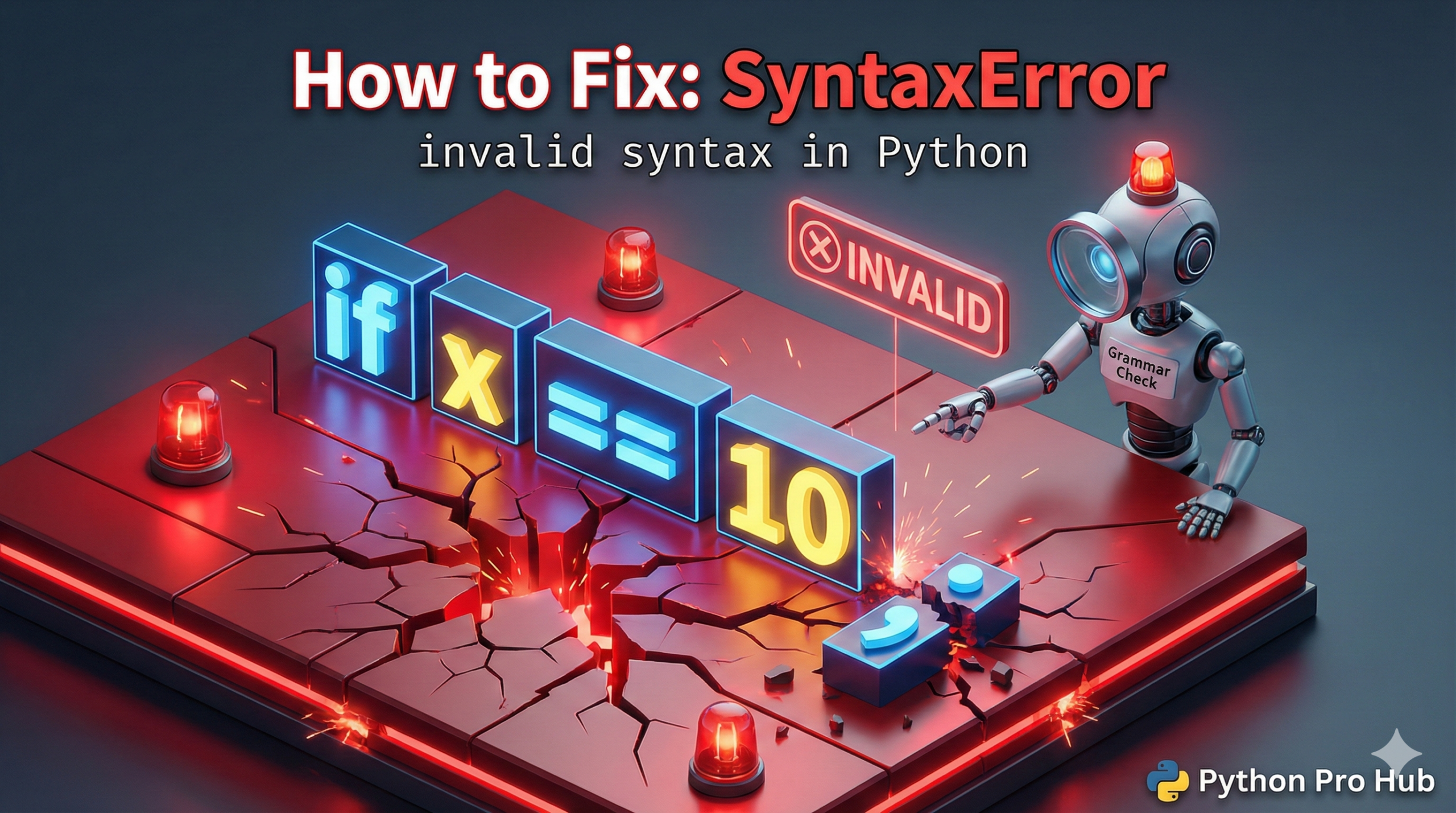
A SyntaxError, such as a SyntaxError: invalid syntax, means Python couldn’t even read your code, let alone run it. When you encounter This Error, it’s like a typo in a sentence that makes it grammatically impossible to understand.
Python is usually helpful and points a little arrow ^ at where it thinks the “Error” occurs, highlighting the precise issue of invalid syntax in your code.
Cause 1: Missing Colon (:)
This is the #1 cause for beginners. Every if, for, while, and def statement MUST end with a colon, or a SyntaxError will appear due to the invalid syntax format.
Problem Code:
if x > 10  # Missing colon!
    print("Big number")
Error: SyntaxError: expected ':' (Older Python versions just say invalid syntax)
The Fix: Add the colon.
if x > 10:
    print("Big number")
Cause 2: Mismatched Parentheses ()
If you open a parenthesis ( but forget to close it ), Python will often report the error on the NEXT line. This can also result in a SyntaxError: invalid syntax message.
Problem Code:
print("Hello, world"  # Missing closing ')'
x = 5  # Python points to THIS line as the error!
Why? Python reached the end of the first line still expecting a ). When it saw x = 5 instead, it got confused and threw the error there, leading to the characteristic invalid syntax message.
The Fix: If Python points to a line that looks perfectly fine, check the line BEFORE it for a missing ), ], or }.
Cause 3: Using = instead of == in an if statement
In Python, = is for assigning a value. == is for comparing values, and misuse can trigger an error like SyntaxError due to invalid syntax.
Problem Code:
if user_name = "Alice":  # This is an assignment, not a check!
    print("Welcome back")
The Fix: Use double equals == for comparisons.
if user_name == "Alice":
    print("Welcome back")
Summary
When you see a SyntaxError, look for issues like:
- Missing colons
:, which can result in an invalid syntax alert in your code. - Missing closing parentheses
)on the previous line, which can lead to a SyntaxError: invalid syntax message. - Using
=instead of==in comparisons.